
Your iPhone knows a lot about you, and by default, apps and services can access more of your information than you might like. The good news is that you hold the controls, and with a few settings you can dramatically improve your privacy without giving up any of the convenience you love. If you want your personal information to stay yours, here are eight simple settings to change that make your iPhone genuinely more private.
Why Privacy Settings Matter
Every day, apps request access to your location, contacts, photos, and activity, and many track what you do. Some of this is genuinely useful, but a lot is unnecessary and simply gathers your personal information. Taking control of these settings lets you keep the convenience you want while shutting off the data collection you do not. It is your information, and you have every right to decide who gets it. Spending a little time on these privacy settings is one of the most empowering things you can do, and it costs nothing but a few minutes.
1. Control App Tracking
One of the most important privacy controls lets you decide whether apps can track your activity across other apps and websites. You can choose to stop apps from tracking you, which limits how your behavior is followed and used for targeting. Reviewing this and preventing unnecessary tracking is a powerful step toward privacy, cutting off a major way your information is gathered. When an app asks to track you, you can decline, and you can review these permissions in your settings to keep control over who follows your activity.
2. Manage Location Access
Many apps ask for your location, but not all of them need it, and certainly not all the time. Review which apps can access your location and limit them to only what is necessary, allowing location only while using an app rather than always, or turning it off for apps that do not need it. Being deliberate about location access is one of the biggest privacy improvements you can make, since your location is sensitive information. Grant it only where it genuinely benefits you, and switch it off elsewhere.
3. Review App Permissions
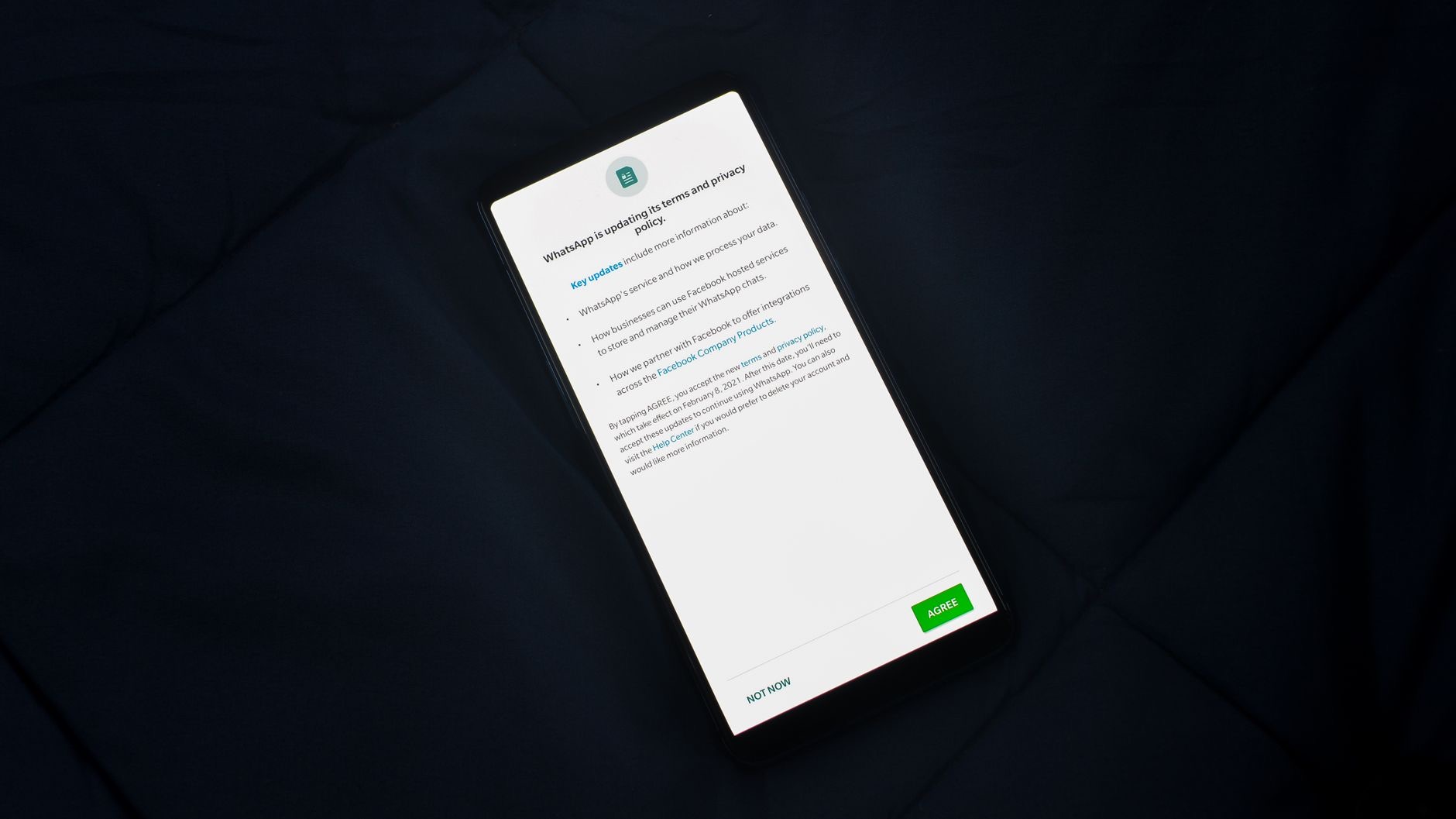
Apps often request access to your photos, contacts, microphone, camera, and more. It is worth reviewing what each app can access and removing permissions that are not needed. An app may have been granted access to your photos or contacts that it does not really require. Going through your privacy settings and tightening these permissions ensures apps only reach the information essential to their function. This regular check keeps your data footprint small and puts you firmly in control of what each app on your iPhone can see and use.
4. Limit Ad Personalization
You can reduce how your information is used to target advertising by adjusting the relevant privacy settings. Limiting personalized advertising means less of your activity is used to profile you for ads. It is a simple change that meaningfully reduces data-driven targeting. Combined with controlling app tracking, this helps shrink how much your behavior is gathered and used commercially. If you would rather not have your personal information fueling targeted ads, adjusting these settings is a worthwhile and easy step toward greater privacy.
5. Secure Your Lock Screen
Privacy is not just about apps, it is about physical access to your phone too. Use a strong passcode and the biometric protection your iPhone offers, so that only you can unlock it. Consider what is accessible from your lock screen, since some information can be viewed without unlocking. Tightening these settings ensures that if your phone is lost or in someone else's hands, your private information stays protected. A secure lock screen is the foundation of iPhone privacy, since all your other protections rely on your device being locked to others.
6, 7, and 8: Email, Safari, and Updates
A few more settings round things out. Use the privacy features that can hide your activity when browsing and protect your email from tracking, keeping more of what you do private. Take advantage of tools that let you keep your real email address private when signing up for things. And always keep your iPhone updated, since updates include important privacy and security protections. Together with the settings above, these steps give you a genuinely private iPhone, one where you enjoy all the convenience while keeping your personal information firmly under your own control.
| Setting | What it protects |
|---|---|
| App tracking control | Stops apps following you across others |
| Location access limits | Keeps your sensitive location private |
| App permission review | Limits what each app can access |
| Strong passcode and updates | Protects the device and your data |
Frequently Asked Questions
How do I make my iPhone more private?
Control whether apps can track you, limit which apps access your location, review and tighten app permissions, reduce ad personalization, secure your lock screen with a strong passcode, use privacy features for browsing and email, and keep your iPhone updated. These settings put your data firmly under your control.
How do I stop apps from tracking me?
Use the privacy control that lets you decide whether apps can track your activity across other apps and websites, and decline when an app asks to track you. You can review these permissions in your settings. This cuts off a major way your behavior is followed and used for targeting.
Should I let apps access my location?
Only where it genuinely benefits you. Many apps request location but do not need it, or need it only while in use rather than always. Review which apps have location access and limit them, allowing it only while using an app or turning it off entirely for apps that do not need it.
How do I check what apps can access?
Go through your iPhone's privacy settings, where you can see what each app can access, such as photos, contacts, microphone, and camera, and remove permissions that are not needed. This regular review keeps apps limited to essential information and keeps your data footprint small and under your control.
Does a passcode help with privacy?
Yes, it is the foundation. A strong passcode and biometric protection ensure only you can unlock your iPhone, so if it is lost or in someone else's hands, your private information stays protected. Consider limiting what is accessible from the lock screen too, since some info can be seen without unlocking.
Do software updates improve privacy?
Yes. Updates include important privacy and security protections, so keeping your iPhone on the latest version is a key part of staying private and secure. Combined with controlling tracking, location, and permissions, staying updated helps keep your personal information genuinely under your own control.
The Bottom Line
Making your iPhone more private is simple and empowering, and it costs nothing but a few minutes. Control app tracking, limit location access, review app permissions, and reduce ad personalization to cut off unnecessary data collection. Secure your lock screen with a strong passcode, use the privacy tools for browsing and email, and keep your iPhone updated. Together, these settings let you enjoy all the convenience you love while keeping your personal information firmly, and rightfully, under your own control.
Leave a Reply