

You glance at your iPhone and it unlocks instantly, but how does Face ID actually recognize you, and is it really secure? It feels like magic, yet the idea behind it is simple once explained. In plain language, Face ID maps the unique shape of your face and checks it every time you look at your phone. Let us break down how Face ID works, how safe it is, and what to do when it acts up.
The Short Answer
Face ID is Apple's facial recognition system that unlocks your iPhone and confirms your identity by looking at your face. It uses special sensors on the front of your phone to build a detailed map of your face, then compares what it sees to that stored map each time you glance at the screen. If it matches, your phone unlocks. It is designed to be fast, convenient, and highly secure, all while keeping your face data private and stored safely on your device rather than shared online.
How Face ID Recognizes You
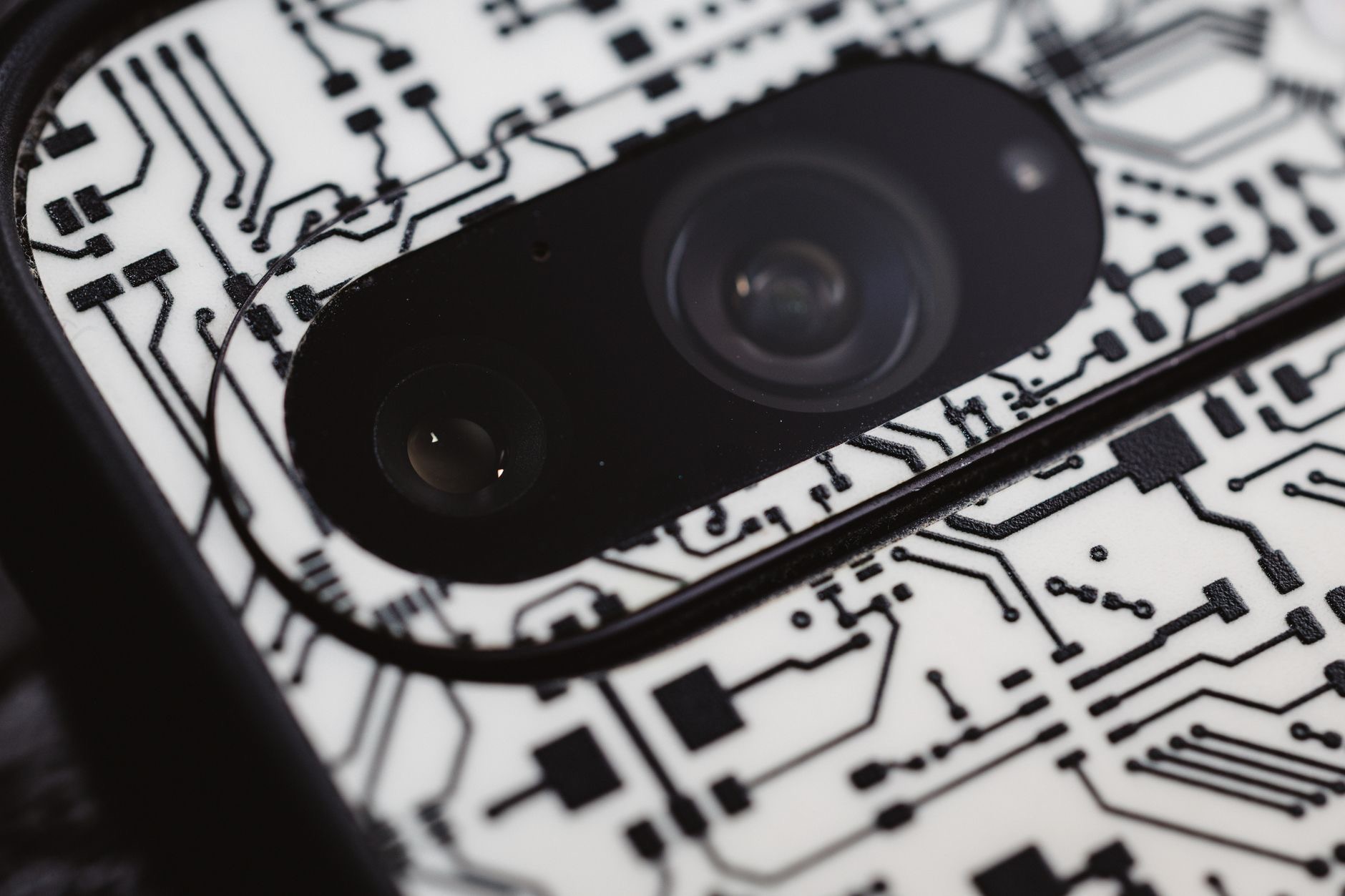
When you first set up Face ID, your iPhone captures the unique details of your face and stores a mathematical representation of it securely on the device. From then on, whenever you look at your phone, the front sensors analyze your face and compare it to that stored map. If they match closely enough, your phone unlocks or confirms a purchase. The clever part is that it reads the depth and shape of your face, not just a flat picture, which is what makes it both accurate and hard to fool.
Why It Works in the Dark
One thing people notice is that Face ID works in low light and even in the dark, which surprises many. That is because it does not rely on ordinary light the way a normal camera does. It uses its own sensing technology to read the shape of your face regardless of lighting, so it can recognize you at night, in a dim room, or in bright sun. This is a big part of what makes Face ID feel so effortless, since it just works whenever you look at your phone, day or night.
How Secure Is Face ID?
Face ID is designed to be very secure. Because it reads the detailed, three-dimensional shape of your face rather than a flat image, it is difficult to trick with a photo. Your face data is stored safely on your device itself, not uploaded to the internet or shared, which protects your privacy. For everyday use, Face ID offers a strong balance of convenience and security, letting you unlock your phone and authorize purchases quickly while keeping unauthorized people out. For most people, it is a genuinely trustworthy way to protect a phone.
★ Editor's Pick · Amazon
iPhone 16
Fast, secure Face ID built into the latest iPhone
Models: iPhone 16 · iPhone 16 Pro
When Face ID Does Not Work
Occasionally Face ID may not recognize you, and there are simple reasons why. Something covering your face, an unusual angle, or holding the phone too close or too far can all get in the way. Make sure nothing is blocking the sensors and that you are looking at the phone naturally from a comfortable distance. If it keeps failing, you can always enter your passcode, and setting up an alternate appearance can help it recognize you in different looks. Most recognition issues come down to angle, distance, or something blocking your face.

Getting the Most From Face ID
To enjoy the smoothest experience, set up Face ID carefully in a well-lit spot, holding your phone the way you normally do. Keep the front sensors clean and unobstructed by cases or grime. If your appearance changes in ways that sometimes confuse it, adding an alternate appearance can help. And always keep a strong passcode as your backup, since it is the ultimate key to your phone. With a good setup, Face ID becomes a fast, reliable, and secure way to unlock your iPhone and confirm purchases dozens of times a day without a second thought.
Frequently Asked Questions
How does Face ID work?
Face ID uses special front sensors to build a detailed, three-dimensional map of your face when you set it up, storing it securely on your device. Each time you look at your phone, it compares your face to that stored map, and if they match closely enough, your phone unlocks or confirms a purchase.
Is Face ID secure?
Yes, it is designed to be very secure. Because it reads the detailed shape of your face rather than a flat photo, it is hard to trick, and your face data is stored safely on your device rather than shared online. It offers a strong balance of convenience and security for everyday use.
Why does Face ID work in the dark?
Because it does not rely on ordinary light like a normal camera. It uses its own sensing technology to read the shape of your face regardless of lighting, so it can recognize you at night, in a dim room, or in bright sun, which is part of why it feels so effortless.
Why is Face ID not recognizing me?
Common reasons include something covering your face, an unusual angle, or holding the phone too close or too far. Make sure nothing blocks the sensors and look at the phone naturally from a comfortable distance. Setting up an alternate appearance can help it recognize you in different looks.
Can I use a passcode instead of Face ID?
Yes. Your passcode is always available as a backup and is the ultimate key to your phone. If Face ID fails or you prefer not to use it, you can enter your passcode. Keeping a strong passcode is important, since it protects your phone even when Face ID is not used.
Does Face ID store my face online?
No. Your face data is stored securely on your device itself, not uploaded to the internet or shared. This is a key part of how Face ID protects your privacy while still recognizing you quickly, so the detailed map of your face stays on your phone and under your control.
The Bottom Line
Face ID works by building a detailed, three-dimensional map of your face and checking it each time you look at your phone, unlocking instantly when it matches. It works in the dark, is designed to be highly secure, and keeps your face data safely on your device. When it acts up, the cause is usually angle, distance, or something blocking the sensors. Set it up well and keep a strong passcode as backup, and Face ID becomes a fast, secure part of daily life.
Leave a Reply