
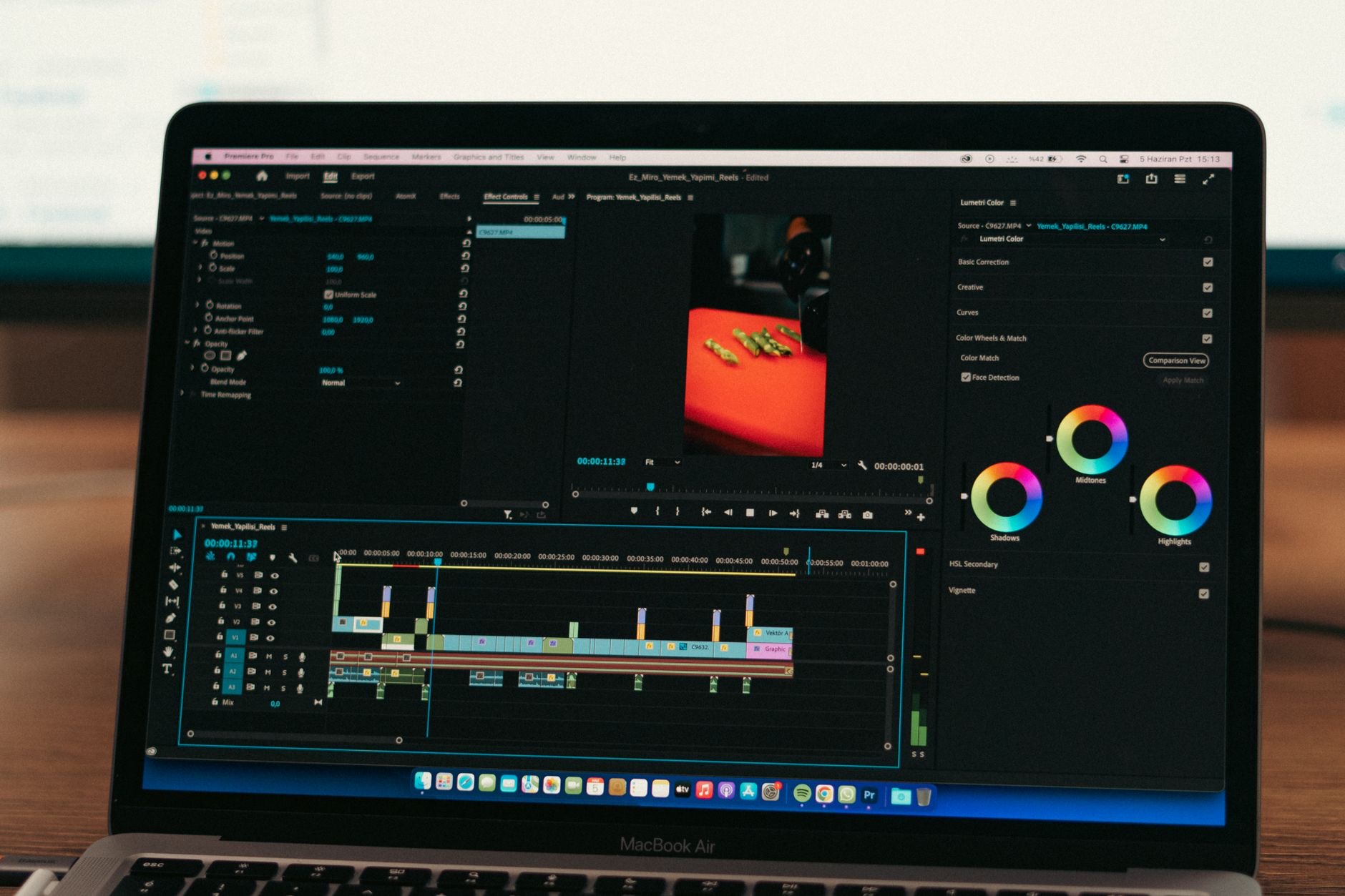
Video editing is one of the most demanding things you can ask a computer to do, and it is exactly where Macs have earned their reputation. But "get a Mac" is not an answer. The right Mac depends on whether you cut quick social clips or wrangle hours of high-resolution footage, and getting that match right saves you both money and a lot of waiting on a spinning progress bar.
What Video Editing Actually Demands
Editing leans on a few things hard: processing power for rendering and exporting, memory for keeping a timeline responsive, fast storage for large media files, and a good screen to judge your work. The heavier your footage, the more each of these matters. Someone cutting short clips in good light has very different needs from someone color-grading high-resolution footage with many layers. Before spending, picture your real projects: the resolution you shoot, how long your timelines run, and how many effects you stack. That honest picture tells you how much Mac you actually need, rather than how much a spec sheet tempts you to buy.
MacBook Pro: The Editing Powerhouse
If editing is your profession or serious passion, the MacBook Pro is built for exactly this. The higher-tier chips chew through rendering, the displays are genuinely excellent for judging color and detail, and the whole machine is designed to stay fast under sustained heavy loads without throttling to a crawl. It is portable enough to edit on location and powerful enough to handle demanding timelines back at the desk. For anyone working with high-resolution footage, complex projects, or paid client work where time is money, the MacBook Pro is the tool that stops the computer from being the bottleneck.
★ Editor's Pick · Amazon
MacBook Pro 14" (M4)
Built to chew through serious editing timelines
Sizes: 14-inch · 16-inch M4 Pro
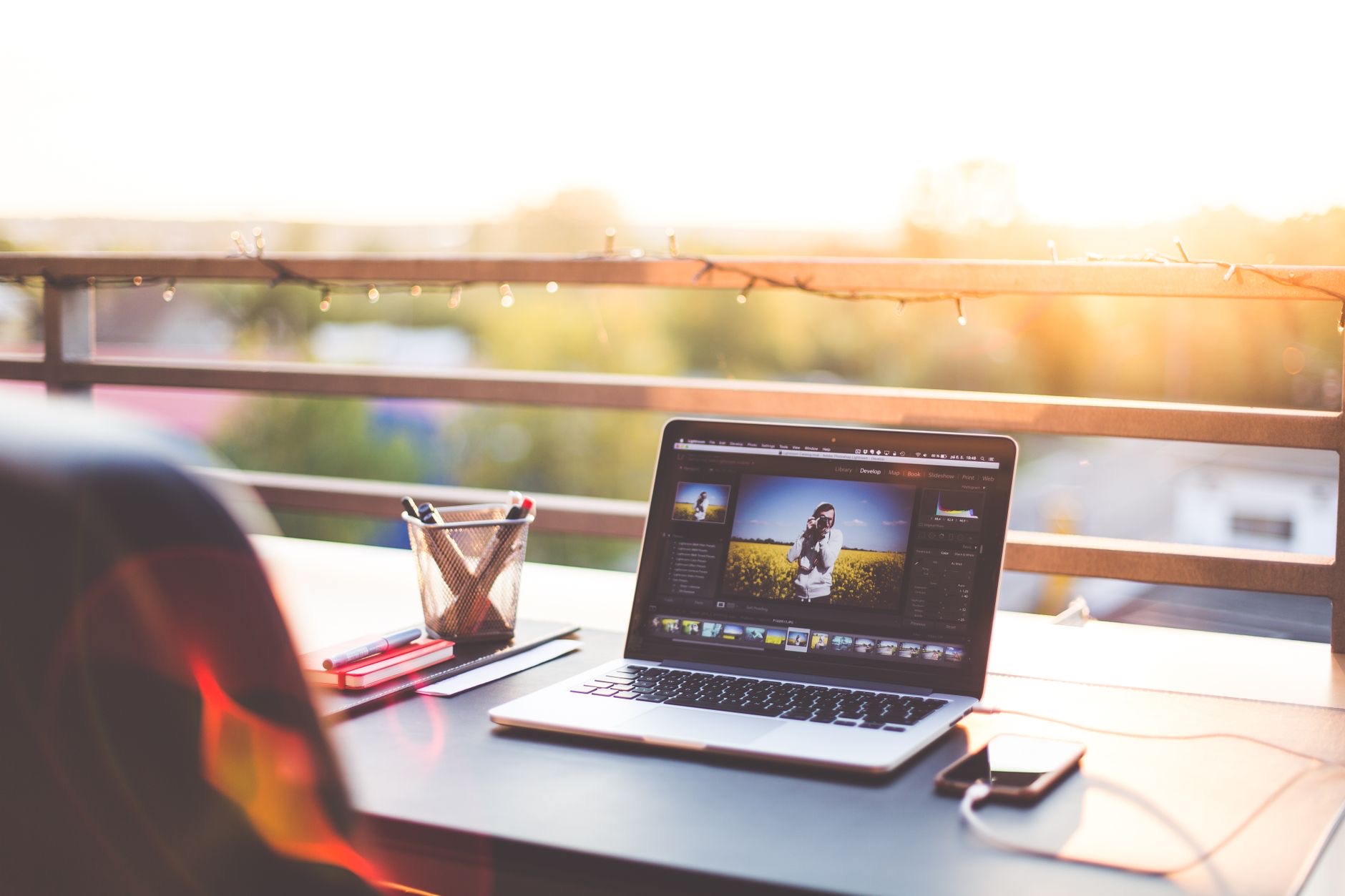
MacBook Air: Surprisingly Capable for Lighter Work
Do not underestimate the MacBook Air. The modern Air handles a real amount of video editing, especially for shorter projects, lower resolutions, and creators who are not pushing hours of heavy footage. It is silent, light, and lasts impressively on battery, which suits anyone editing on the move or working primarily with social-length content. The limits show up with very demanding, long, high-resolution timelines, where sustained heavy loads ask more than its design intends. But for a huge number of creators, especially those starting out or editing as a side pursuit, the Air does the job for far less money.
★ Editor's Pick · Amazon
MacBook Air (M4)
Silent, portable, and capable for lighter edits
Colors: Sky Blue · Midnight · Starlight · Space Gray
Mac mini: The Best Value for a Desk Setup
If you edit at a desk and do not need to carry your Mac around, the Mac mini is the smartest money in the lineup. You get genuinely powerful desktop performance for a fraction of what a comparable laptop costs, because you are not paying for a screen, battery, or portability you do not use. Pair it with a monitor you like and it becomes a serious editing station. For a home studio, a budget-conscious creator, or anyone who already has a display, the Mac mini delivers the most editing power per dollar of any Mac. It is the value pick that surprises people.
★ Editor's Pick · Amazon
Mac mini (M4)
The most editing power per dollar for desk setups
Versions: Mac mini M4 · M4 Pro
Memory: The Spec That Quietly Decides Everything
If you remember one thing, remember this: memory matters enormously for video editing, and it cannot be upgraded later on these machines. More memory keeps a busy timeline smooth, lets you stack more layers and effects without stutter, and prevents the frustrating slowdowns that strike right when you are in a creative flow. Skimping here to save money is the most common regret among editors, because you live with that choice for the life of the machine. Whatever Mac you choose, lean toward more memory than feels comfortable rather than less. Your future self, mid-project, will thank you.
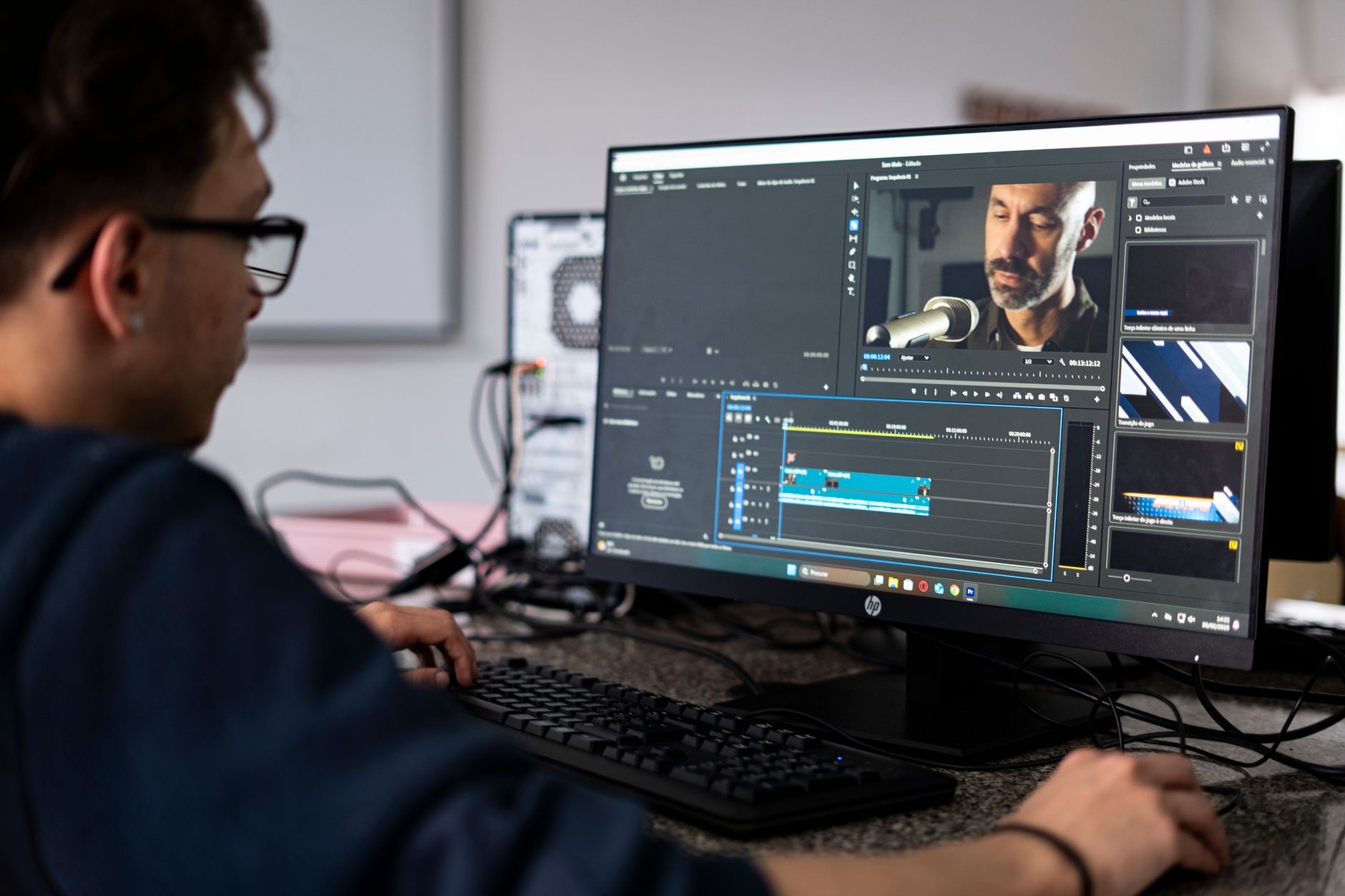
Storage: Footage Fills It Fast
Video files are enormous, and they pile up faster than almost anything else. Internal storage on a Mac cannot be expanded after purchase, so you have two sensible paths: buy more internal storage up front, or pair a smaller-storage Mac with a fast external drive for your media. Many editors do exactly the latter, keeping the system on internal storage and working footage on a speedy external drive. Either way, plan for storage deliberately. Running out mid-project, or constantly shuffling files to free space, drains time and patience you would rather spend editing.
The Screen Question
Color and detail decisions are only as good as the screen you make them on. The MacBook Pro displays are excellent for this and a real advantage for color-critical work. If you choose a Mac mini, your monitor becomes the deciding factor, so invest in a display with good color accuracy if grading matters to you. Even a capable Mac paired with a poor screen will lead you to misjudge your footage. Treat the display as part of the editing decision, not an afterthought, especially if accurate color is central to the work you do.
| If you... | Best Mac | Why |
|---|---|---|
| Edit professionally, heavy footage | MacBook Pro | Top power, great screen, sustained speed |
| Edit lighter projects on the move | MacBook Air | Silent, portable, capable, cheaper |
| Edit at a desk on a budget | Mac mini | Most power per dollar |
Frequently Asked Questions
Can a MacBook Air handle video editing?
Yes, for lighter and shorter projects, lower resolutions, and social-length content it does well, while staying silent and portable. It struggles only with very long, high-resolution, effect-heavy timelines that demand sustained heavy power. For many creators, especially beginners, the Air is genuinely enough.
Is the Mac mini good for video editing?
For a desk setup, it is the best value in the lineup. You get powerful desktop performance without paying for a screen or battery, then pair it with your own monitor. It is ideal for home studios and budget-conscious editors who do not need portability.
How much memory do I need for editing?
As much as you can reasonably afford, because it cannot be upgraded later and it directly affects how smooth your timeline feels. More memory means more layers and effects without stutter. Under-buying memory is the most common regret among editors, so lean generous.
Should I buy more internal storage or use an external drive?
Both work. Internal storage cannot be expanded after purchase, so either buy more up front or pair a smaller Mac with a fast external drive for footage. Many editors keep the system internal and work from a speedy external drive, which is a flexible, cost-effective approach.
Do I need a MacBook Pro or is the Air enough?
It depends on your footage. Professionals working with heavy, high-resolution, complex projects benefit clearly from the Pro's power, screen, and sustained performance. Hobbyists and lighter editors are often perfectly served by the Air at a much lower price. Match the machine to your real projects.
Does the screen really matter for editing?
Yes, especially for color work. The MacBook Pro display is excellent for judging color and detail. With a Mac mini, your chosen monitor becomes critical, so invest in color accuracy if grading matters. A poor screen leads to poor decisions regardless of how fast the Mac is.
Our Honest Take
For professional or serious editing, the MacBook Pro is the machine that gets out of your way, and it is worth the investment if editing pays the bills or drives your passion. For lighter work and portability, the MacBook Air punches well above its price. And for desk-bound editors who want maximum power for the money, the Mac mini is the quiet genius of the lineup. Whichever you choose, spend on memory, and your editing life will be smoother for years.
★ Editor's Pick · Amazon
MacBook Pro 14" (M4)
Ready to stop waiting on renders? Check the price
Leave a Reply