

An iPad turns into an entire library you can hold in one hand, carrying countless books, comics, magazines, and documents wherever you go. But reading for hours puts a premium on different things than work or play: how light it is to hold, how comfortable the screen is on your eyes, and how easily it travels. Let us find the iPad that makes you want to curl up and read for hours.
What Makes an iPad Great for Reading
Reading has its own priorities, and they are not the usual spec-sheet headliners. Size and weight matter most, because a tablet you hold for an hour needs to be light enough not to tire your hands and wrist. The screen should be comfortable to look at for long stretches, easy on the eyes in different lighting. Portability decides whether it comes with you to bed, the cafe, or the commute. Battery life keeps you reading without interruption. Raw power barely registers for reading, which is liberating, because it means you do not need an expensive model to enjoy a superb digital reading experience.
iPad mini: The Best iPad for Reading
For pure reading, the iPad mini is our top pick, and the reason is simple: it is light and compact enough to hold comfortably in one hand for long stretches, much like a paperback. That holdability is exactly what you want when you settle in for a long read, and its smaller size makes it the most portable iPad, slipping into a bag or even a large pocket to come everywhere with you. It runs every reading app and handles books, articles, and documents beautifully. If reading is your main reason for buying an iPad, the mini's comfortable, carry-anywhere form makes it the natural choice.
★ Editor's Pick · Amazon
iPad mini
Light, one-handed, the ideal reading iPad

The Standard iPad: Great Value for Bigger Pages
If you read a lot of comics, magazines, or PDFs where a larger page is genuinely better, the standard iPad is a smart, affordable choice. Its bigger screen shows more of a comic panel or document page at a readable size without constant zooming, which matters for visual content in a way it does not for plain text. It is more affordable than the Air while still being an excellent all-rounder, so it handles reading plus everything else you might do. It is a little larger and heavier to hold than the mini for long one-handed reading, but for page-heavy content and great value, the standard iPad is hard to beat.
★ Editor's Pick · Amazon
iPad (10th gen)
Bigger pages for comics and PDFs, great value
iPad Air: When Reading Is Part of a Bigger Picture
If reading is important but you also want one iPad that does everything well, the iPad Air is a versatile choice. It offers a lovely, larger screen that is pleasant for reading, plus the power and refinement to handle note-taking, study, creative work, and demanding apps. So while it is larger and pricier than the dedicated reading-friendly mini, it rewards you if reading sits alongside real work and play. For a student who reads textbooks and takes notes, or anyone who wants a single capable iPad for reading and much more, the Air is the do-it-all option that handles a reading habit as part of a fuller toolkit.
★ Editor's Pick · Amazon
iPad Air (M3)
A do-it-all iPad that reads beautifully too
Weight: The Thing You Feel After an Hour
People underestimate how much weight matters until they have held a tablet through a long chapter. A heavier iPad starts to strain your hand and wrist during extended one-handed reading, which can quietly cut your sessions short or push you toward propping it up. A lighter model, like the mini, stays comfortable far longer and feels closer to holding a book. If you read in bed, on your side, or for long stretches without a stand, weight should be near the top of your priorities. For long, comfortable reading sessions, lighter genuinely is better, and it is a big part of why the mini wins for dedicated readers.
Screen Comfort and Reading in Different Light
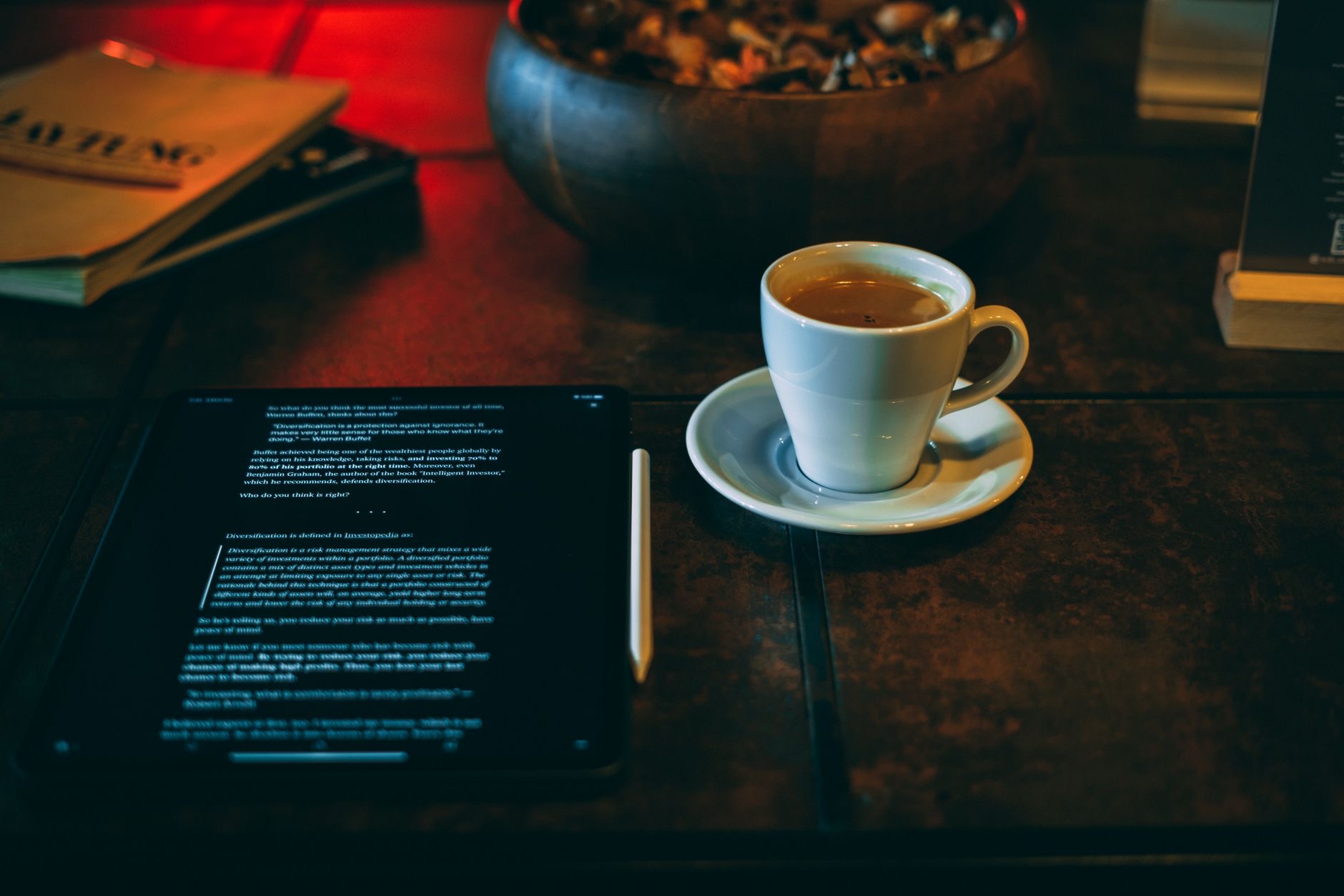
How comfortable a screen feels over a long read depends on the display and how you set it up. All current iPads have good screens for reading, and a few habits make any of them easier on the eyes: adjusting brightness to match your surroundings, using night-time display modes in the evening, and increasing text size so you are not straining. iPads also let you read comfortably in low light, unlike a paper book that needs a lamp, which many readers love for bedtime. Whichever model you choose, taking a moment to tune the display to your environment makes long reading sessions noticeably more pleasant.
More Than Just Books
One of the joys of reading on an iPad is how much more than books it handles. The same device carries your comics and graphic novels in vivid color, your magazines with their full layouts intact, your newspapers, and the endless PDFs and documents that pile up in modern life. For visual content like comics and magazines, a larger screen pays off, which is where the standard iPad and Air have an edge over the mini. Think about what you actually read most: if it is mainly text, the light and portable mini shines, but if your reading is rich with images and layouts, a bigger screen serves you better.
| If you mostly read... | Best pick | Why |
|---|---|---|
| Books and text, one-handed | iPad mini | Light, compact, most comfortable to hold |
| Comics, magazines, PDFs | iPad (10th gen) | Bigger page, great value |
| Everything, plus work and study | iPad Air | Larger screen, do-it-all capability |
Frequently Asked Questions
Which iPad is best for reading books?
The iPad mini, because it is light and compact enough to hold comfortably in one hand for long stretches, much like a paperback, and it is the most portable iPad. For plain-text reading it is the most comfortable choice, and it runs every reading app beautifully.
Is a bigger iPad better for comics and PDFs?
Yes. For comics, magazines, and PDFs, a larger screen shows more of the page at a readable size without constant zooming, which matters for visual content. The standard iPad and iPad Air have an edge here over the smaller mini for page-heavy, image-rich reading.
Does weight really matter for reading?
More than people expect. A heavier iPad strains your hand and wrist during long one-handed reading, which can cut sessions short. A lighter model like the mini stays comfortable far longer and feels closer to a book. If you read in bed or for long stretches, weight should be a top priority.
Can I read comfortably on an iPad at night?
Yes, and many readers love that an iPad lets you read in low light without a lamp. Adjust brightness to your surroundings, use night-time display modes in the evening, and increase text size to reduce strain. Tuning the display to your environment makes long evening reading much more pleasant.
Do I need an expensive iPad just to read?
No. Reading barely taxes an iPad's power, so you do not need a premium model for a superb reading experience. The affordable standard iPad and the reading-friendly mini both excel. Spend on size and comfort that suit your reading, not on power you will not use for books.
Is the iPad Air worth it for reading?
It is worth it if reading sits alongside work, study, and creative tasks and you want one iPad that does everything well. Its larger screen reads nicely. But if reading is your main purpose, the lighter, cheaper mini is more comfortable to hold and the better dedicated reader.
Our Honest Take
For dedicated readers, the iPad mini is the standout, light and compact enough to hold for hours and carry everywhere, which is exactly what a reader wants. If your reading leans toward comics, magazines, and PDFs, the standard iPad's bigger page and great value win out, and the iPad Air is the do-it-all pick if reading is just one part of a busy device life. Reading needs comfort and portability, not power, so choose the size that fits how and where you love to read.
★ Editor's Pick · Amazon
iPad mini
Ready to carry your whole library? Check the price
Leave a Reply