
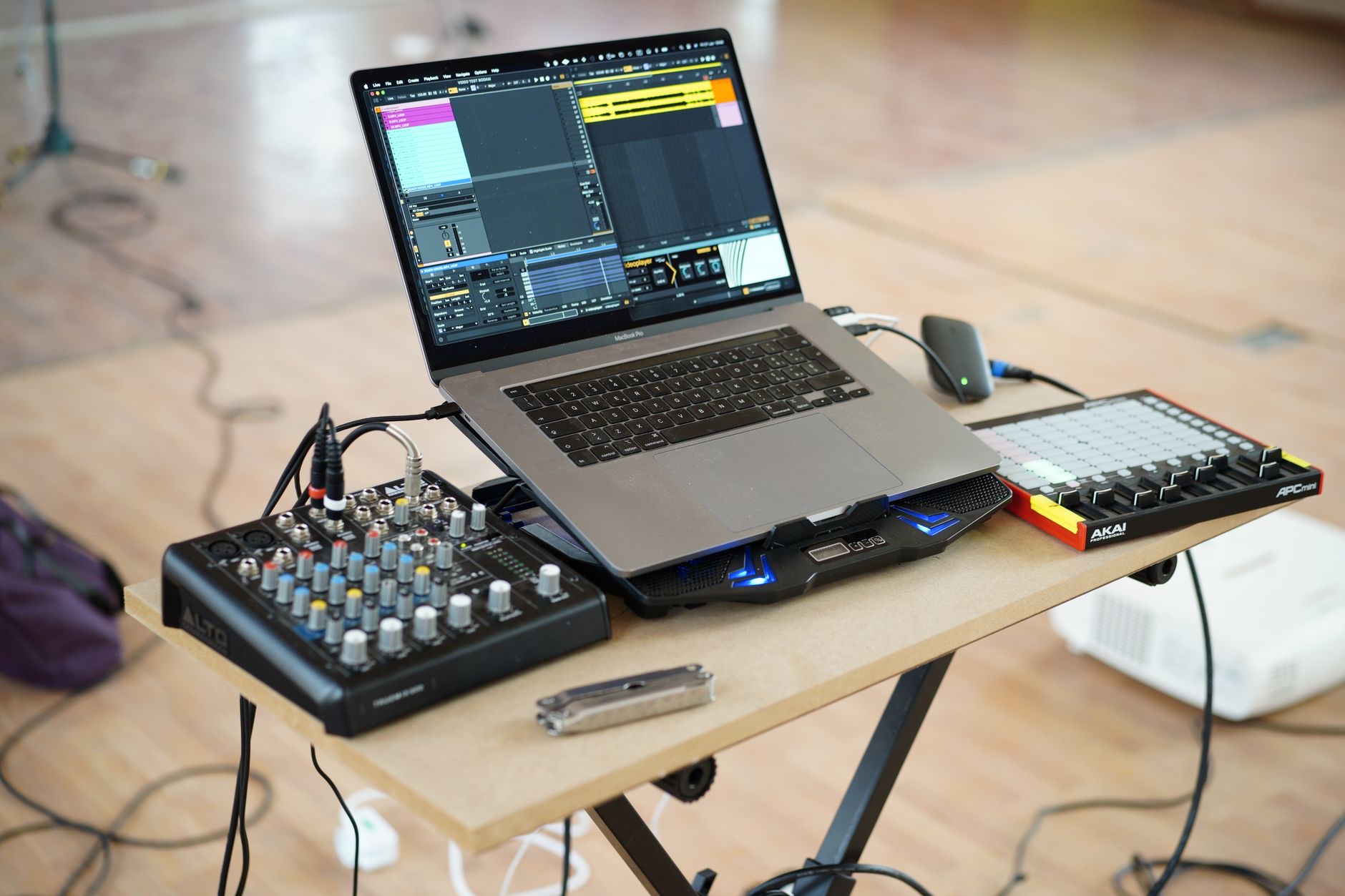
Macs have long been a favorite in studios and bedrooms alike, and for good reason: they pair stable performance with a quiet, capable platform for making music. But "get a Mac" leaves a lot unanswered. Whether you record a singer-songwriter setup or build dense productions with stacks of plugins changes which Mac makes sense. Let us find the one that fits the music you actually make.
What Music Production Demands from a Mac
Producing music leans on a specific set of strengths. Processing power handles your effects, instruments, and the real-time demands of a busy session. Memory keeps large projects and sample-based instruments responsive instead of stuttering. Fast storage matters because sample libraries and recordings grow huge. Quiet operation is underrated but real, since fan noise can bleed into recordings and break concentration. And reliable connectivity lets you plug in audio interfaces and controllers. The denser your productions and the larger your sample libraries, the more each of these matters. Picture your busiest session honestly, and let that guide how much Mac you genuinely need.
MacBook Pro: For Dense Sessions and Pros
If you build big productions with many tracks, instruments, and effects, or you make music for a living, the MacBook Pro is built for that load. The higher-tier chips handle demanding sessions with headroom to spare, so you are less likely to hit the wall where playback stutters or effects max out. It is also designed to stay fast under sustained heavy use, which matters during long studio days, and it stays relatively quiet doing it. Add a great screen for detailed editing and strong connectivity for your gear, and it becomes a portable studio that handles serious work without becoming the bottleneck.
★ Editor's Pick · Amazon
MacBook Pro 14" (M4)
Headroom for dense, plugin-heavy sessions
Sizes: 14-inch · 16-inch M4 Pro
MacBook Air: Quiet and Capable for Most Producers
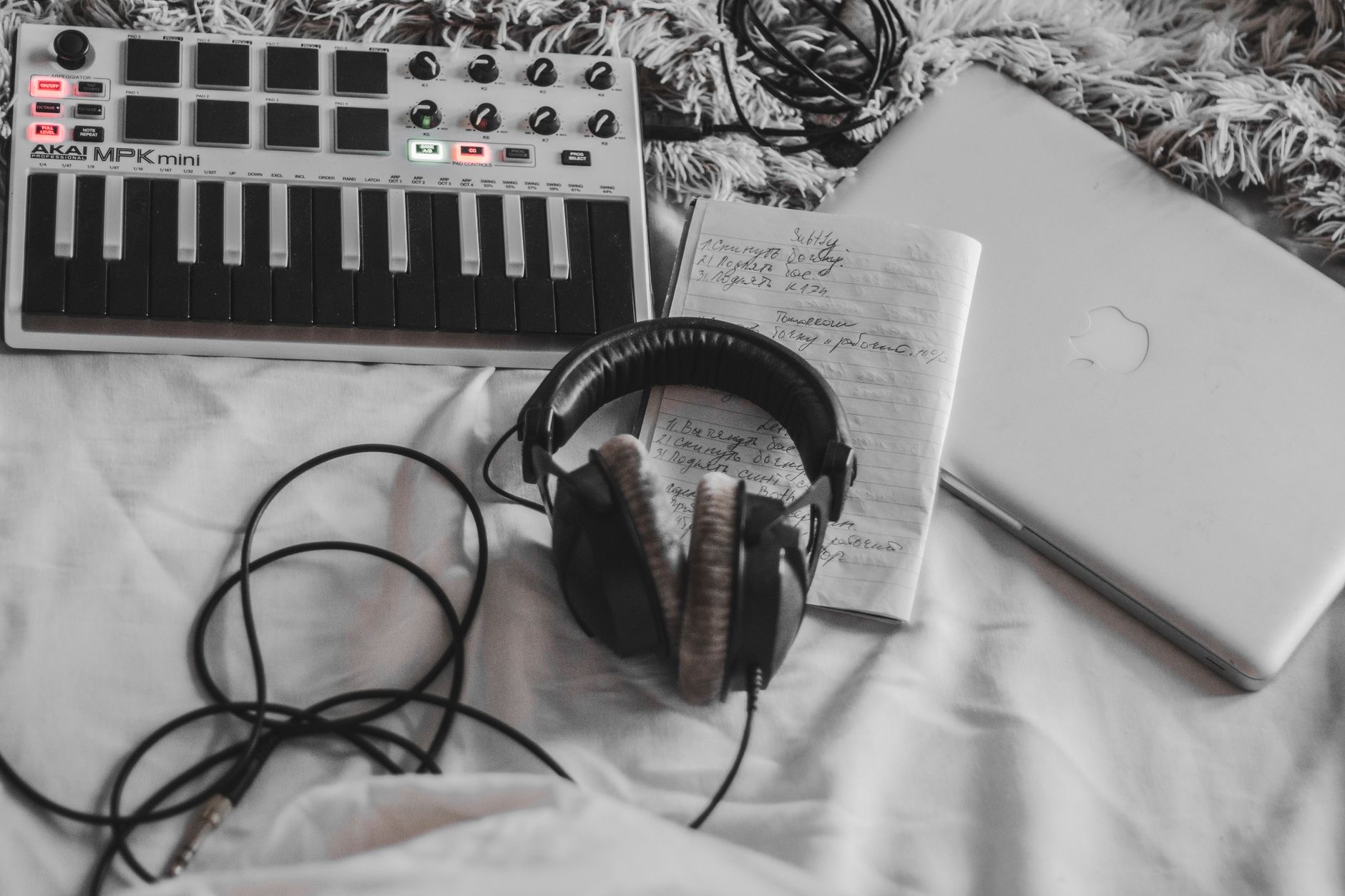
The MacBook Air deserves serious consideration, and for many producers it is genuinely enough. Modern Airs handle a real amount of music production, comfortably running typical projects with a sensible number of tracks and plugins. A standout advantage for music makers is that the Air runs silent, with no fan noise to creep into a quiet recording or distract you while you work. It is also light and lasts well on battery, which suits making music away from a desk. The limits appear with very large, demanding sessions, but for songwriters, beatmakers, and producers with moderate projects, the Air offers a quiet, capable studio for less.
★ Editor's Pick · Amazon
MacBook Air (M4)
Silent operation, ideal for clean recordings
Colors: Sky Blue · Midnight · Starlight · Space Gray
Mac mini: The Home Studio Value Champion
If your studio lives on a desk and you do not need to carry your Mac around, the Mac mini is the smartest money in the lineup for music. You get powerful desktop performance for far less than a comparable laptop, because you are not paying for a screen and battery you will not use at a fixed workstation. Pair it with a monitor, your audio interface, and your controllers, and it anchors a serious home studio. For producers building a permanent setup on a budget, the Mac mini delivers the most music-making power per dollar, and it is the value pick that quietly outperforms expectations.
★ Editor's Pick · Amazon
Mac mini (M4)
The most studio power per dollar for desk setups
Versions: Mac mini M4 · M4 Pro
Memory: The Spec That Decides Your Session Size
If there is one specification to take seriously, it is memory, and it cannot be upgraded later on these machines. Memory directly affects how large and complex a session you can run smoothly, especially when you load sample-based instruments and stack plugins. Run low and you hit stutters, dropouts, and the dreaded session that refuses to play back cleanly, right when inspiration is flowing. Producers who skimp here regret it for the life of the machine. Whatever Mac you choose, lean toward more memory than feels necessary, because it is the difference between a session that flows and one that fights you.
Storage: Sample Libraries Eat Space Fast
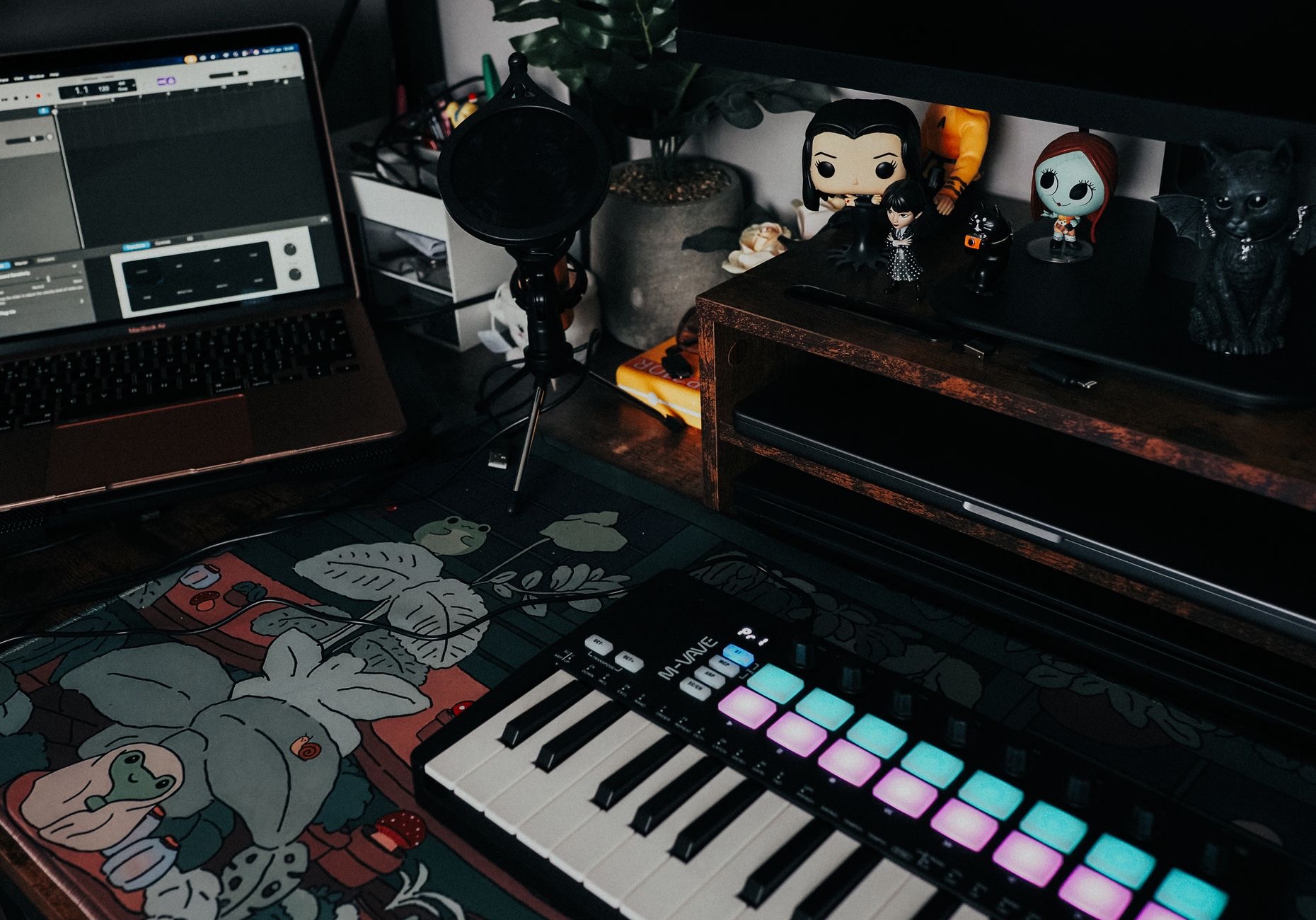
Recordings, sample libraries, and project files grow enormous, and internal Mac storage cannot be expanded after purchase. You have two sensible options: buy more internal storage up front, or pair a smaller-storage Mac with a fast external drive to hold your libraries and projects. Many producers do exactly the latter, keeping the system internal and large sample collections on a speedy external drive. Either way, plan storage deliberately around the size of your sound collection. Running out mid-project, or constantly clearing space to load a library, is a creativity killer that a little planning at purchase easily avoids.
Quiet Operation and Connectivity
Two practical points round out the decision. Quiet operation genuinely matters for recording, since a noisy fan can bleed into microphones and distract you, which is part of why the silent MacBook Air appeals to home recordists. And connectivity decides how easily your gear plugs in: think about your audio interface, MIDI controllers, and any other equipment, and make sure your chosen Mac connects to them comfortably, using a hub if needed. These details are easy to overlook next to raw power, but in daily studio life a quiet machine that connects cleanly to your gear makes the whole process smoother and more enjoyable.
| If you... | Best Mac | Why |
|---|---|---|
| Build dense sessions or produce pro | MacBook Pro | Most power, sustained speed, great screen |
| Make typical projects, want quiet and portable | MacBook Air | Silent, capable, lighter on the wallet |
| Run a desk-based home studio | Mac mini | Most power per dollar |
Frequently Asked Questions
Can a MacBook Air handle music production?
Yes, for typical projects with a sensible number of tracks and plugins it does well, and it runs silently, which is a real advantage for clean recordings. It struggles only with very large, demanding sessions. For songwriters, beatmakers, and moderate producers, the Air is genuinely capable.
Is the Mac mini good for a home studio?
For a desk-based studio it is the best value in the lineup. You get powerful desktop performance without paying for a screen or battery, then pair it with your monitor and gear. It is ideal for producers building a permanent setup on a budget.
How much memory do I need for music production?
As much as you can reasonably afford, since it cannot be upgraded later and directly limits how large and complex a session you can run smoothly. Sample-based instruments and stacked plugins are memory hungry, so under-buying leads to stutters and dropouts. Lean generous.
Should I store sample libraries internally or externally?
Both work. Internal storage cannot be expanded after purchase, so either buy more up front or pair a smaller Mac with a fast external drive for libraries and projects. Many producers keep the system internal and large sample collections on a speedy external drive.
Does fan noise really affect recording?
It can. A noisy fan may bleed into microphones during quiet recordings and distract you while working. This is part of why the silent MacBook Air appeals to home recordists. If you record acoustic sources in the same room as your Mac, quiet operation is worth valuing.
Do I need a MacBook Pro or is the Air enough?
It depends on your sessions. Producers building dense, demanding projects benefit clearly from the Pro's power and sustained performance. Those making typical projects are often perfectly served by the quieter, cheaper Air. Match the machine to the size and complexity of the music you actually make.
Our Honest Take
For dense, professional production, the MacBook Pro gives you the headroom to stop worrying about the computer and focus on the music. For most home producers, the MacBook Air is a quiet, capable studio that costs far less, and the Mac mini is the desk-bound value champion that anchors a serious setup for the money. Whatever you pick, invest in memory and plan your storage, and your sessions will flow instead of fight you for years to come.
★ Editor's Pick · Amazon
MacBook Pro 14" (M4)
Ready to build your studio? Check the current price
Leave a Reply