
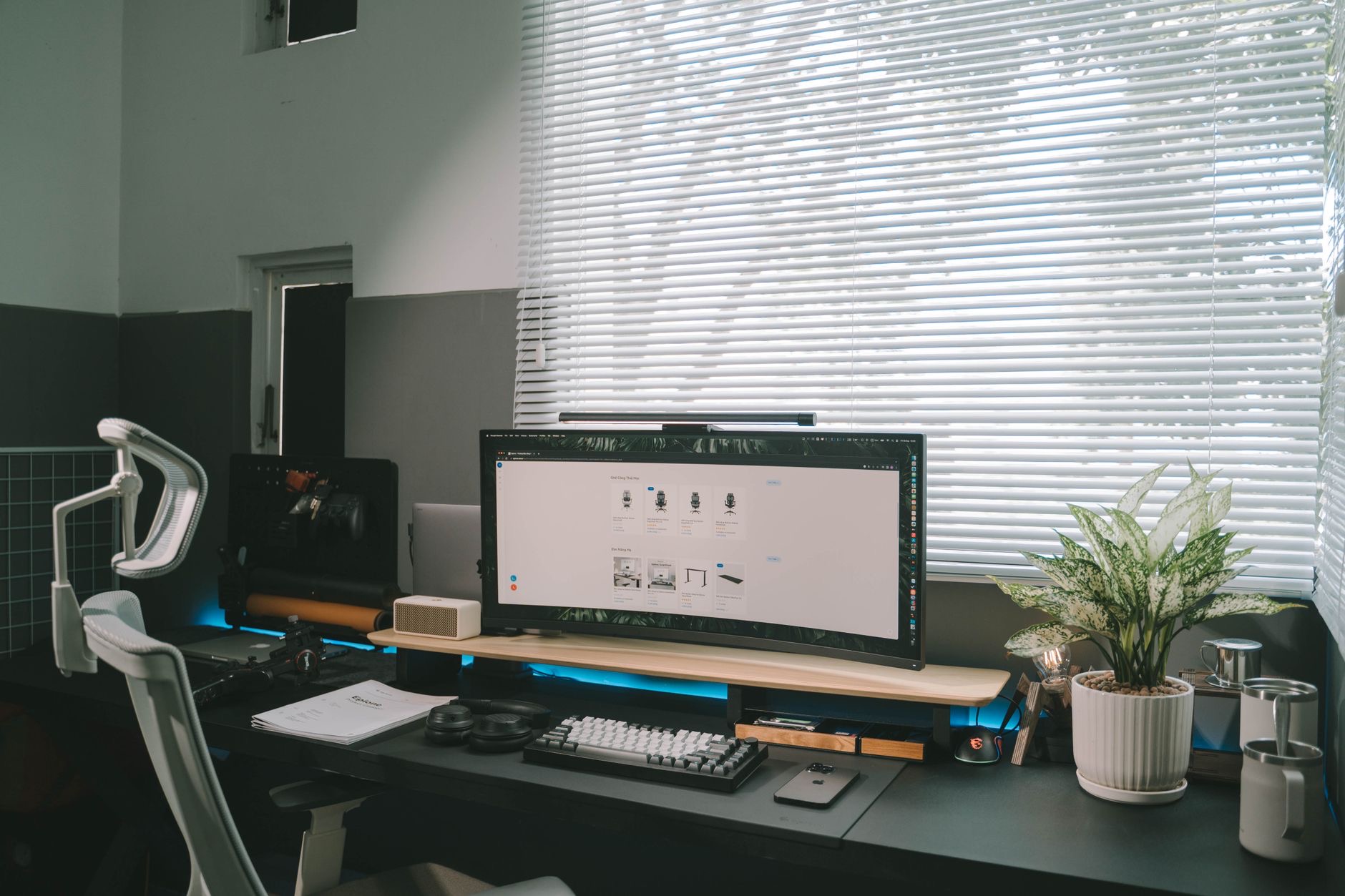
Setting up a home office means choosing a computer you will sit in front of every working day, so getting the Mac right pays off in comfort and productivity for years. The good news is that home-office work rarely demands the most powerful machine, which means you can choose smartly and keep money in your pocket. Let us match the right Mac to how you actually work from home, and to the desk you work at.
What a Home Office Actually Needs
Most home-office work, documents, email, web, video calls, spreadsheets, and general productivity, is not especially demanding on a modern Mac, which is liberating. What matters more is reliability, a comfortable setup, smooth video calls, and enough capability for your particular tasks. Whether you need portability depends on if you ever work away from the desk, and whether you want an external monitor depends on your space and screen needs. The key insight is that you usually do not need to chase top-tier power for typical office work. Instead, match the Mac to your tasks and your desk, and put any savings toward a comfortable, productive workspace.
Mac mini: The Smartest Home Office Value
For a dedicated home-office desk, the Mac mini is often the smartest choice in the lineup. You get capable, reliable desktop performance for far less than a comparable laptop, because you are not paying for a screen and battery you will not use at a fixed desk. You simply add the monitor, keyboard, and mouse you prefer, building a comfortable, productive setup tailored to you. For most home-office tasks, the Mac mini has all the power you need, and it leaves budget for a good monitor and ergonomic accessories. If your work happens at one desk and you do not need portability, the Mac mini delivers the best value for a home office.
★ Editor's Pick · Amazon
Mac mini (M4)
Best value for a dedicated home office desk
Versions: Mac mini M4 · M4 Pro
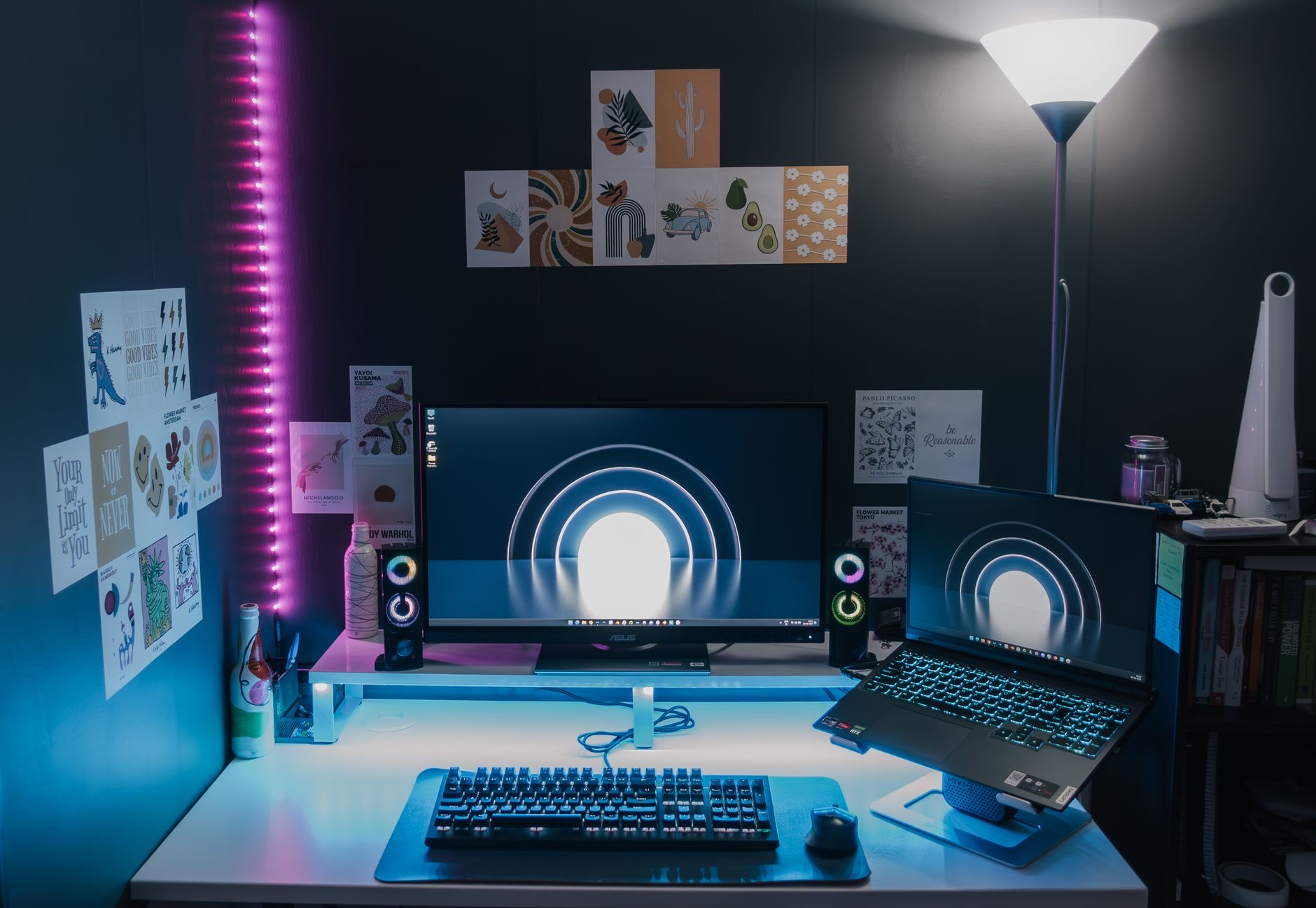
MacBook Air: For Flexibility and Moving Around
If you want the freedom to work away from your desk, on the couch, in the kitchen, in a cafe, or while traveling, the MacBook Air is the ideal home-office choice. It is light, silent, and lasts impressively on battery, handling all typical office work with ease while giving you the flexibility a desktop cannot. You can use it on its own anywhere in the house, then plug it into a monitor and accessories at your desk for a more spacious setup when you want one. For the home worker who values mobility, or whose home office is not a fixed spot, the Air offers a capable, versatile machine that works wherever you do.
★ Editor's Pick · Amazon
MacBook Air (M4)
Flexible, portable, works anywhere in the house
Colors: Sky Blue · Midnight · Starlight · Space Gray
MacBook Pro: When Your Work Is Demanding
Some people work from home doing genuinely demanding tasks, like video editing, software development, heavy data work, or running resource-intensive applications, and for them the MacBook Pro earns its place even in a home office. It brings the power to handle heavy workloads smoothly, sustained performance for long working days, and an excellent screen, all while remaining portable. If your home-office work is light, this is more machine than you need. But if your job involves heavy creative or technical work, the Pro ensures the computer never becomes the thing slowing you down, making it a worthwhile investment for demanding professionals working from home.
★ Editor's Pick · Amazon
MacBook Pro 14" (M4)
Power for demanding work-from-home professionals
Sizes: 14-inch · 16-inch M4 Pro
The Monitor and Desk Setup Question
A big part of a productive home office is the setup around the Mac, not just the Mac itself. A good external monitor makes a huge difference for comfort and productivity, giving you more space to work and a screen at the right height for your posture. This is one reason the Mac mini makes sense, since it assumes you will bring your own display. With a MacBook, you can work on the built-in screen or plug into a monitor at your desk for the best of both. Whichever Mac you choose, budgeting for a good monitor, a comfortable keyboard and mouse, and a proper chair pays off every single working day.

Video Calls and Everyday Reliability
For most home workers, smooth video calls and dependable everyday performance matter more than raw power. All current Macs handle video calls and typical office tasks reliably, which is exactly what you want for a workday full of meetings and documents. If you are on camera often, you might consider an external webcam for the best image quality, especially with a desktop setup. The broader point is that a Mac for a home office should above all be reliable and comfortable to use all day, qualities the whole lineup delivers. Choose based on your tasks and setup, and you will have a dependable companion for your working days.
| If you... | Best Mac | Why |
|---|---|---|
| Work at a fixed desk, want value | Mac mini | Most value, add your own monitor and gear |
| Want to work anywhere in the house | MacBook Air | Light, silent, flexible, all-day battery |
| Do demanding creative or technical work | MacBook Pro | Power and sustained speed for heavy tasks |
Frequently Asked Questions
What is the best Mac for a home office?
For a fixed desk, the Mac mini is often the smartest value, giving capable performance for less than a laptop while you add your own monitor and accessories. If you want to work anywhere in the house, the MacBook Air's flexibility wins. Match the Mac to your tasks and whether you need portability.
Do I need a powerful Mac for office work?
Usually not. Most home-office work, documents, email, web, video calls, and spreadsheets, is not demanding on a modern Mac. Reliability and a comfortable setup matter more than top-tier power. Only genuinely heavy tasks like video editing or development call for a more powerful machine like the Pro.
Is the Mac mini good for working from home?
For a dedicated desk, it is an excellent value. You get reliable desktop performance for less than a laptop, then add the monitor, keyboard, and mouse you prefer. It has all the power most home-office tasks need and leaves budget for a comfortable, productive workspace.
Should I get a MacBook or a Mac mini for home work?
Choose a MacBook, especially the Air, if you want to work in different spots around the house or travel. Choose the Mac mini if your work happens at one desk and you want the best value plus your own monitor setup. It comes down to whether you need portability.
Do I need an external monitor for a home office?
It is not required, but a good external monitor greatly improves comfort and productivity, giving more workspace and a screen at the right height for posture. The Mac mini assumes you will add one, while a MacBook can use its built-in screen or plug into a monitor at the desk.
Are Macs good for video calls?
Yes. All current Macs handle video calls and typical office tasks reliably, which is exactly what a meeting-filled workday needs. If you are on camera often, an external webcam can improve image quality, especially with a desktop setup, but the built-in experience is dependable for everyday calls.
Our Honest Take
For most home offices, the Mac mini is the value champion, giving you all the power typical work needs while you build a comfortable setup around it. If you value working anywhere in the house, the MacBook Air's flexibility makes it the better fit, and if your work is genuinely demanding, the MacBook Pro is worth the investment. Remember that the desk, monitor, and chair around your Mac matter as much as the Mac itself, so choose smartly and build a workspace you enjoy returning to each day.
★ Editor's Pick · Amazon
Mac mini (M4)
Ready to build your home office? Check the price
Leave a Reply