

If your days are full of calls and meetings, the earbuds you choose are doing a job, not just playing music. The right AirPods make you sound clear to the person on the other end, stay comfortable through back-to-back calls, and switch effortlessly between your phone and laptop. Here is how to pick the pair that makes you sound your best and gets you through a talking-heavy day.
What Matters Most for Calls
For calls, the priorities shift away from how music sounds in your ears and toward how your voice sounds to everyone else. Microphone quality and voice clarity come first, because being understood without repeating yourself is the whole point. Background noise handling matters so a busy room does not drown you out. Comfort for long wear is crucial when calls stack up across a day. A stable connection that does not drop mid-sentence is essential, and easy switching between your devices saves constant friction. Battery life to outlast long meetings rounds it out. Sound quality still counts, but for a call-heavy life, voice and comfort lead.
AirPods Pro: The Best All-Around Call Choice
For most people who live on calls, the AirPods Pro are the strongest pick. They are designed to capture your voice clearly and reduce distracting background noise, so you come through cleanly even when your surroundings are not quiet. The sealing tip fit also helps you hear the call clearly, while transparency mode lets you hear your own voice naturally so you do not end up talking too loudly. They switch smoothly across your Apple devices, which is a gift when you bounce between phone and laptop all day. For clear calls, comfort, and flexibility, the Pro covers every base that a busy caller needs.
★ Editor's Pick · Amazon
AirPods Pro 2
Clear voice pickup and noise handling for calls
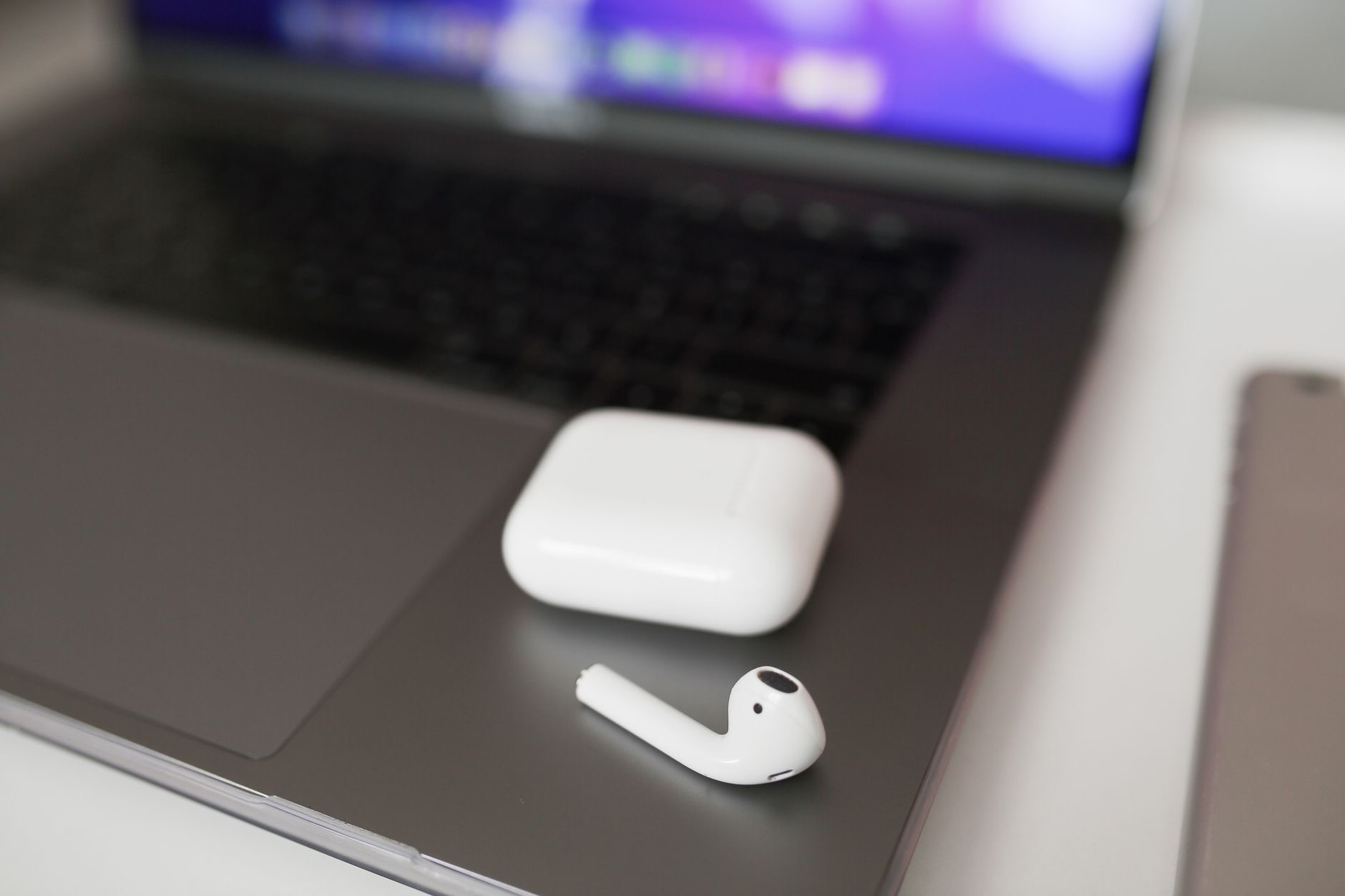
AirPods 4: A Lighter, Comfortable Everyday Option
If you find sealed tips uncomfortable for hours of wear, the open-fit AirPods 4 are well worth considering for calls. They sit lightly in the ear without pushing into the canal, which many people find more comfortable across a long day of meetings, and they let in surrounding sound so you stay aware of your environment. They are designed to handle voice calls well for everyday use. The trade-off is less isolation in loud spaces compared to the sealing Pro. For anyone who takes plenty of calls in reasonably calm settings and prizes long-wear comfort, the AirPods 4 are a light, easy choice, and the noise-cancelling version adds more control.
★ Editor's Pick · Amazon
AirPods 4
Open-fit comfort for long days of calls
Versions: AirPods 4 · with Noise Cancellation
AirPods Max: Premium Comfort for Desk-Based Calls
If your calls happen mostly at a desk and you value premium comfort and sound, the over-ear AirPods Max are a different kind of option. The cushioned over-ear design is comfortable for long stretches for many people, the sound is excellent, and the noise cancellation helps you focus in a busy home or office. They are larger and less suited to being out and about than the in-ear models, so they suit a stationary, call-and-listen workday rather than life on the move. For a home office where you take long meetings and also want great audio for music between calls, the Max offer a luxurious, focused experience.
★ Editor's Pick · Amazon
AirPods Max
Over-ear comfort and focus for desk-based calls
Voice Clarity: The Feature That Actually Matters
On a call, the single most important thing is how clearly your voice reaches the other person. The call-focused models are designed to isolate your voice and cut down background noise, so a passing car, a coffee shop hum, or a busy room does not make you hard to understand. This is the difference between a smooth conversation and one full of "sorry, can you repeat that." If your calls happen in less-than-quiet places, prioritize a model built to handle voice well. Sounding clear is not a luxury for a professional caller, it is the core job of the earbuds, so weight it accordingly.

Switching Between Your Phone and Laptop
A genuine daily convenience for call-heavy people is how smoothly earbuds move between devices. Across Apple devices signed in to the same account, AirPods are designed to switch fairly seamlessly, so a call coming in on your phone while you work on your laptop does not become a fumbling exercise. This effortless handoff removes a small but constant friction from a busy day. If you regularly bounce between a phone for calls and a computer for meetings, this ecosystem convenience is one of the underrated reasons AirPods suit a connected, multi-device work life so well.
Comfort and Battery for Back-to-Back Meetings
When calls stack up, two things decide your comfort. First, fit: some people find sealing tips perfect, others prefer the open feel, and the right choice for long wear is personal, so it is worth knowing which style suits your ears before a marathon meeting day. Second, battery: for most people the per-charge life comfortably covers typical calls, with the case topping the buds up between sessions. For unusually long meeting days, get in the habit of returning the buds to the case during breaks so they are always ready. Manage the case well and you will rarely be caught with a dead earbud mid-call.
| If you... | Best pick | Why |
|---|---|---|
| Take calls anywhere, want clear voice | AirPods Pro 2 | Strong voice pickup, noise handling, switching |
| Want light all-day comfort | AirPods 4 | Open fit, easy for long wear |
| Take long calls at a desk | AirPods Max | Premium over-ear comfort and focus |
Frequently Asked Questions
Which AirPods are best for phone calls?
For most people, the AirPods Pro, because they are designed to capture your voice clearly and reduce background noise so you come through cleanly. They also switch smoothly between Apple devices. For a call-heavy day in varied environments, they cover every base a busy caller needs.
Do AirPods make my voice sound clear to others?
The call-focused models are built to isolate your voice and cut background noise, so you are easier to understand even in less quiet places. This is the core job of call earbuds. If your calls happen in busy settings, prioritize a model designed to handle voice well.
Are open-fit AirPods 4 good for meetings?
Yes, especially if you find sealed tips uncomfortable for hours. They sit lightly for long-wear comfort and handle everyday calls well, though they isolate less in loud spaces than the sealing Pro. For plenty of calls in reasonably calm settings, they are a comfortable choice.
Can I use AirPods Max for work calls?
They are excellent for desk-based calls, with cushioned over-ear comfort for long stretches and noise cancellation that aids focus. They are larger and less suited to being on the move, so they fit a stationary home-office workday where you take long meetings and also want great audio.
Do AirPods switch between my phone and laptop easily?
Across Apple devices on the same account, AirPods are designed to switch fairly seamlessly, so a call on your phone while you work on your laptop does not become a hassle. For people who bounce between devices all day, this effortless handoff is a genuine daily convenience.
Will the battery last through long meetings?
For most people, the per-charge life comfortably covers typical calls, and the case tops the buds up between sessions. For very long meeting days, return the buds to the case during breaks so they stay ready. Managing the case well keeps you from being caught mid-call.
Our Honest Take
For the widest range of calls, the AirPods Pro are the pick to beat, combining clear voice pickup, background-noise handling, and smooth device switching. If long-wear comfort is your priority and your calls are in calmer spaces, the open-fit AirPods 4 are a light, easy choice, while the AirPods Max bring premium comfort to a desk-bound meeting day. Decide based on where you take calls and how your ears feel after hours of wear, and you will sound your best every time you pick up.
★ Editor's Pick · Amazon
AirPods Pro 2
Ready to sound clearer on every call? Check the price
Leave a Reply