

Your Mac has opinions now, and it is voicing them through the fan. That whir climbing to a whine is not random: fans are the cooling system responding to heat, and heat always has a source. Usually it is one of four suspects, and three of them cost nothing to fix. Here is what the noise means and how to bring back the quiet.
The Straight Answer
A loud Mac fan means the machine is hot, and the heat is coming from one of four places: an app working far harder than you realize, vents blocked by dust or a soft surface, a warm environment, or the slow buildup of years without a restart. Find the source, remove it, and the fan stands down on its own. Fans are the symptom. Heat is the story.
Suspect One: The App That Never Sleeps
Most fan noise traces back to a single process eating the processor while you do something innocent in another window. A stuck browser tab, a syncing service having a bad day, a video call with effects running. The built-in Activity Monitor shows exactly who is guilty: open it, sort by CPU, and the name at the top of the list is your noise. Quit it, and listen to the fan wind down in real time. This one check solves the majority of loud-fan mysteries.
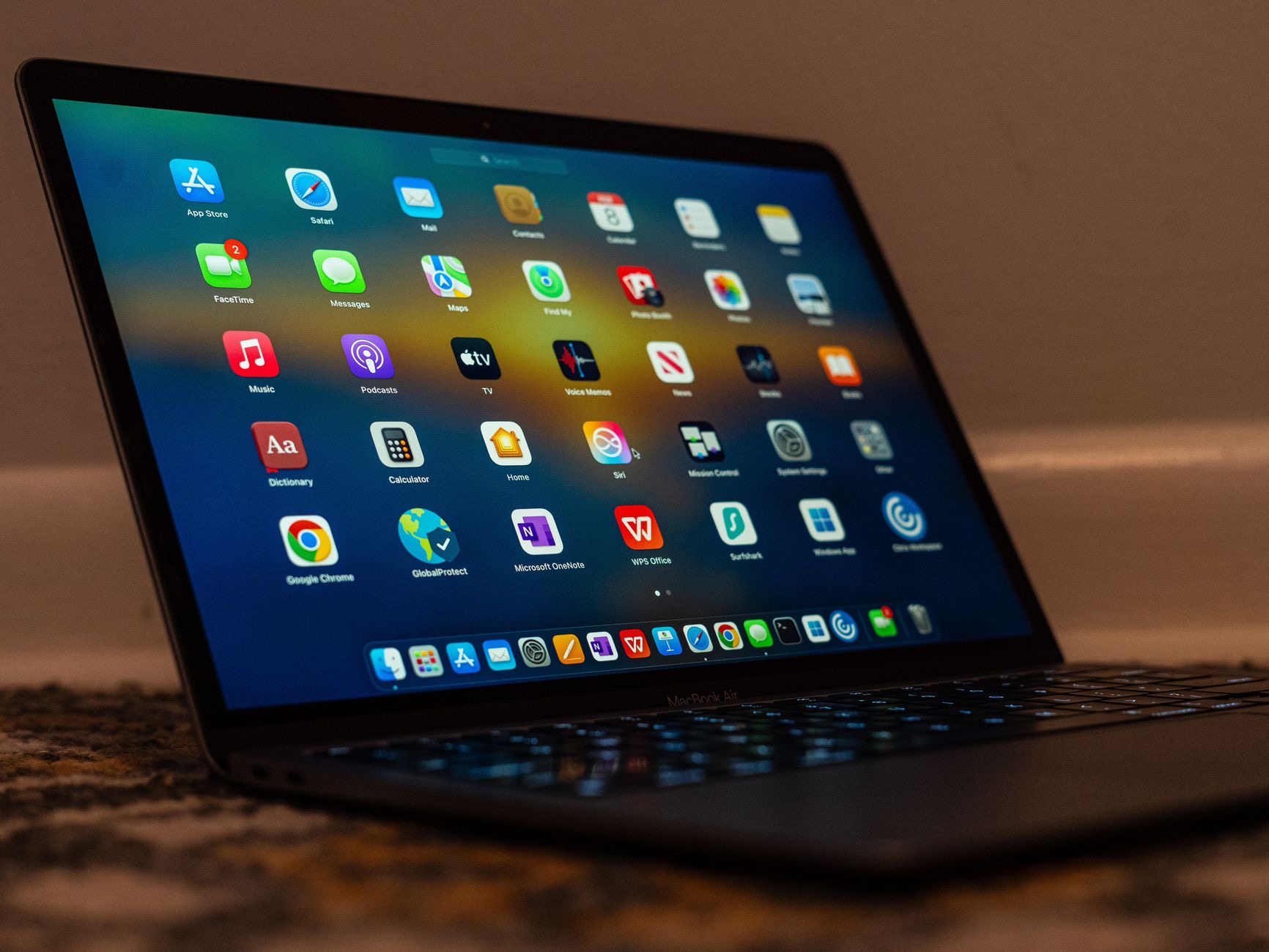
Suspect Two: The Bed, the Sofa, the Lap
A Mac on a duvet is a Mac being smothered. Soft surfaces block the vents and trap heat underneath, so the fans spin harder to move air that has nowhere to go. Working from bed feels cozy and sounds like a wind tunnel for exactly this reason. The fix is a hard, flat surface, and at a desk, a stand that lifts the machine into open air. Elevation gives the cooling system room to breathe, and quieter days follow.
★ Editor's Pick · Amazon
Laptop Stand
Open air under the machine, quieter fans above it
Suspect Three: Dust, the Silent Insulator
Over the years, vents collect dust, and dust is a blanket the fans cannot remove by spinning harder, though they will try, loudly. Keeping vents visibly clear helps, and gentle cleaning of the vent areas with a soft brush does more. A machine that has grown gradually louder over years, rather than suddenly this week, is often telling a dust story. Gradual noise means buildup. Sudden noise means an app.

Suspect Four: Everything Since the Last Restart
A Mac that has not restarted in months carries a sediment of stuck processes and temporary clutter, some of it quietly burning cycles and generating heat. A restart clears the sediment in two minutes and is the cheapest fan fix in existence. Pair it with software updates, which regularly include efficiency fixes, and the background load your fans answer to gets lighter. If you cannot remember your last restart, that is the diagnosis.
When the Fan Is Actually Fine
Honesty requires this section: sometimes loud is correct. Exporting video, playing games, or crunching a big job is supposed to spin the fans, that is the machine doing hard work with proper cooling. The noise to investigate is the unexplained kind, roaring during email, whining at an empty desktop. Loud with a reason is health. Loud without one is a suspect list, and now you have it.
| The noise pattern | The likely suspect |
|---|---|
| Sudden, during light use | A runaway app, check Activity Monitor |
| On the sofa or bed | Blocked vents, use a hard surface or stand |
| Gradually louder over years | Dust buildup on vents |
| During video exports | Normal, that is hard work sounding like it |
Frequently Asked Questions
Why is my Mac fan suddenly so loud?
Sudden fan noise during light use almost always means one app or process is quietly eating the processor. Open Activity Monitor, sort by CPU, and the top name is your culprit. Quit it and the fan winds down within a minute or two. Sudden noise is an app; gradual noise is dust.
Does using a Mac in bed make the fans louder?
Yes, soft surfaces smother the vents and trap heat underneath, so fans spin harder to move air that has nowhere to go. Use a hard flat surface, or at a desk, a stand that lifts the machine into open air. Elevation alone noticeably quiets many machines.
How do I find which app is making my Mac hot?
Activity Monitor, the built-in utility, shows every running process sorted by processor use. The one at the top during your noise is the one generating the heat. Stuck browser tabs, syncing services, and call apps with effects are the usual names on the warrant.
Is a loud fan bad for my Mac?
The fan itself is doing its job, cooling the machine. What deserves attention is the cause: a runaway app wastes battery and performance, blocked vents keep temperatures high, and dust makes cooling inefficient. Fix the heat source and both the noise and the wear pressure drop.
When is fan noise normal?
During genuinely heavy work: video exports, gaming, big file crunching. That is the cooling system handling real load correctly. The noise worth investigating is the unexplained kind, roaring during email or at an idle desktop, which points to apps, vents, or dust.
Will a restart really quiet the fans?
Often, yes. Months without a restart accumulate stuck processes that quietly burn cycles and generate heat. A two-minute restart clears them, and updates add efficiency fixes on top. If you cannot remember your last restart, start there before anything else.
The Bottom Line
A loud Mac fan is a heat report, and the source is almost always one of four: a runaway app you can catch in Activity Monitor, vents smothered by a duvet or dust, a warm room, or months of uptime begging for a restart. Work the list in that order, lift the machine on a stand if it lives at a desk, and reserve your worry for noise without a cause. Loud during exports is a machine working. Loud during email is a machine asking for this checklist.
Leave a Reply