
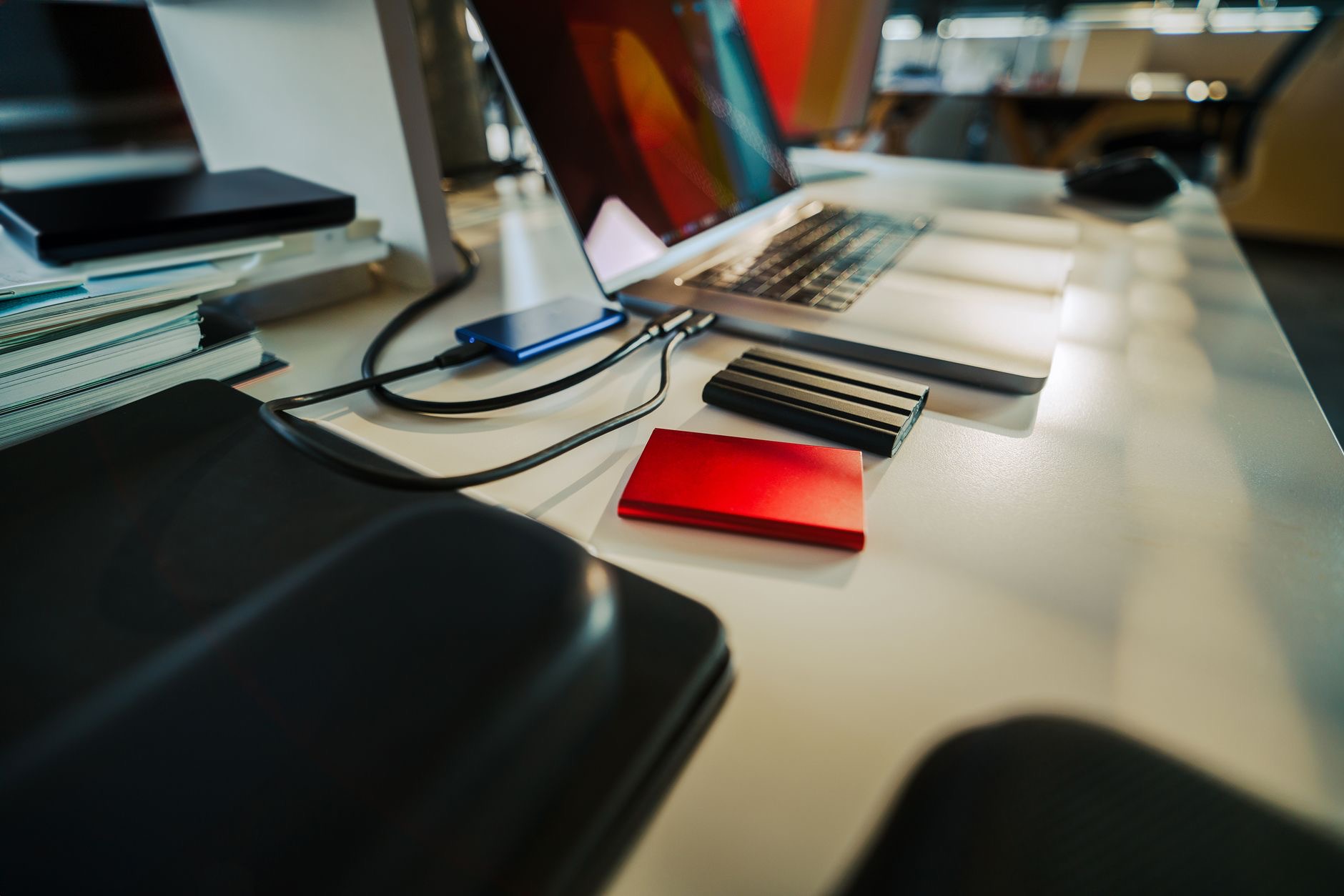
Sooner or later every Mac hits the same wall: storage full, and the internal drive cannot grow. The fix is external, and the good news is that modern portable SSDs are small, fast, and simple enough that one drive can solve storage for years. Here is how to choose the best external drive for your Mac, what capacity actually makes sense, and the setup that ends storage anxiety for good.
Why an SSD, Not an Old-School Hard Drive
External storage comes in two families: traditional spinning hard drives and modern solid-state drives. For almost everyone with a Mac, the SSD is the right answer. It is dramatically faster, so files open and copy without coffee breaks; it is pocketable instead of desk-bound; and with no moving parts, it shrugs off the bumps of a bag that would worry a spinning drive. The old drives win only on cost per terabyte for cold archives. For everything you actually touch, SSD wins.
The Do-Everything Choice: A 1TB Portable SSD
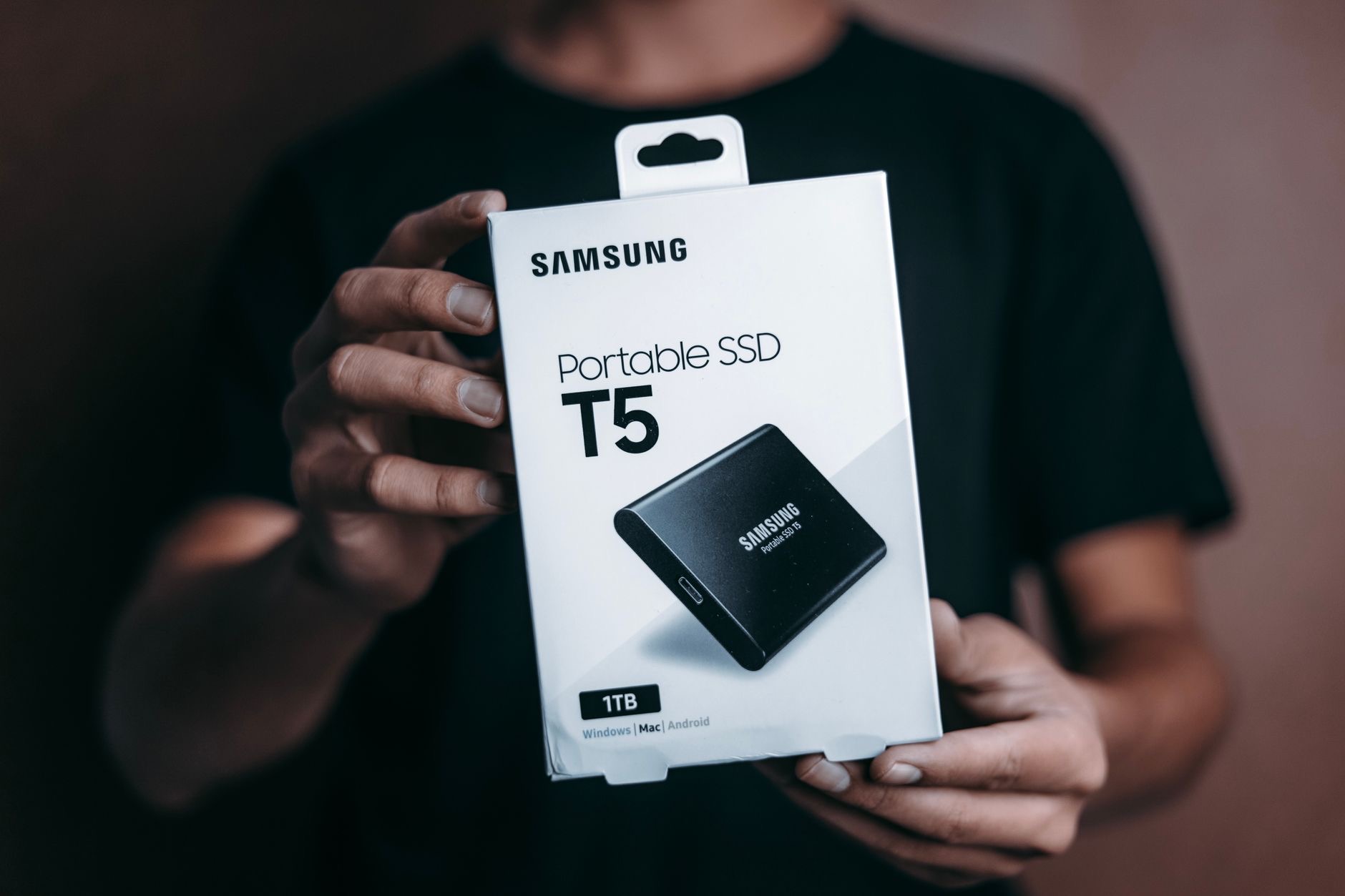
For most Mac owners, a 1TB portable SSD is the sweet spot. It swallows years of photos, documents, and projects, gives your Mac's internal drive room to breathe again, and doubles as the home for automatic backups. It connects over USB-C, needs no power brick, and lives happily in a pocket or bag. One drive, most problems solved, at a price that makes the upgrade easy to justify. If you are not sure what you need, you need this.
★ Editor's Pick · Amazon
1TB Portable SSD
The sweet spot that solves storage for most people
When to Go 2TB
Step up to 2TB if your life involves big media: photographers with growing libraries, video shooters, music producers, and anyone whose projects are measured in gigabytes each. The larger capacity also stores a longer, richer backup history, which matters when you want to recover last month's version of a file, not just yesterday's. The rule of thumb is simple: buy comfortably more than the data you have today, because libraries only grow, and re-buying later costs more than headroom now.
★ Editor's Pick · Amazon
2TB Portable SSD
Room for big media libraries and deep backups
The Backup Job: Your Drive's Most Important Role
Whatever else your external drive does, its most important job is holding a backup. Connect it, let your Mac's built-in backup feature copy everything automatically, and a failed drive or lost laptop becomes an inconvenience instead of a catastrophe. Photos, documents, and memories deserve at least one copy that lives outside the computer. If your Mac currently has no backup, this, not extra space, is the reason to order a drive today.

Connecting It All: The Hub Trick
If your Mac's ports are already busy, a USB-C hub keeps the drive connected alongside your monitor and accessories through one tidy connection. Desk users especially benefit: the drive lives plugged into the hub, backups run automatically whenever the laptop connects, and grabbing the Mac for the sofa takes one unplug. It is the difference between a backup that happens by itself and one you have to remember, and backups you remember are backups that eventually stop happening.
★ Editor's Pick · Amazon
USB-C Hub
Keep the drive connected without sacrificing ports
Simple Habits for a Long Drive Life
External drives are low-maintenance, but three habits keep yours healthy for years. Eject before unplugging, so files finish writing cleanly. Keep truly irreplaceable things, like a photo library, in two places, the drive plus a cloud copy or second drive, since any single object can be lost. And label or name drives clearly if you own several, so future-you knows what lives where. Small habits, long drive life, zero drama.
| Your situation | Best pick |
|---|---|
| Storage full, general use | 1TB portable SSD |
| Photos, video, big projects | 2TB portable SSD |
| No backup at all | Any SSD, today |
| Busy ports at a desk | SSD plus a USB-C hub |
Frequently Asked Questions
What is the best external drive for a Mac?
For almost everyone, a portable USB-C SSD: dramatically faster than old spinning drives, pocketable, and durable with no moving parts. A 1TB model is the sweet spot for general use, while 2TB suits photographers, video shooters, and anyone with big media libraries.
SSD or hard drive for a Mac?
SSD, unless you are building a cheap cold archive. SSDs open and copy files far faster, survive bag life without worry, and need no power brick. Traditional hard drives win only on cost per terabyte for data you rarely touch, which is not how most people use external storage.
What size external drive do I need?
Buy comfortably more than the data you have today, since libraries only grow. For most people that means 1TB, which swallows years of photos and documents plus backups. Go 2TB if your work involves video, large photo libraries, or you want a longer backup history.
Can I use an external SSD for Mac backups?
Yes, and it is the drive's most important job. Connect it and let your Mac's built-in backup feature copy everything automatically, so a failed drive or lost laptop becomes an inconvenience rather than a catastrophe. If you have no backup today, that alone justifies the purchase.
How do I keep an external drive healthy?
Eject before unplugging so writes finish cleanly, keep irreplaceable data in two places since any single drive can be lost, and label drives clearly if you own several. External SSDs are low-maintenance, and these small habits keep them reliable for years.
Should the drive stay plugged in?
At a desk, yes, ideally through a USB-C hub so it connects alongside your monitor automatically. That way backups run by themselves whenever the laptop is docked, which beats remembering, since backups you must remember eventually stop happening.
The Bottom Line
The best external drive for a Mac is a portable USB-C SSD: fast, pocketable, and durable. Choose 1TB for general storage relief and automatic backups, or 2TB for big media libraries and deeper backup history, and always buy headroom over your current data. Give the drive its most important job, backing up your Mac, keep irreplaceable files in two places, and connect through a hub at a desk so it all happens automatically. One good drive, and storage stops being a problem.
Leave a Reply