

The right accessories can make Apple devices dramatically easier, safer, and more enjoyable for older adults, and give their families genuine peace of mind. The best choices here are not gadgets for their own sake, but simple, thoughtful additions that solve real problems: safety, readability, easy charging, and never losing important things. Here are the best Apple accessories for seniors, chosen for simplicity and genuine everyday value.
An Apple Watch With Fall Detection
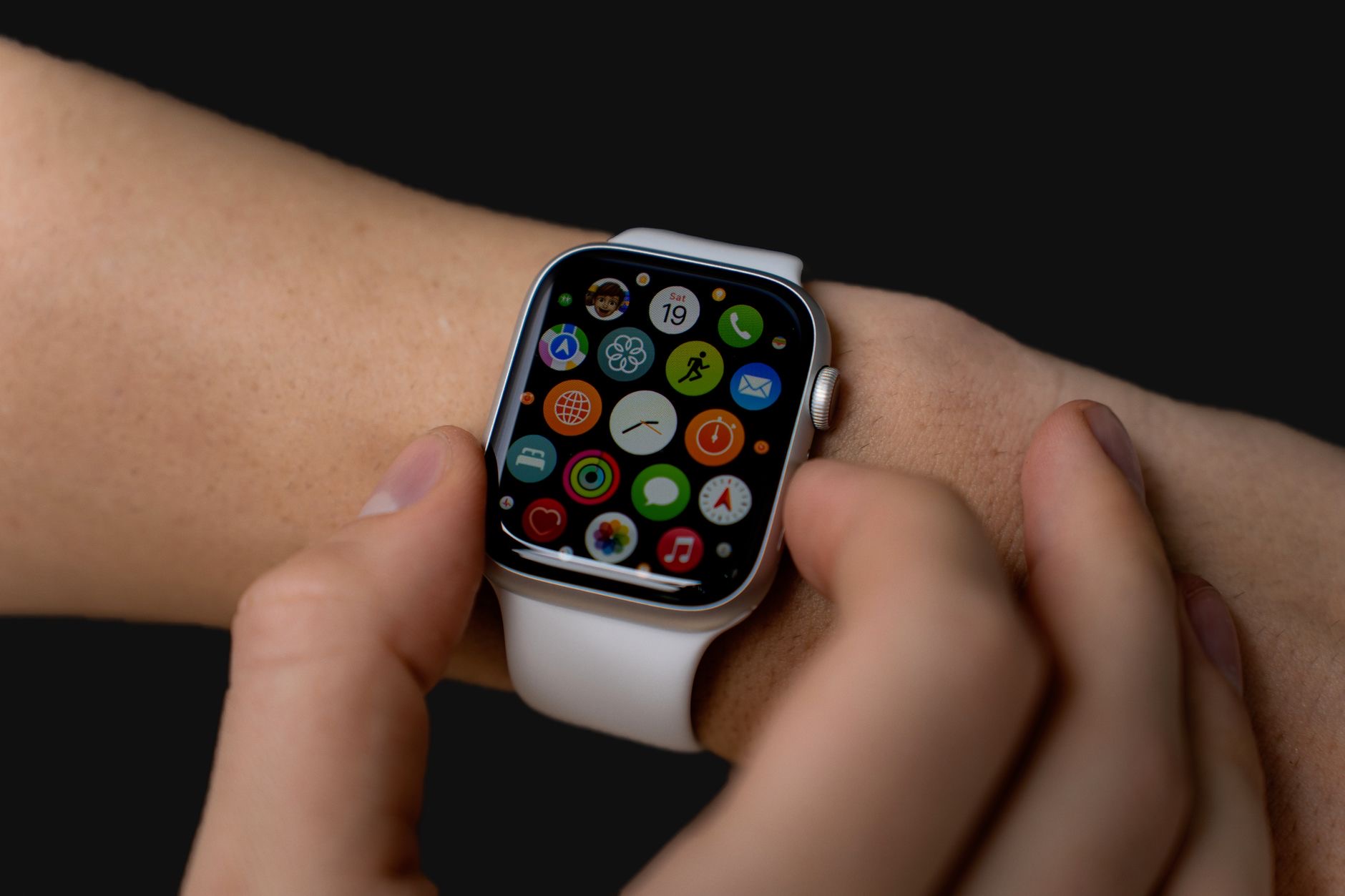
For safety, nothing on this list matters more. The Apple Watch SE offers fall detection, which can recognize a hard fall and help summon assistance and alert family, even if the wearer cannot reach a phone. For older adults living alone, and for the families who worry about them, this single feature justifies the whole purchase. It is a watch, a health companion, and a quiet safety net all in one, at the friendliest price in the lineup. Set up emergency contacts, and it stands ready.
★ Editor's Pick · Amazon
Apple Watch SE
Fall detection and peace of mind on the wrist
Options: Apple Watch SE · Apple Watch Series
A Tablet Stand for Easy, Comfortable Viewing
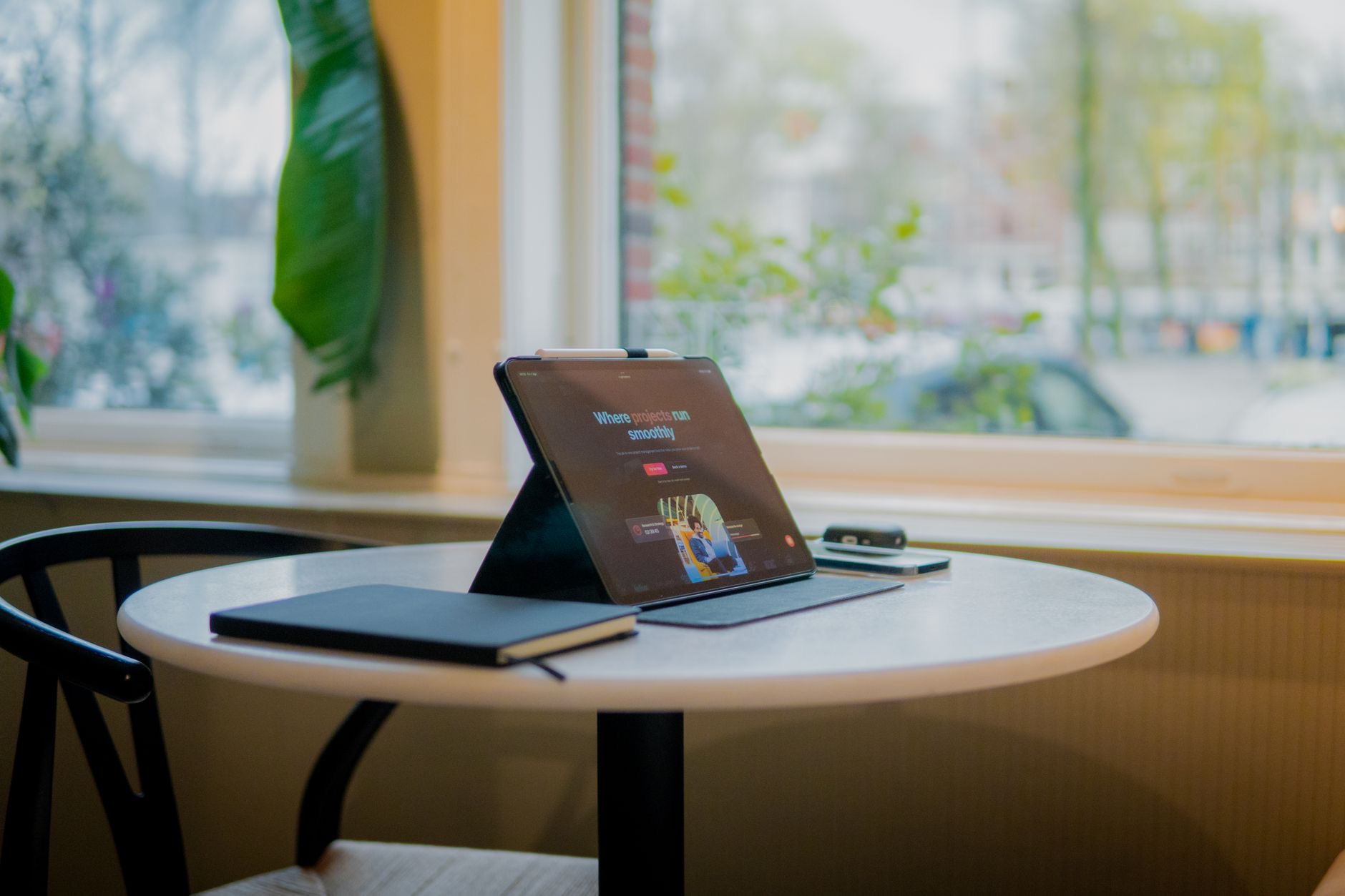
An iPad is wonderful for video calls with grandchildren, reading, and shows, but holding one gets tiring quickly. A sturdy stand holds the iPad at a comfortable angle on a kitchen table or beside a chair, making video calls hands-free and reading strain-free. It is a simple, inexpensive accessory that removes a real physical barrier and makes the iPad something to enjoy for hours rather than minutes. For any senior with an iPad, a stand is one of the most-used gifts you can give.
★ Editor's Pick · Amazon
Tablet Stand
Hands-free video calls and comfortable reading
Effortless Magnetic Charging
Fiddly cables are a genuine daily frustration for hands that are not as nimble as they once were. A MagSafe charger removes the fiddle entirely: the phone snaps itself into the right spot and charges, no plug to align, no port to find. Kept in one consistent place, it also builds a reliable routine, so the phone is always charged and always findable in the same spot. It is a small change that removes a daily annoyance and quietly prevents the dead-phone problem families worry about.
★ Editor's Pick · Amazon
MagSafe Charger
Charging with no fiddly cables, it snaps itself on
An AirTag for Keys and Bags
Misplacing keys happens to everyone, but it can be especially stressful for older adults. An AirTag on the keyring means keys can be found in seconds with a chirp from the phone, ending frantic searches for good. Tags in a handbag or on a walker bag add the same reassurance. For families, knowing that important items are findable removes a recurring source of stress on both sides. A multipack covers the essentials affordably in one go.
★ Editor's Pick · Amazon
AirTag (single or 4-pack)
End the search for keys and bags
A Case and Screen Protector, Chosen for Grip
Phones slip, and a good case does two jobs for older hands: it protects the phone from drops and, just as importantly, makes it easier to hold in the first place. A grippy, rugged case plus a tempered glass screen protector means an accidental drop is a non-event instead of a broken phone and a stressful repair trip. Choosing the case for grip and the protector for the screen keeps the device safe and its owner confident handling it every day.
★ Editor's Pick · Amazon
Grippy Rugged Case
Easier to hold, protected when dropped
Set It Up Together
The final ingredient is not a product: it is setup. Whichever accessories you choose, spend an hour setting them up together, adding emergency contacts and Medical ID, placing the charger in its permanent spot, attaching the AirTag, and practicing a video call on the stand. Accessories deliver their value when they slot into a comfortable routine, and that hour of patient setup is what turns thoughtful purchases into daily habits that genuinely improve life and safety.
| Accessory | What it solves |
|---|---|
| Apple Watch SE | Fall detection and safety |
| Tablet stand | Comfortable calls and reading |
| MagSafe charger | No fiddly cables |
| AirTag and grippy case | Lost keys and dropped phones |
Frequently Asked Questions
What are the best Apple accessories for seniors?
An Apple Watch SE for fall detection and safety, a tablet stand for comfortable video calls and reading, a MagSafe charger to remove fiddly cables, an AirTag for keys, and a grippy case with a screen protector. Each solves a real everyday problem simply, which is what matters most.
Why is the Apple Watch good for older adults?
Fall detection can recognize a hard fall and help summon assistance and alert family, even if the wearer cannot reach a phone. Combined with heart rate awareness and emergency features, it is a quiet safety net on the wrist, and the SE offers it at the friendliest price.
How does a MagSafe charger help seniors?
It removes the fiddle of cables entirely, since the phone snaps itself into position and charges. Kept in one consistent spot, it builds a reliable routine so the phone is always charged and always in the same place, which prevents both dead batteries and misplaced phones.
Is an iPad good for video calls with family?
Excellent, especially on a stand that holds it at a comfortable angle for hands-free calls. The big screen makes faces easy to see, and the stand removes the tiring job of holding the device, turning family video calls into something comfortable and genuinely enjoyable.
What helps with dropped phones?
A grippy, rugged case makes the phone easier to hold in the first place and protects it when a drop happens anyway, while a tempered glass screen protector guards the display. Together they turn accidents into non-events and keep the owner confident handling the phone.
What should families set up first?
Do the setup together: emergency contacts and Medical ID on the phone and watch, the charger in a permanent spot, the AirTag attached, and a practice video call on the stand. An hour of patient setup is what turns these accessories into daily habits that improve life and safety.
The Bottom Line
The best Apple accessories for seniors solve real problems with simplicity. An Apple Watch SE adds fall detection and genuine safety, a stand makes video calls and reading comfortable, a MagSafe charger ends cable fiddling, an AirTag finds the keys, and a grippy case with a screen protector handles drops. Set everything up together so it slots into a comfortable routine, and these thoughtful purchases become daily habits that make life easier, safer, and more connected for everyone involved.
Leave a Reply