

That moment of panic when you realize your iPhone is missing is horrible, but do not lose hope. Your iPhone has powerful built-in tools to help you find it, whether it slipped down the sofa or you left it somewhere. And if it is truly lost or stolen, you can protect your data too. Here is how to find a lost iPhone quickly, get it back, and keep your information safe if the worst has happened.
Act Quickly but Calmly
When your iPhone goes missing, acting promptly gives you the best chance of finding it, but staying calm helps you think clearly. Your iPhone is designed with features specifically to help you locate a lost device, so there is genuine reason for optimism. Whether it is nearby or somewhere else entirely, there are steps you can take right away to track it down and, if needed, secure it. Knowing these tools exist and how to use them turns a moment of panic into a clear plan of action to get your phone back.
Use Find My to Locate It
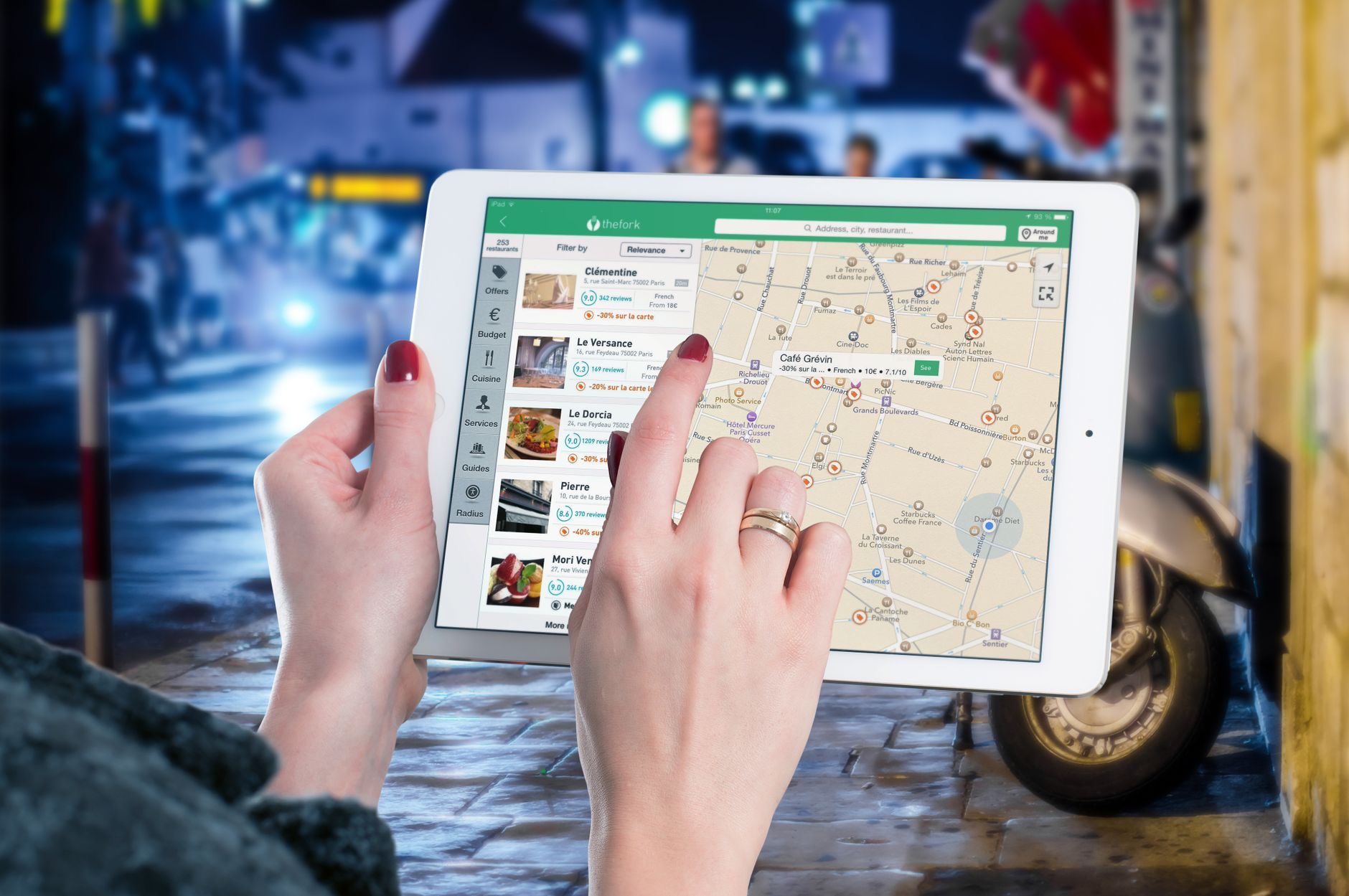
The key tool for finding a lost iPhone is the Find My feature, which can show you the location of your device on a map. Using another device or a computer, you can sign in and see where your iPhone is, helping you work out whether it is at home, at work, or somewhere you visited. This location ability is the heart of finding a lost phone, giving you a real sense of where to look. Being able to see your iPhone's location is often the fastest way to be reunited with it.
Make It Play a Sound
If your iPhone is nearby but you cannot see it, perhaps lost in your home, down the sofa, or in another room, you can make it play a sound. This feature triggers your iPhone to make a noise even if it is on silent, helping you find it by ear. It is perfect for those frustrating times when your phone is somewhere close but hidden. Making your iPhone play a sound is one of the most satisfying and effective tools for tracking down a phone that is nearby but out of sight.
Lock It and Protect Your Data
If your iPhone is genuinely lost or possibly stolen, protecting your information becomes the priority. You can put your iPhone into a lost mode that locks it, so your data stays secure and others cannot access it. You can also display a message on the screen, for example asking a finder to contact you, which can help an honest person return it. Locking your lost iPhone keeps your personal information safe while you try to recover it, giving you peace of mind that your data is protected even if the phone is in someone else's hands.
If You Cannot Recover It
Sometimes a phone cannot be found, and if that happens, your priority shifts fully to protecting your data and accounts. With your iPhone locked, your information stays secure. It is also wise to secure your accounts by changing important passwords, and as a last resort, you can remotely erase your device to ensure your personal data does not fall into the wrong hands. Taking these steps means that even in the worst case, your privacy and accounts remain protected, which is the most important thing when a phone is truly gone.
Prepare Before It Happens
The best way to handle a lost iPhone is to be ready in advance. Make sure the Find My feature is set up and enabled on your iPhone so it is ready to help if you ever need it. Keep your data backed up so you never lose your photos and information even if the phone is gone. A little preparation means that if your iPhone ever goes missing, you can act quickly and confidently. Setting these things up now is a small effort that pays off enormously in a stressful moment.
| Situation | What to do |
|---|---|
| Phone nearby but hidden | Make it play a sound |
| Phone somewhere else | Locate it on a map with Find My |
| Lost or possibly stolen | Lock it and show a message |
| Cannot recover it | Secure accounts, erase if needed |
Frequently Asked Questions
How do I find my lost iPhone?
Use the Find My feature, which shows your iPhone's location on a map when you sign in from another device or computer. If it is nearby but hidden, make it play a sound to find it by ear. If it is truly lost or stolen, lock it to protect your data while you try to recover it.
Can I make my lost iPhone play a sound?
Yes. If your iPhone is nearby but out of sight, you can trigger it to play a sound even if it is on silent, helping you locate it by ear. This is perfect for a phone lost in your home, down the sofa, or in another room, and is one of the most effective tools for a nearby phone.
How do I protect my data if my iPhone is stolen?
Put your iPhone into a lost mode that locks it so your data stays secure and others cannot access it, and you can display a message asking a finder to contact you. If you cannot recover it, secure your accounts by changing passwords and, as a last resort, remotely erase the device.
What is Find My and how does it help?
Find My is the feature that helps you locate a lost iPhone by showing its location on a map, making it play a sound, and letting you lock or erase it. It is the key tool for finding a missing phone, so making sure it is set up and enabled beforehand is genuinely important.
What if I cannot find my iPhone at all?
Your priority becomes protecting your data and accounts. With your iPhone locked, your information stays secure. Change important passwords to secure your accounts, and as a last resort, remotely erase your device so your personal data does not fall into the wrong hands, keeping your privacy protected.
How can I prepare in case I lose my iPhone?
Make sure the Find My feature is set up and enabled so it is ready to help, and keep your data backed up so you never lose your photos and information even if the phone is gone. This small bit of preparation lets you act quickly and confidently if your iPhone ever goes missing.
The Bottom Line
A lost iPhone is often recoverable, so act promptly but stay calm. Use Find My to see its location on a map, make it play a sound if it is nearby but hidden, and lock it with a message if it is truly lost or stolen to protect your data. If you cannot recover it, secure your accounts and erase it as a last resort. Above all, set up Find My and keep backups in advance, so you are ready to act quickly if it ever happens.
Leave a Reply