
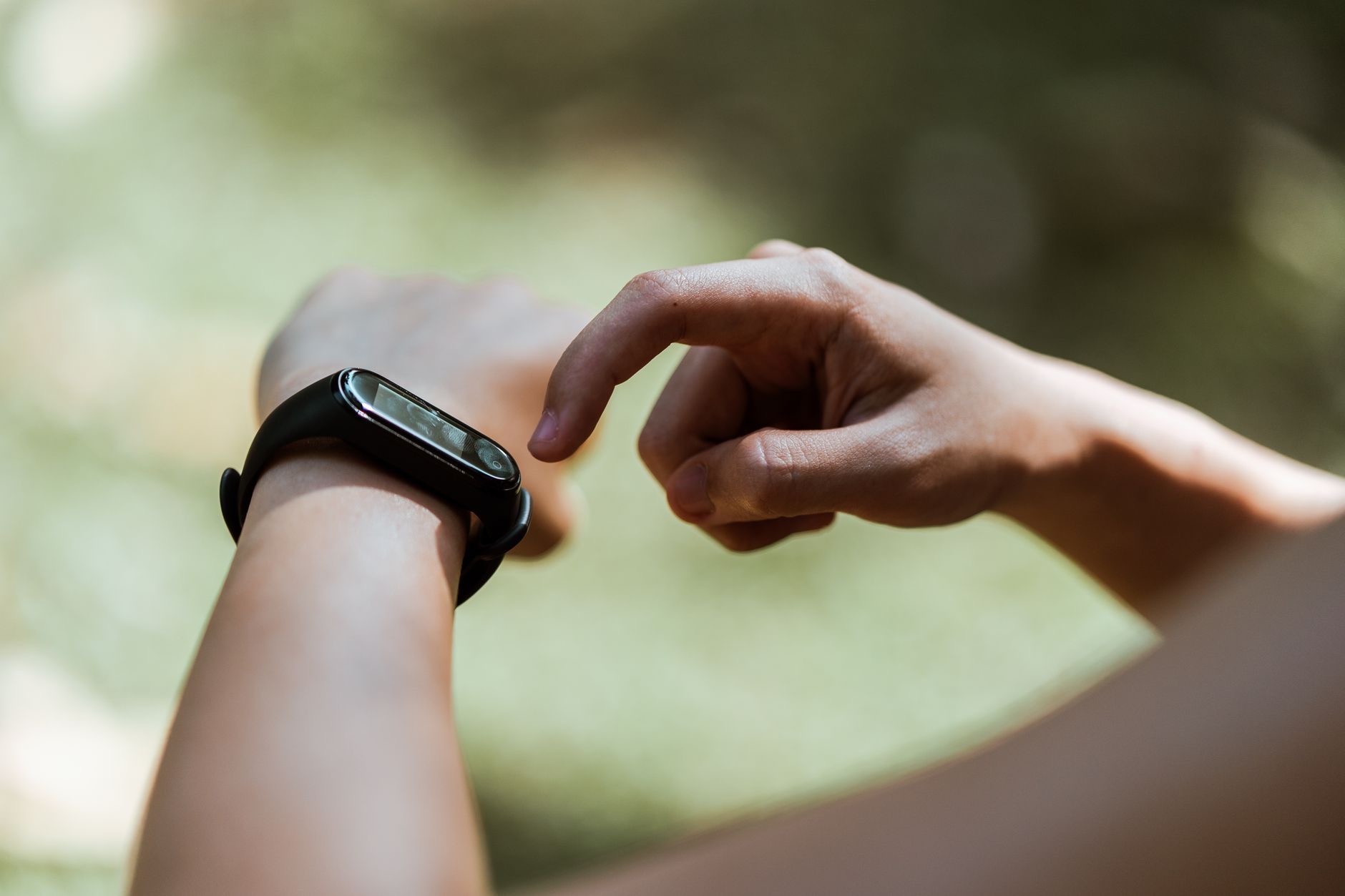
Your Apple Watch is a brilliant activity companion, so when it stops counting your steps accurately, or seems to miss them entirely, it is frustrating and demotivating. The good news is that step tracking problems usually come from simple causes like fit, settings, or a glitch, all of which you can fix yourself. Here is how to fix an Apple Watch that is not tracking your steps properly, so you get reliable, motivating activity tracking again.
Why Step Tracking Goes Wrong
Accurate step tracking depends on your watch being worn correctly, set up properly, and working without glitches, so problems usually come from one of those areas. A watch worn too loosely, incorrect personal information, or a temporary software hiccup can all throw off your step count. The reassuring news is these are simple to address. Rather than assuming your watch is faulty, work through a few checks covering fit, settings, and glitches, and you will usually restore accurate tracking. Most step tracking problems are minor and fixable in just a few minutes.
Check How You Wear It
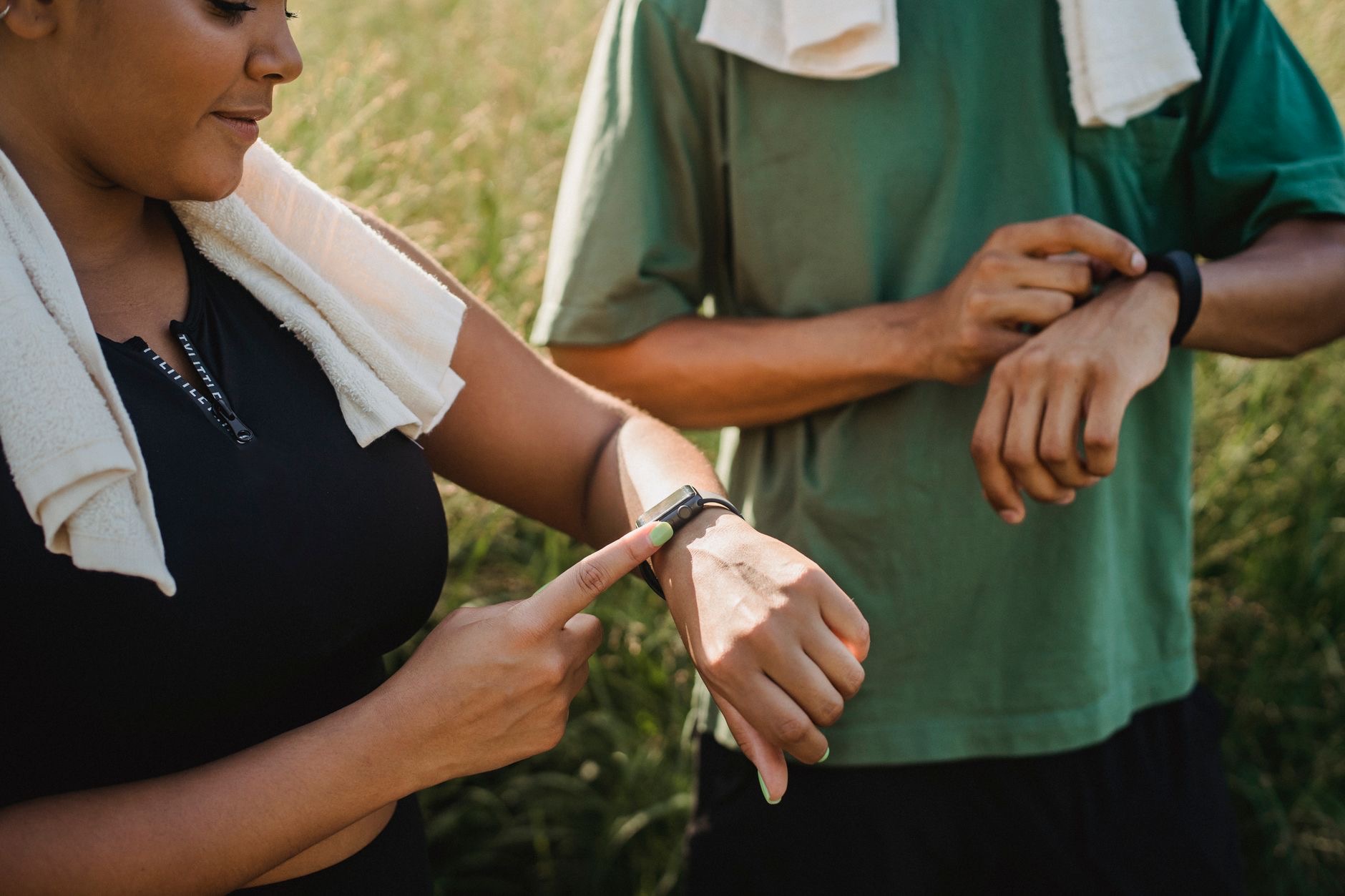
One of the biggest factors in accurate tracking is how you wear your watch. For reliable step and activity tracking, your Apple Watch needs to be worn snugly and correctly on your wrist, not too loose, so its sensors can work properly. A watch that slides around or is worn too loosely may not track your movement accurately. Make sure your watch fits comfortably but securely, and is positioned correctly on your wrist. Getting the fit right is often the single most important fix for inaccurate step and activity tracking.
Verify Your Personal Information
Your Apple Watch uses your personal details to help calculate your activity accurately, so if this information is incorrect or missing, your tracking can be off. Check that your personal information in the health and fitness settings is accurate and up to date, since details like this help your watch measure your steps and activity correctly. Making sure your information is right allows your watch to track more accurately. It is an easy thing to overlook, but correct personal details genuinely help your step and activity tracking be more reliable.
Restart Your Watch
As with most devices, a restart clears temporary glitches that can affect tracking. If your Apple Watch suddenly stopped counting steps accurately or seems stuck, turning it off and back on can resolve the problem by giving it a fresh start. It is a quick, easy step that fixes a surprising number of odd issues, including tracking ones. Restarting your watch, and your paired iPhone too, is always worth trying when tracking goes wrong, since a temporary glitch is a common and easily cleared cause of inaccurate step counting.
Check Settings and Updates
A few more checks help. Make sure the settings related to fitness and motion tracking are enabled, since tracking relies on these being on. Keeping your watch and iPhone software up to date matters too, as updates fix bugs that can affect tracking accuracy. Ensuring the right settings are enabled and your software is current addresses common causes of step tracking problems. Combined with a good fit and correct personal information, these steps cover the main reasons your Apple Watch might not be tracking your steps reliably.
Get Back to Accurate Tracking
Putting it together, when your Apple Watch is not tracking steps well, check that you are wearing it snugly and correctly, verify your personal information is accurate, restart your watch and iPhone, and make sure the relevant settings are enabled and your software is updated. Working through these simple steps resolves the great majority of tracking problems, restoring the accurate, motivating activity tracking that makes your Apple Watch such a great fitness companion. Reliable step counting is usually just a few quick checks away.
| Cause | Fix |
|---|---|
| Loose or incorrect fit | Wear it snugly and correctly |
| Wrong personal information | Update your details in settings |
| Temporary glitch | Restart your watch and iPhone |
| Settings or software | Enable tracking settings, update |
Frequently Asked Questions
Why is my Apple Watch not tracking steps?
Usually because it is worn too loosely, your personal information is incorrect, a setting is off, or there is a temporary glitch. These simple causes are easy to fix by wearing your watch snugly and correctly, updating your details, enabling tracking settings, and restarting your watch.
How do I fix inaccurate step tracking?
Wear your watch snugly and correctly so its sensors work, verify your personal information is accurate, restart your watch and iPhone to clear glitches, and make sure fitness and motion tracking settings are enabled with your software updated. These steps restore reliable tracking for most people.
Does how I wear my watch affect tracking?
Yes, significantly. For accurate step and activity tracking, your Apple Watch needs to be worn snugly and correctly, not too loose, so its sensors can work. A watch that slides around may not track movement accurately, so getting the fit right is often the single most important fix.
Can wrong personal information affect tracking?
Yes. Your Apple Watch uses your personal details to help calculate activity accurately, so incorrect or missing information can throw off your tracking. Checking that your details in the health and fitness settings are accurate and up to date helps your watch measure steps and activity correctly.
Will restarting help step tracking?
Often, yes. A restart clears temporary glitches that can affect tracking, so if your watch suddenly stopped counting accurately or seems stuck, turning it and your paired iPhone off and on can resolve it. It is a quick step that fixes a surprising number of tracking issues.
Do settings affect step tracking?
Yes. Tracking relies on the relevant fitness and motion settings being enabled, so make sure those are on. Keeping your watch and iPhone software updated matters too, since updates fix bugs affecting accuracy. Correct settings and current software are key to reliable step tracking.
The Bottom Line
An Apple Watch that is not tracking steps well is usually an easy fix. Make sure you are wearing it snugly and correctly so its sensors work, verify your personal information is accurate, restart your watch and iPhone to clear glitches, and check that tracking settings are enabled and your software is updated. Work through these simple steps, and you will restore the accurate, motivating activity tracking that makes your Apple Watch such a great companion for staying active.
Leave a Reply