
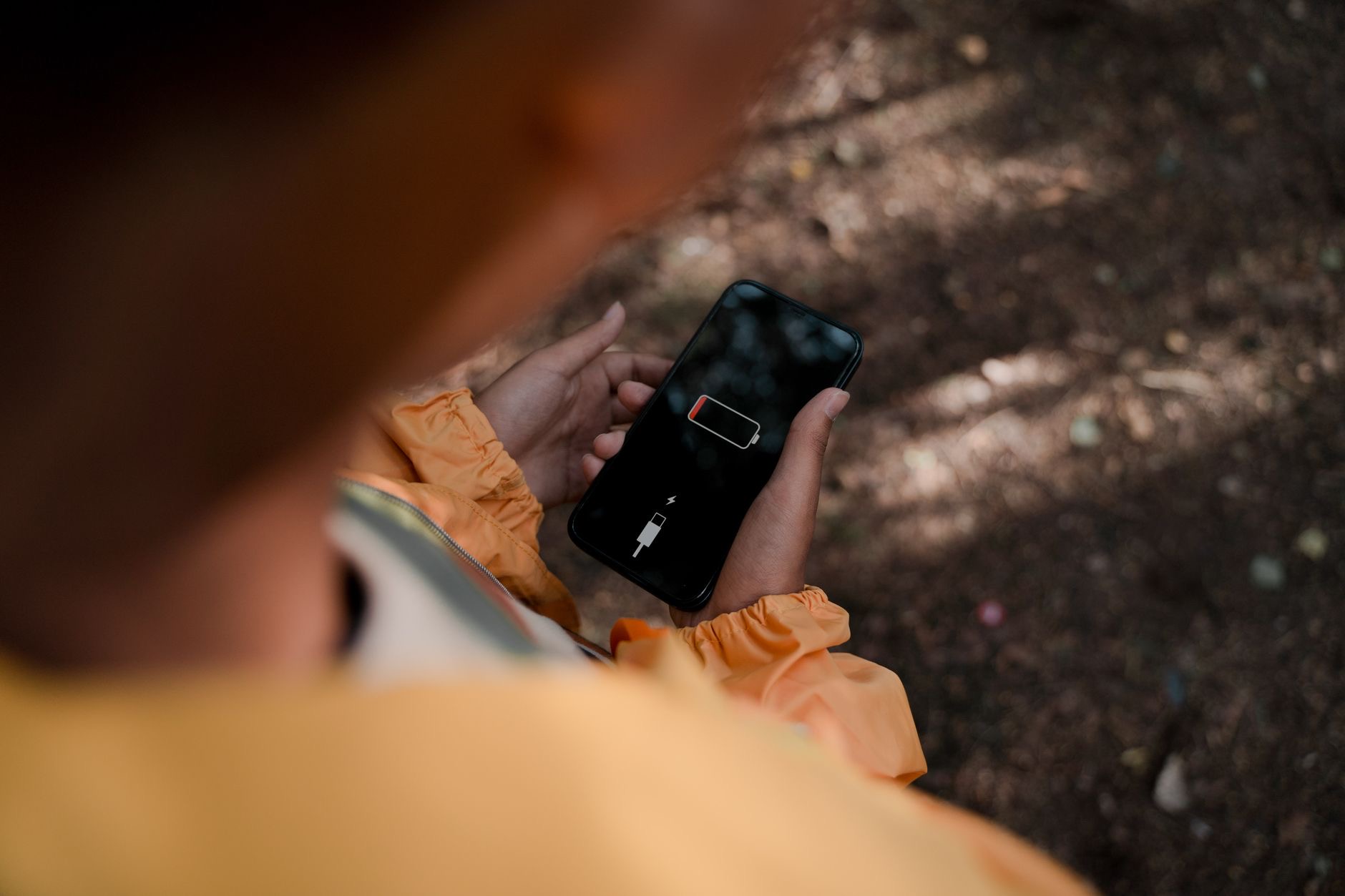
When your iPhone battery gets low, it offers to turn on Low Power Mode, but what does that actually do, and should you use it? It turns out this simple feature is one of the handiest tools for stretching your battery when you need it most. Here is a plain explanation of what Low Power Mode is, what it changes, and exactly when to use it to keep your iPhone going longer.
The Short Answer
Low Power Mode is a setting that helps your iPhone's battery last longer by reducing background activity and some functions temporarily. When you turn it on, your iPhone conserves power so you get more time before needing to charge. It is designed for those moments when your battery is running low and you want to extend it, or any time you simply want to save power. In short, it is a quick, easy way to squeeze more life out of your battery when you need it.
What It Actually Changes
When Low Power Mode is on, your iPhone reduces or pauses certain power-hungry activities that happen in the background, trimming things that use energy without you actively needing them at that moment. Your phone still works normally for the things you are doing, calls, messages, apps, but it is more economical with power behind the scenes. The changes are designed to save meaningful battery while keeping your iPhone perfectly usable. You get extended battery life in exchange for some background activity being reduced while the mode is active.
When to Turn It On
The classic time to use Low Power Mode is when your battery is getting low and you need your iPhone to last until you can charge, on a long day out, while traveling, or when a charger is not handy. It is perfect for stretching those final hours. But you do not have to wait until your battery is low, you can turn it on any time you want to conserve power, such as when you know you will be away from a charger for a while. It is a flexible tool for whenever battery life matters.
It Turns Off Automatically
A convenient detail is that Low Power Mode can turn itself off once your iPhone is charged back up, so you do not have to remember to disable it. This means you can turn it on when your battery is low, charge your phone later, and it returns to normal without any effort. You can also turn it off manually whenever you like. This automatic behavior makes Low Power Mode easy to use casually, switching it on when you need to save power and letting your phone handle the rest once it is charged again.
Should You Use It All the Time?
Some people wonder about leaving Low Power Mode on constantly. It is fine to use whenever you want to save battery, and some people do keep it on often to maximize their battery life throughout the day. The trade-off is that some background activity is reduced, which most people barely notice. If squeezing the most from your battery matters to you, using it frequently is perfectly reasonable. If you prefer everything running fully in the background, use it mainly when your battery is low. Either approach is valid depending on your priorities.
A Simple Tool for Longer Battery
Low Power Mode is one of those simple, genuinely useful features worth knowing. Whenever your battery is running low or you want to conserve power, turning it on gives you extra time with minimal downside. It is especially valuable on long days, while traveling, or any time a charger is out of reach. Combined with other good battery habits, it helps ensure your iPhone lasts when you need it. Keep it in mind as an easy, reliable way to stretch your battery whenever the situation calls for it.
| Aspect | What it means |
|---|---|
| What it does | Extends battery by reducing background activity |
| When to use it | Low battery or to conserve power |
| Turns off | Automatically once charged, or manually |
| Trade-off | Some background activity reduced |
Frequently Asked Questions
What is Low Power Mode on iPhone?
It is a setting that helps your battery last longer by temporarily reducing background activity and some functions. When on, your iPhone conserves power so you get more time before charging. It is designed for when your battery is low or any time you want to save power, while keeping your phone usable.
What does Low Power Mode change?
It reduces or pauses certain power-hungry background activities that use energy without you actively needing them, making your iPhone more economical with power behind the scenes. Your phone still works normally for calls, messages, and apps, so you get extended battery in exchange for reduced background activity.
When should I turn on Low Power Mode?
Classically when your battery is low and you need your iPhone to last until you can charge, such as on a long day out or while traveling. But you can turn it on any time you want to conserve power, like when you know you will be away from a charger for a while. It is flexible.
Does Low Power Mode turn off by itself?
It can turn itself off once your iPhone is charged back up, so you do not have to remember to disable it. You can also turn it off manually anytime. This makes it easy to use casually, switching it on when your battery is low and letting your phone return to normal once charged.
Can I leave Low Power Mode on all the time?
Yes, it is fine to use whenever you want to save battery, and some people keep it on often to maximize battery life. The trade-off is reduced background activity, which most barely notice. If getting the most from your battery matters, using it frequently is perfectly reasonable.
Does Low Power Mode slow down my iPhone?
It reduces some background activity to save power, so your phone is more economical behind the scenes, but it remains usable for the things you are actively doing. Most people barely notice a difference in everyday use, gaining extended battery life while still using their iPhone normally.
The Bottom Line
Low Power Mode is a simple, handy feature that extends your iPhone's battery by trimming background activity when you need to conserve power. Turn it on when your battery is running low or any time you want to stretch your charge, such as on long days or while traveling. It can switch off automatically once you charge up, and the reduced background activity is barely noticeable. Keep it in mind as an easy, reliable way to keep your iPhone going longer whenever it matters.
Leave a Reply