
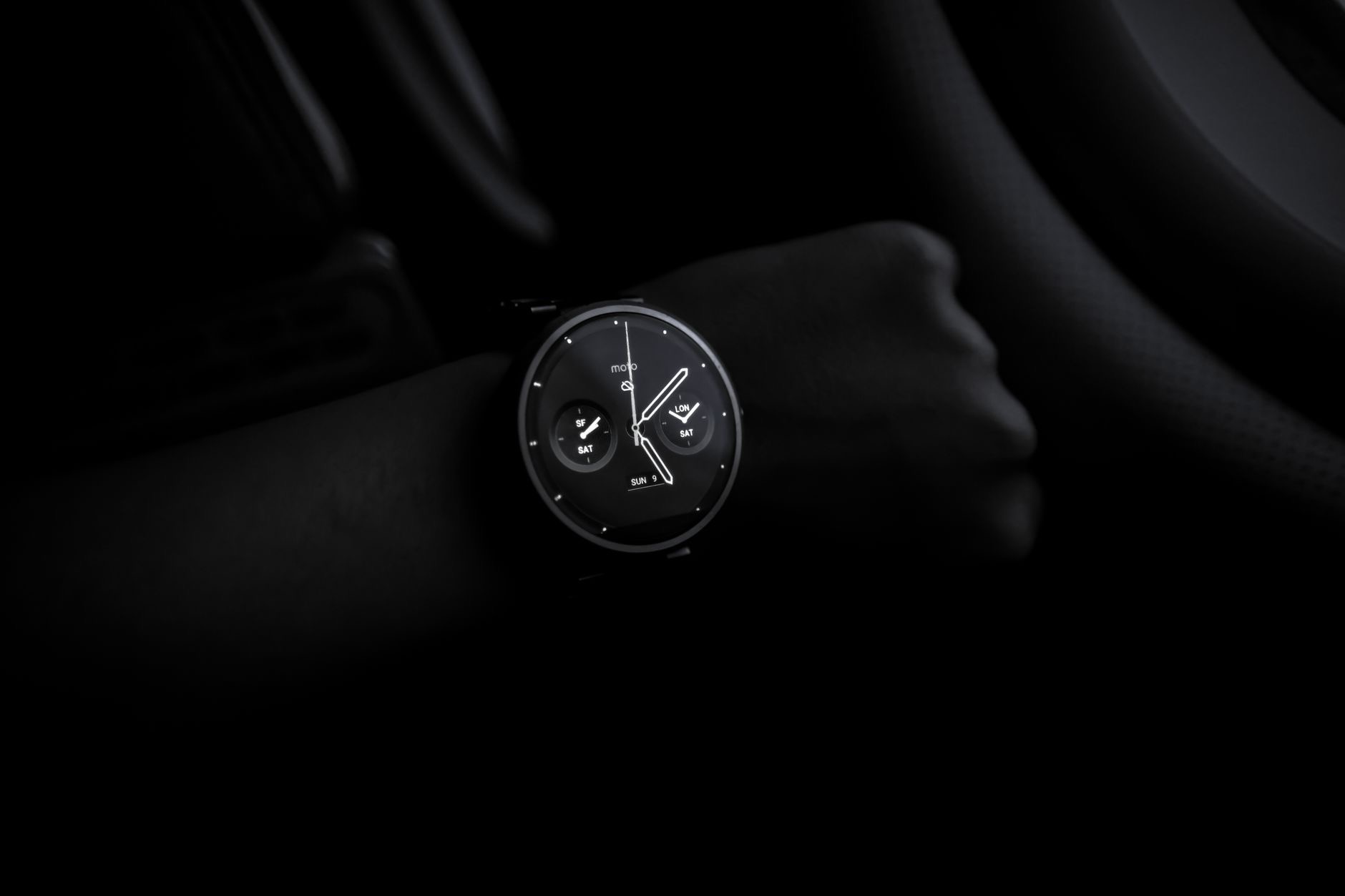
Good sleep shapes how we feel, think, and live, yet many of us have little idea what our nights actually look like. Your Apple Watch can track your sleep and help you understand and improve it, gently guiding you toward better rest. If you want more insight into your nights and healthier sleep habits, here is how to track your sleep with your Apple Watch and use it to genuinely improve how you rest.
Why Track Your Sleep
Tracking your sleep gives you insight into something you normally experience without seeing, how long you sleep and the patterns of your nights. This awareness can be genuinely motivating, helping you notice whether you are getting enough rest and how your habits affect your sleep. Many people find that simply seeing their sleep information encourages them to prioritize rest and build better routines. Understanding your sleep is the first step to improving it, and your Apple Watch makes that understanding effortless by quietly gathering it while you sleep.
Set Up Sleep Tracking
To track your sleep, you set up the sleep features on your Apple Watch and iPhone, which let you establish a sleep schedule and enable tracking for when you wear your watch to bed. The setup guides you through creating your sleep goals and routine. Once configured, your watch can track your sleep automatically each night. Taking a few minutes to set this up properly, including your intended sleep schedule, ensures you get useful, consistent information and helps the features support your rest rather than just measure it.
Wear It Comfortably to Bed
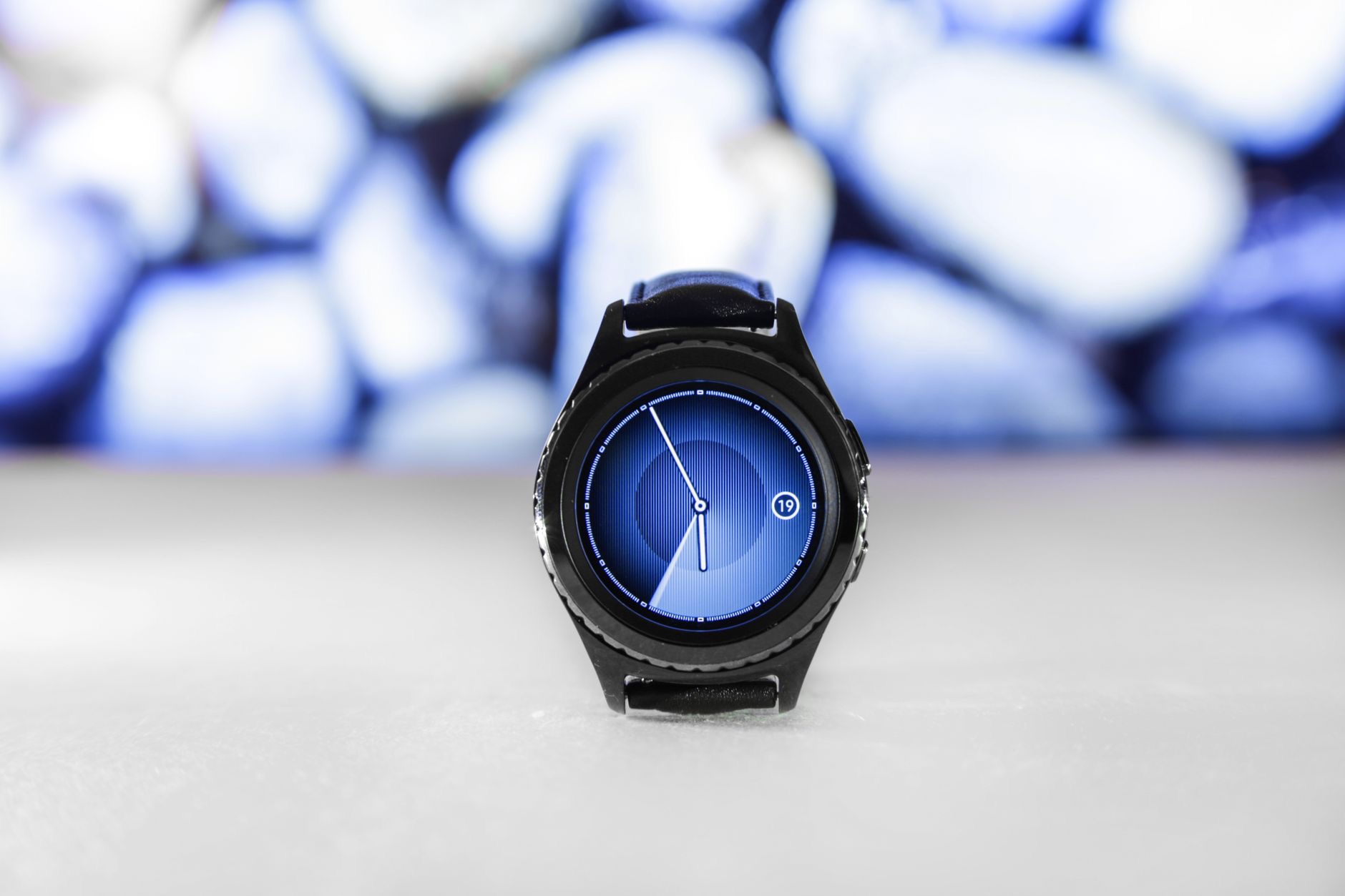
To track your sleep, you need to wear your Apple Watch to bed, so comfort matters. Make sure your watch is comfortable enough to sleep in, with a band that feels good overnight, so wearing it does not disturb your rest. It also helps to have enough battery to last the night, so charging your watch at a convenient time, such as while getting ready, means it is ready for sleep tracking. A comfortable fit and a charged watch make overnight tracking easy and unobtrusive, so you barely notice it while you sleep.
Understand What It Shows
Your Apple Watch and iPhone present your sleep information in an accessible way, showing you details about your nights over time. Reviewing this helps you spot patterns, such as whether you are consistently getting enough sleep or how your bedtime varies. The value is in the trends and awareness rather than obsessing over any single night. Looking at your sleep information regularly, without over-analyzing, gives you a helpful sense of your habits and where you might improve, turning invisible nights into useful insight you can actually act on.
Build a Better Bedtime Routine
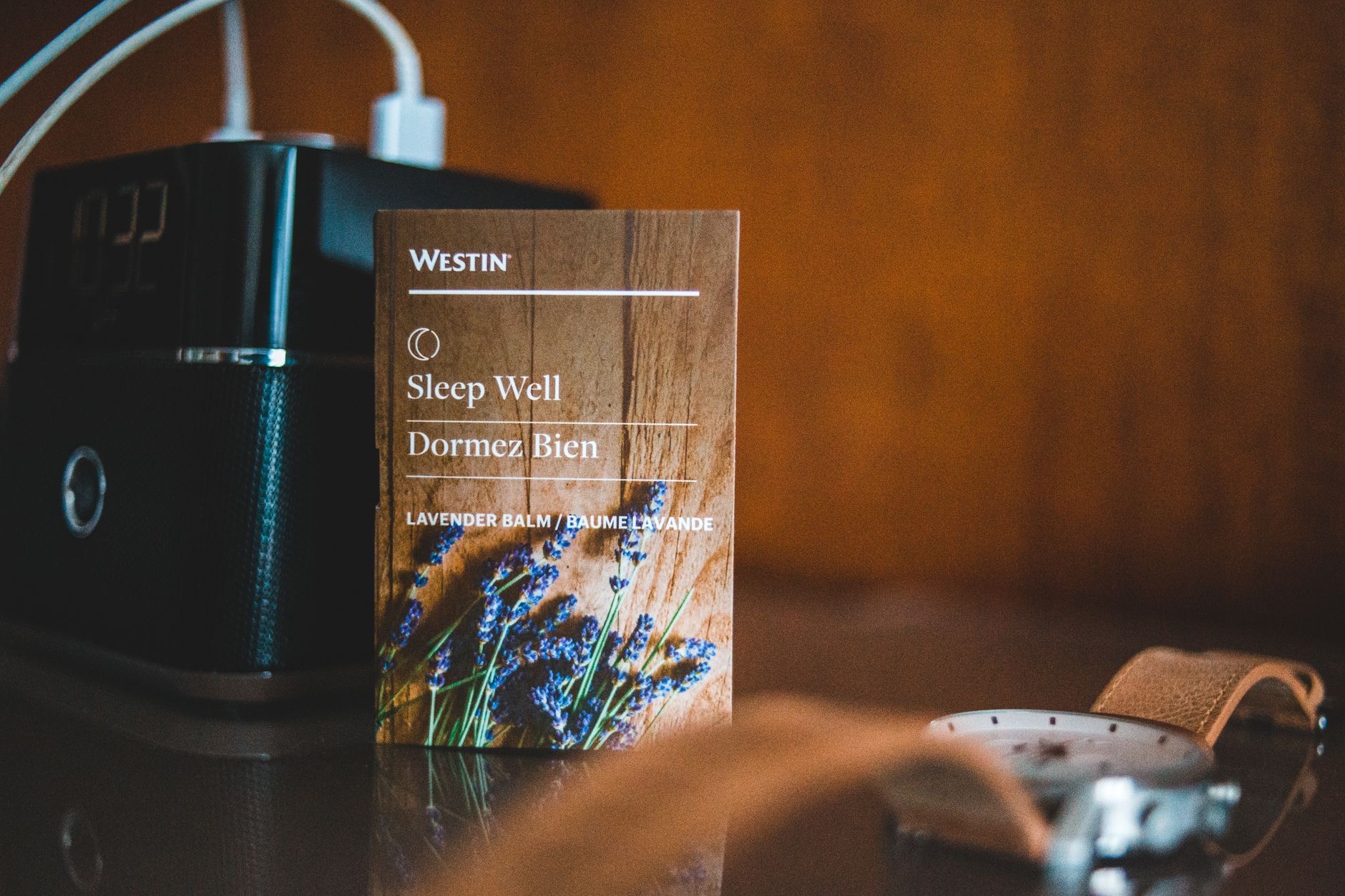
Sleep tracking works best alongside good habits, and your Apple Watch can support them. Using a consistent sleep schedule, winding down before bed, and setting a bedtime routine all help. Your watch can gently encourage you toward your schedule and help you build a calming pre-sleep routine. A wind-down period away from screens, a consistent bedtime, and a restful environment, supported by your watch's reminders, genuinely improve sleep over time. The tracking gives you awareness, and pairing it with these habits turns that awareness into better, more restful nights.
Use It to Improve Over Time
The real benefit of sleep tracking is gradual improvement. By seeing your patterns, sticking to a consistent schedule, and building good bedtime habits, you can steadily improve your rest, and your Apple Watch helps you stay aware and motivated along the way. Do not fixate on perfect numbers, focus on the overall trend and how you feel. Over weeks, small, consistent changes add up to better sleep. Used this way, your Apple Watch becomes a gentle, supportive companion for one of the most important parts of your health: getting genuinely good rest.
| Step | What it does |
|---|---|
| Set up sleep tracking | Establishes your schedule and tracking |
| Wear it comfortably to bed | Lets your watch track overnight |
| Review your patterns | Reveals trends in your rest |
| Build a bedtime routine | Turns insight into better sleep |
★ Editor's Pick · Amazon
Apple Watch SE or Series
Track your sleep and build healthier rest habits
Options: Apple Watch SE · Apple Watch Series
Frequently Asked Questions
How do I track my sleep with my Apple Watch?
Set up the sleep features on your Apple Watch and iPhone to establish a sleep schedule and enable tracking, then wear your watch comfortably to bed. Your watch tracks your sleep automatically, and you can review the information on your iPhone to understand your patterns and improve your rest over time.
Do I need to wear my watch to bed?
Yes, to track your sleep you wear your Apple Watch overnight, so make sure it is comfortable with a band that feels good to sleep in. It also helps to keep enough battery for the night by charging at a convenient time, such as while getting ready, so it is ready for tracking.
What does sleep tracking show me?
It shows details about your nights over time, such as how long you sleep and your patterns, presented in an accessible way. The value is in the trends and awareness rather than any single night, helping you spot whether you get enough rest and how your habits affect your sleep.
Can sleep tracking improve my sleep?
It can, by giving you awareness that motivates better habits. Combined with a consistent schedule, a calming bedtime routine, and winding down before bed, which your watch can support, tracking helps you steadily improve your rest over time. Focus on the overall trend and how you feel rather than perfect numbers.
Is Apple Watch sleep tracking accurate enough to rely on?
It is a helpful wellbeing tool for understanding your general sleep patterns and habits, not a medical device. Use it for awareness and building better routines rather than precise diagnosis. If you have ongoing sleep concerns or think you may have a sleep problem, speak with a doctor for proper advice.
How do I get better rest with my watch?
Use a consistent sleep schedule, build a calming wind-down routine away from screens, and keep a restful environment, all of which your Apple Watch can gently encourage. Review your patterns for awareness without obsessing, and make small consistent changes. Over time, these add up to better, more restful sleep.
The Bottom Line
Your Apple Watch turns your invisible nights into useful insight, helping you understand and improve your sleep. Set up sleep tracking with a schedule, wear your watch comfortably to bed, and review your patterns for awareness rather than obsessing over single nights. Pair the tracking with good habits, a consistent bedtime, a calming wind-down, and a restful environment, and you can genuinely improve your rest over time. Remember it is a wellbeing tool, so see a doctor for any real sleep concerns.
Leave a Reply