
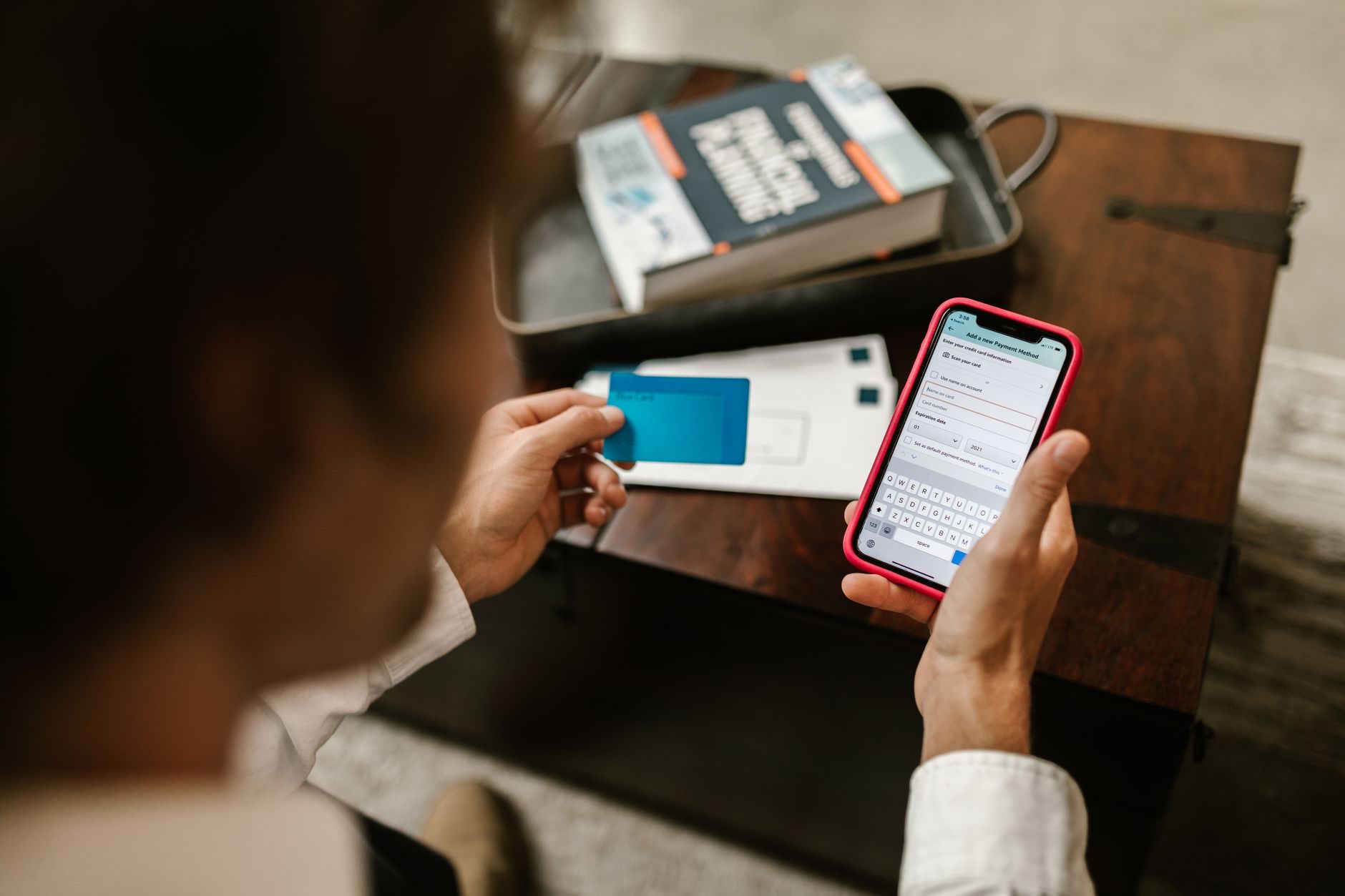
Your Apple ID is the key to almost everything, your photos, messages, backups, purchases, and all your devices. If someone got into it, they could access an enormous amount of your personal life, which is why securing it is one of the most important things you can do. The good news is that locking it down is straightforward. Here is how to secure your Apple ID and protect your entire digital life with a few simple steps.
Why Your Apple ID Matters So Much
Your Apple ID sits at the center of your Apple world, connecting your devices and holding access to your photos, iCloud data, messages, purchases, and more. Because it unlocks so much, it is a prime thing to protect. Securing it well means that even if someone tried to get in, they could not, keeping your personal information, memories, and accounts safe. Understanding just how much your Apple ID protects is the first step to taking its security seriously, and the effort involved is small compared to what it safeguards.
Use a Strong, Unique Password
The foundation of Apple ID security is a strong, unique password. It should be long, hard to guess, and used nowhere else, since reusing passwords across sites is a major risk, if one is exposed, others become vulnerable. Make your Apple ID password unique to that account so it stands alone. A strong, exclusive password is your first and most important line of defense. If your current password is weak or reused, changing it to a strong, unique one is a genuinely important step that immediately improves your security.
Turn On Two-Factor Authentication
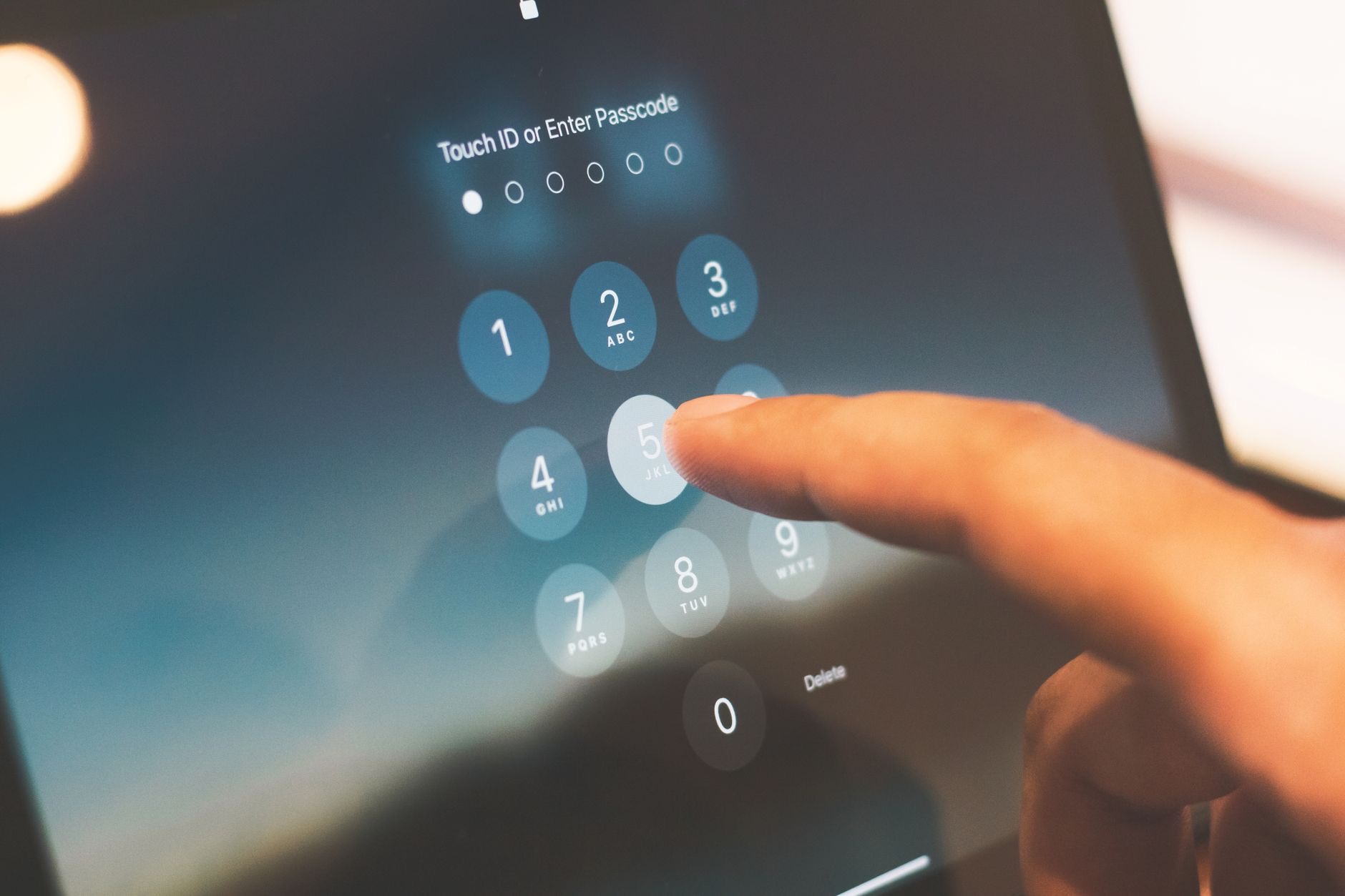
The single most powerful protection for your Apple ID is two-factor authentication, an extra layer that requires a second step to sign in, beyond your password. With it enabled, even someone who somehow got your password could not access your account without also passing that second step, which comes to your trusted devices. This makes unauthorized access dramatically harder. Turning on two-factor authentication is the most important thing you can do to secure your Apple ID, transforming it from password-only protection into a genuinely strong, layered defense.
Keep Your Trusted Devices and Contact Info Current
Two-factor authentication relies on your trusted devices and contact details, so keeping these current matters. Make sure the devices and phone number associated with your account are up to date, so you can always receive the verification you need and recover access if necessary. Reviewing your account's trusted devices and removing any you no longer use is good practice too. Keeping this information accurate ensures your security setup works smoothly when you need it, and that you never get locked out while keeping unauthorized users out.
Stay Alert to Scams
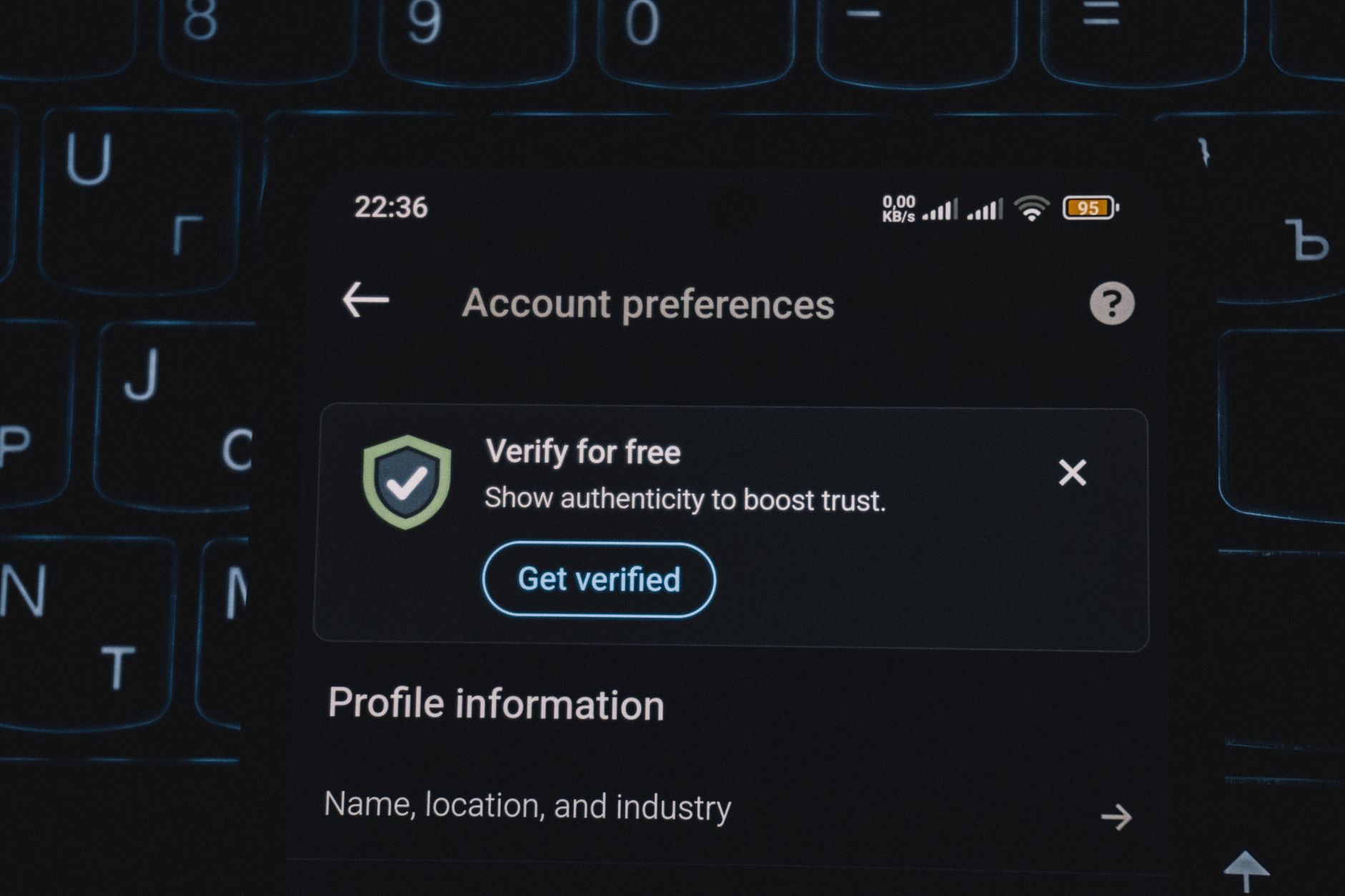
Even with strong security, staying alert protects you further. Be wary of messages, emails, or calls asking for your Apple ID password or verification codes, as these are common scam tactics, and never share your password or codes with anyone. Legitimate requests will not pressure you to hand over your security details. Only sign in through official, trusted places. This awareness is crucial, since the strongest password and two-factor setup can be undermined if you are tricked into giving your details away. A healthy caution keeps your well-secured account genuinely safe.
Review Your Security Regularly
Security is not a one-time task. Periodically review your Apple ID settings, checking that your password is still strong, two-factor authentication is on, your trusted devices and contact info are current, and nothing looks out of place. This quick check keeps your protection solid over time and helps you catch anything unusual. Making a habit of reviewing your account security, alongside keeping your devices and software updated, ensures your Apple ID, and everything it protects, stays safe for the long term. A little regular attention keeps your digital life secure.
| Step | Why it matters |
|---|---|
| Strong, unique password | Your first line of defense |
| Two-factor authentication | The most powerful protection |
| Current trusted devices | Keeps verification working |
| Scam awareness | Stops details being stolen |
Frequently Asked Questions
How do I secure my Apple ID?
Use a strong, unique password, turn on two-factor authentication for an extra layer of protection, keep your trusted devices and contact info current, stay alert to scams asking for your password or codes, and review your security settings regularly. Together these lock down the account behind your digital life.
Why is securing my Apple ID important?
Your Apple ID is the key to your photos, messages, backups, purchases, and all your devices, so if someone got in, they could access an enormous amount of your personal life. Securing it well keeps your information, memories, and accounts safe, which is why it is one of the most important things to protect.
What is two-factor authentication?
It is an extra layer of security that requires a second step to sign in beyond your password, with verification going to your trusted devices. Even someone who got your password could not access your account without passing that step. It is the single most powerful protection for your Apple ID.
Should I use a unique password for my Apple ID?
Yes, absolutely. Reusing passwords across sites is a major risk, since if one is exposed, others become vulnerable. Make your Apple ID password long, hard to guess, and used nowhere else, so it stands alone. A strong, exclusive password is your first and most important line of defense.
How do I avoid Apple ID scams?
Be wary of messages, emails, or calls asking for your Apple ID password or verification codes, as these are common scam tactics, and never share your password or codes with anyone. Legitimate requests will not pressure you. Only sign in through official, trusted places to keep your details safe.
How often should I review my account security?
Periodically. Check that your password is still strong, two-factor authentication is on, your trusted devices and contact info are current, and nothing looks out of place. This quick, regular review keeps your protection solid over time and helps you catch anything unusual, keeping your Apple ID secure long term.
The Bottom Line
Your Apple ID protects your entire digital life, so securing it is essential and, thankfully, simple. Use a strong, unique password, turn on two-factor authentication for a powerful extra layer, and keep your trusted devices and contact details current. Stay alert to scams that try to steal your credentials, and review your security settings from time to time. With these steps, your Apple ID, and all the photos, messages, and memories it safeguards, stays genuinely protected for the long term.
Leave a Reply