
It is a strange and annoying situation: your AirPods show as connected, but no sound comes through them. Everything looks right, yet you hear nothing. The good news is that this specific problem almost always has a simple cause, often a settings or connection quirk, and it can be fixed quickly. Here is how to fix AirPods that are connected but producing no sound, so you can get your audio back and enjoy your music and calls again.
Why This Happens
When AirPods are connected but silent, the usual causes are the volume being down, the audio going to a different output, a connection glitch, or dirty earbuds muffling or blocking the sound. It is rarely a serious fault, which is why a few simple checks usually solve it. The disconnect between showing connected and actually playing sound almost always comes down to where the audio is being sent or a minor hiccup. Working through the straightforward fixes below resolves this frustrating little problem for most people in just a few minutes.
Check the Volume and Output
Start with the obvious: make sure the volume is turned up, both on your device and for the AirPods, since a volume set to zero produces silence even when everything is connected. Then check that your audio output is actually set to your AirPods and not another device or speaker. Sometimes sound is quietly going somewhere else while your AirPods sit connected but idle. Confirming that the volume is up and the output is directed to your AirPods resolves a large share of these no-sound situations right away, so always check this first.
Reconnect Your AirPods
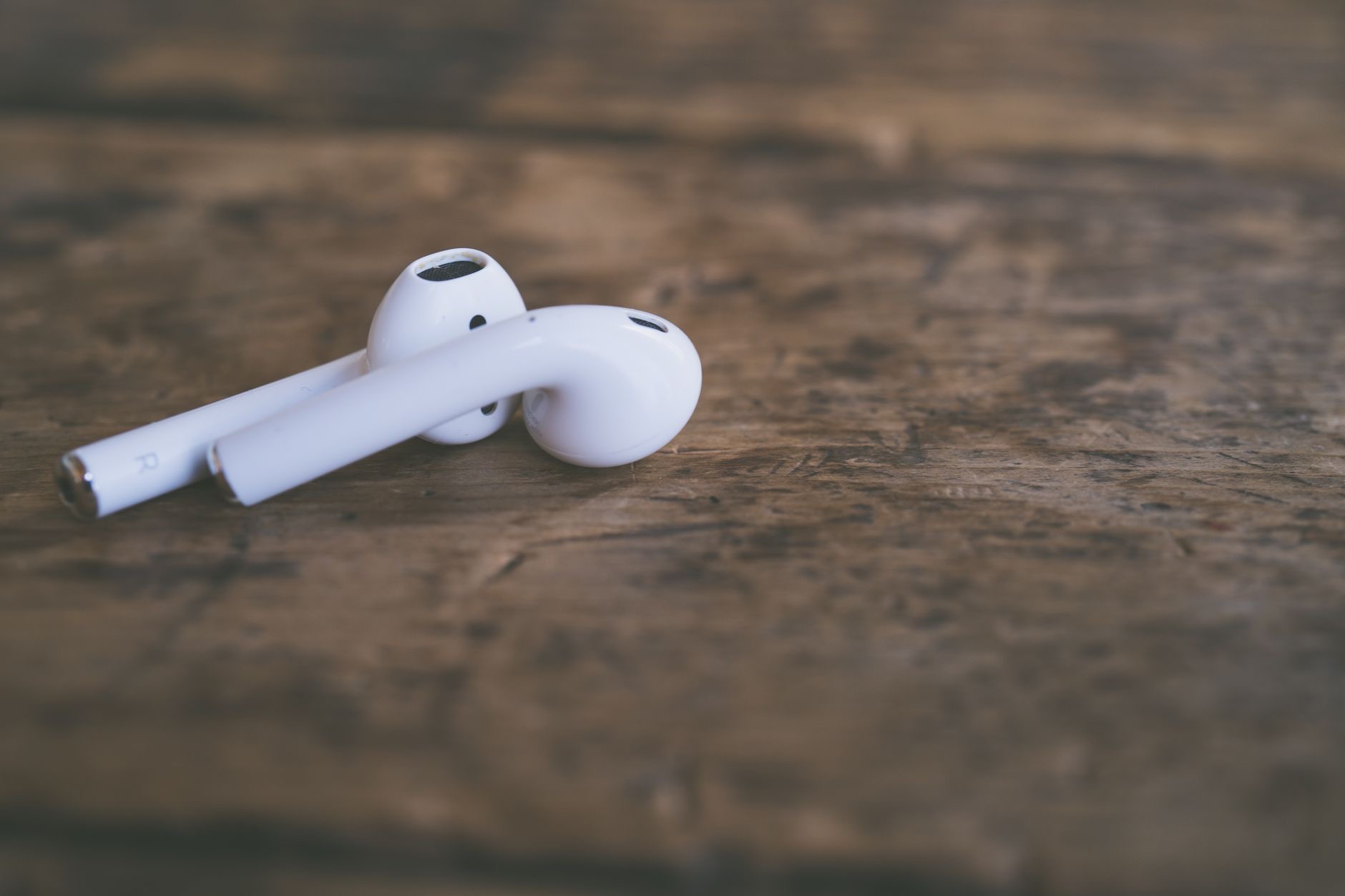
A simple but effective fix is to disconnect and reconnect your AirPods. Putting them back in the case and taking them out again, or disconnecting and reconnecting them in your device's Bluetooth settings, refreshes the connection and often restores sound that was not coming through. This clears a common connection glitch where the AirPods appear connected but the audio link is not working properly. It takes moments and frequently gets sound flowing again, so it is well worth trying when your AirPods are connected but silent.
Clean Your AirPods
If sound is muffled, very quiet, or absent, dirt could be the cause. Earwax and debris build up on the speaker areas of the AirPods over time, which can block or muffle the sound significantly. Gently and carefully cleaning the earbuds with something soft and dry can restore clear, full sound. People are often surprised how much build-up accumulates and how much cleaning helps. If your AirPods are connected and the volume and output are correct but sound is still missing or muffled, cleaning the earbuds is a very worthwhile step to try.
Restart and Reset if Needed
If the basics do not work, restarting the device you are connecting to can clear a glitch affecting audio. Turn your phone or other device off and on, then try your AirPods again. If sound still will not come through, resetting your AirPods returns them to a fresh state and reconnecting them often resolves stubborn issues. These steps handle the deeper glitches that simple checks miss. Between a device restart and an AirPods reset, most persistent no-sound problems get sorted, restoring your audio without needing anything more drastic.
Get Back to Your Music
Putting it together, AirPods that are connected but silent almost always come back to life with these simple steps: check the volume and output, reconnect the AirPods, clean the earbuds, and restart or reset if needed. It is a frustrating problem precisely because everything looks fine, but the fix is usually quick once you know where to look. Work through these in order, and you will very likely have clear sound coming through your AirPods again in just a few minutes, ready to enjoy your music and calls.
| Cause | Fix |
|---|---|
| Volume down or wrong output | Turn up volume, set output to AirPods |
| Connection glitch | Disconnect and reconnect AirPods |
| Dirty earbuds | Gently clean the speaker areas |
| Stubborn glitch | Restart the device, reset AirPods |
Frequently Asked Questions
Why are my AirPods connected but have no sound?
Usually the volume is down, the audio is going to a different output, there is a connection glitch, or the earbuds are dirty and muffling the sound. These simple causes are easy to fix by checking volume and output, reconnecting the AirPods, and cleaning them, which resolves most cases.
How do I fix AirPods with no sound?
Check that the volume is up and the output is set to your AirPods, disconnect and reconnect them to refresh the connection, gently clean the earbuds to clear built-up debris, and restart your device or reset your AirPods if needed. These steps restore sound for most people quickly.
Why is the sound going somewhere else?
Your audio output may be set to another device or speaker while your AirPods sit connected but idle. Check that the output is directed to your AirPods, not something else. Sometimes sound quietly plays elsewhere, so confirming the output is on your AirPods often solves the no-sound problem.
Can dirty AirPods cause no sound?
Yes. Earwax and debris build up on the speaker areas over time and can block or muffle the sound significantly. Gently cleaning the earbuds with something soft and dry can restore clear, full sound. If volume and output are correct but sound is missing or muffled, cleaning is worth trying.
Should I reconnect my AirPods?
Yes, it is a simple, effective fix. Put them back in the case and take them out, or disconnect and reconnect them in your device's Bluetooth settings. This refreshes the connection and often restores sound when the AirPods appear connected but the audio link is not working properly.
What if there is still no sound?
Restart the device you are connecting to, which can clear a glitch affecting audio, then try again. If sound still will not come through, reset your AirPods to a fresh state and reconnect them. Between a device restart and an AirPods reset, most stubborn no-sound problems get resolved.
The Bottom Line
AirPods that show connected but produce no sound are almost always a quick fix. Check that the volume is up and the audio output is set to your AirPods, then disconnect and reconnect them to refresh the link. Clean the earbuds if the sound is muffled or blocked, and restart your device or reset your AirPods for stubborn cases. Work through these steps, and you will very likely have clear sound flowing through your AirPods again within a few minutes.
Leave a Reply