
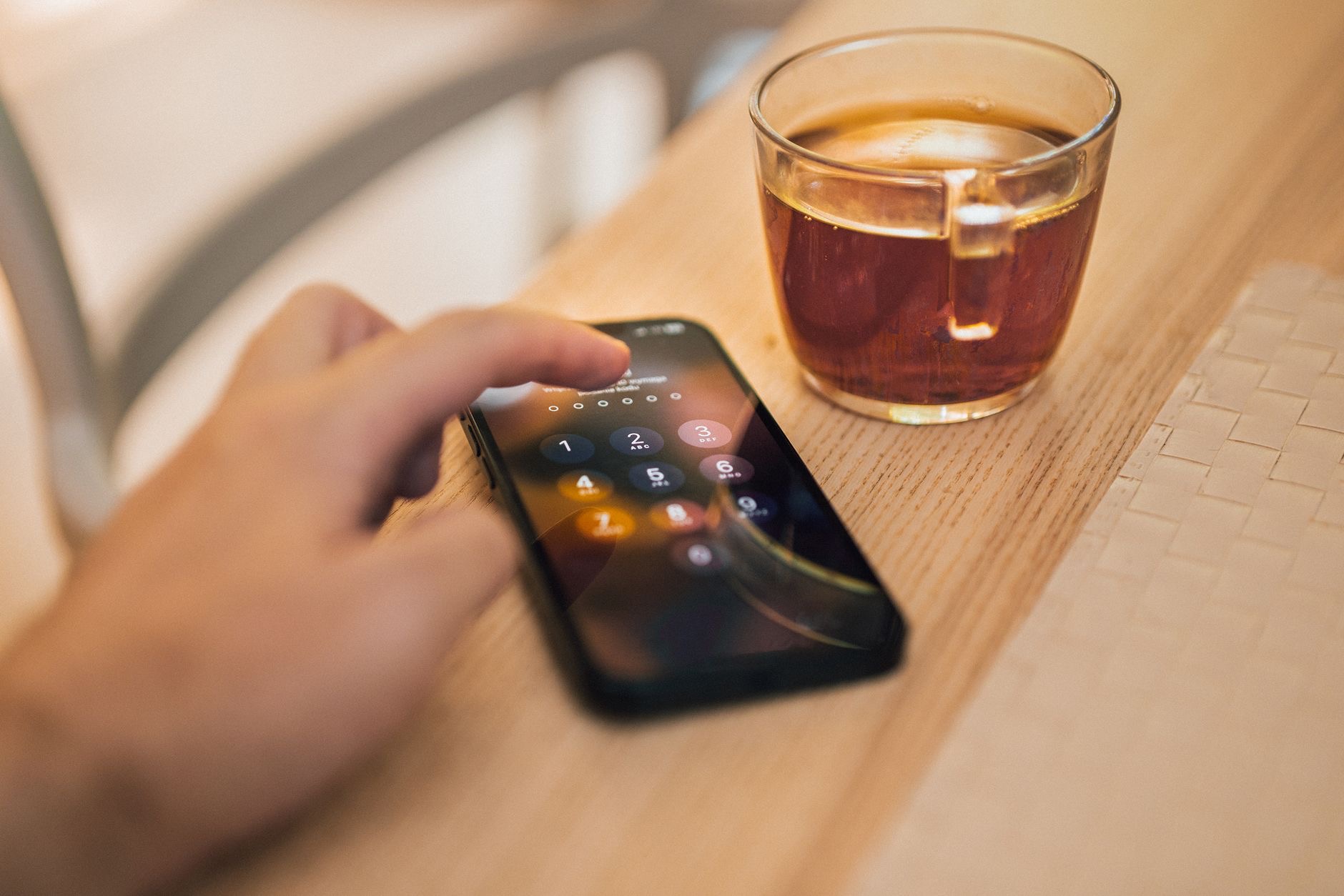
Sometimes you need to hand your phone to someone, to show a photo, let a child play a game, or share a video, but you would rather they not wander into your messages, banking, or personal apps. Locking individual apps solves this neatly, keeping sensitive apps protected behind your authentication even when your phone is unlocked. Here is how to lock apps on your iPhone for genuine extra privacy and peace of mind whenever you lend it out.
Why Lock Individual Apps
Your iPhone locks as a whole, but once it is unlocked, everything is open, which is a problem when you hand it to someone for just one thing. Locking specific apps adds a second layer, so even with your phone unlocked, sensitive apps stay protected. This is perfect for private messages, financial apps, photos, or anything you would rather keep to yourself. It means you can confidently lend your phone for a quick task without worrying about someone browsing into areas you consider private. It is privacy tailored to real, everyday situations.
Require Face ID or Touch ID to Open Apps
The core of app locking is requiring your authentication, your Face ID, Touch ID, or passcode, to open certain apps. When an app is locked this way, anyone trying to open it, including you, must authenticate first, so a person holding your unlocked phone simply cannot get into it. This keeps your most sensitive apps sealed behind the same protection that guards your whole phone. It is a simple but powerful way to make sure private apps stay private, no matter who is holding your device at the time.
Choose Which Apps to Protect
You do not need to lock everything, just the apps that matter for your privacy. Think about which apps hold sensitive information: messaging, photos, financial or banking apps, notes, and anything personal. Locking these while leaving casual apps open gives you the right balance of security and convenience. Take a moment to consider what you would not want someone to open if they had your unlocked phone, and protect those. Tailoring which apps are locked to your own needs makes the feature genuinely useful without getting in your way.
Great for Lending Your Phone
App locking shines when you lend your phone. Handing it to a child to watch videos or play a game, passing it to a friend to see a photo, or letting someone make a quick call becomes worry-free when your private apps are locked. They can do the one thing you handed it over for, while your messages, photos, and personal data stay sealed. This makes lending your phone comfortable rather than nerve-wracking, and it is one of the most practical everyday benefits of locking individual apps on your iPhone.
Hide and Lock for Full Privacy
For the strongest privacy, combine app locking with your iPhone's other tools. You can hide sensitive photos in a locked Hidden album, keep your whole phone secured with a strong passcode, and lock the specific apps that hold private information. Together, these layers mean that even if someone has your unlocked phone, your most personal content stays protected. Building this kind of layered privacy is simple with your iPhone's built-in features, and it gives you real confidence that your private information remains yours alone.
Privacy That Fits Your Life
The beauty of locking apps is that it adapts to how you actually use your phone. You decide what needs protecting and lend your device freely for everything else. Whether it is keeping messages private, protecting financial apps, or making sure a curious child stays in the game you opened, app locking gives you practical, everyday control. It is a small setup that pays off constantly, letting you enjoy the convenience of sharing your phone without ever compromising the privacy of what matters most to you.
| Lock apps to | Benefit |
|---|---|
| Protect private messages | Keeps conversations to yourself |
| Secure financial apps | Guards sensitive money information |
| Lend your phone safely | Others stay in only one app |
| Layer with hidden photos | Full, tailored privacy protection |
Frequently Asked Questions
How do I lock apps on my iPhone?
You can require your authentication, Face ID, Touch ID, or passcode, to open certain apps, so even when your phone is unlocked, those apps stay protected. Choose the sensitive apps you want to lock, like messages, photos, or financial apps, and they will require you to authenticate before opening.
Why should I lock individual apps?
Because your iPhone locks as a whole, but once unlocked, everything is open. Locking specific apps adds a second layer, so even with your phone unlocked, sensitive apps stay protected. This is ideal when you hand your phone to someone for one task but want your private apps kept sealed.
Which apps should I lock?
Just the ones that matter for your privacy, such as messaging, photos, banking or financial apps, notes, and anything personal. Locking these while leaving casual apps open gives the right balance of security and convenience. Consider what you would not want someone to open on your unlocked phone.
Is locking apps good for lending my phone?
Yes, it is one of the most practical benefits. When your private apps are locked, you can hand your phone to a child for games or a friend to see a photo without worrying they will browse your messages or personal data. They do the one task while your private apps stay sealed.
Can I combine app locking with hiding photos?
Yes, and it is a great idea for full privacy. Lock sensitive apps, hide private photos in a locked Hidden album, and keep your whole phone secured with a strong passcode. Together, these layers mean that even if someone has your unlocked phone, your most personal content stays protected.
Does locking apps affect convenience?
Not much, because you choose only the apps that need protecting and leave everything else open. You authenticate quickly with Face ID or Touch ID to open a locked app, and lend your phone freely for other things. It gives tailored privacy without getting in the way of everyday use.
The Bottom Line
Locking apps on your iPhone adds a valuable second layer of privacy, keeping sensitive apps sealed behind your Face ID, Touch ID, or passcode even when your phone is unlocked. Choose the apps that matter, messages, photos, financial apps, and lend your phone freely for everything else without worry. Combine it with a locked Hidden album and a strong passcode for full, layered privacy. It is a simple setup that gives you real, everyday control over what stays yours.
Leave a Reply