
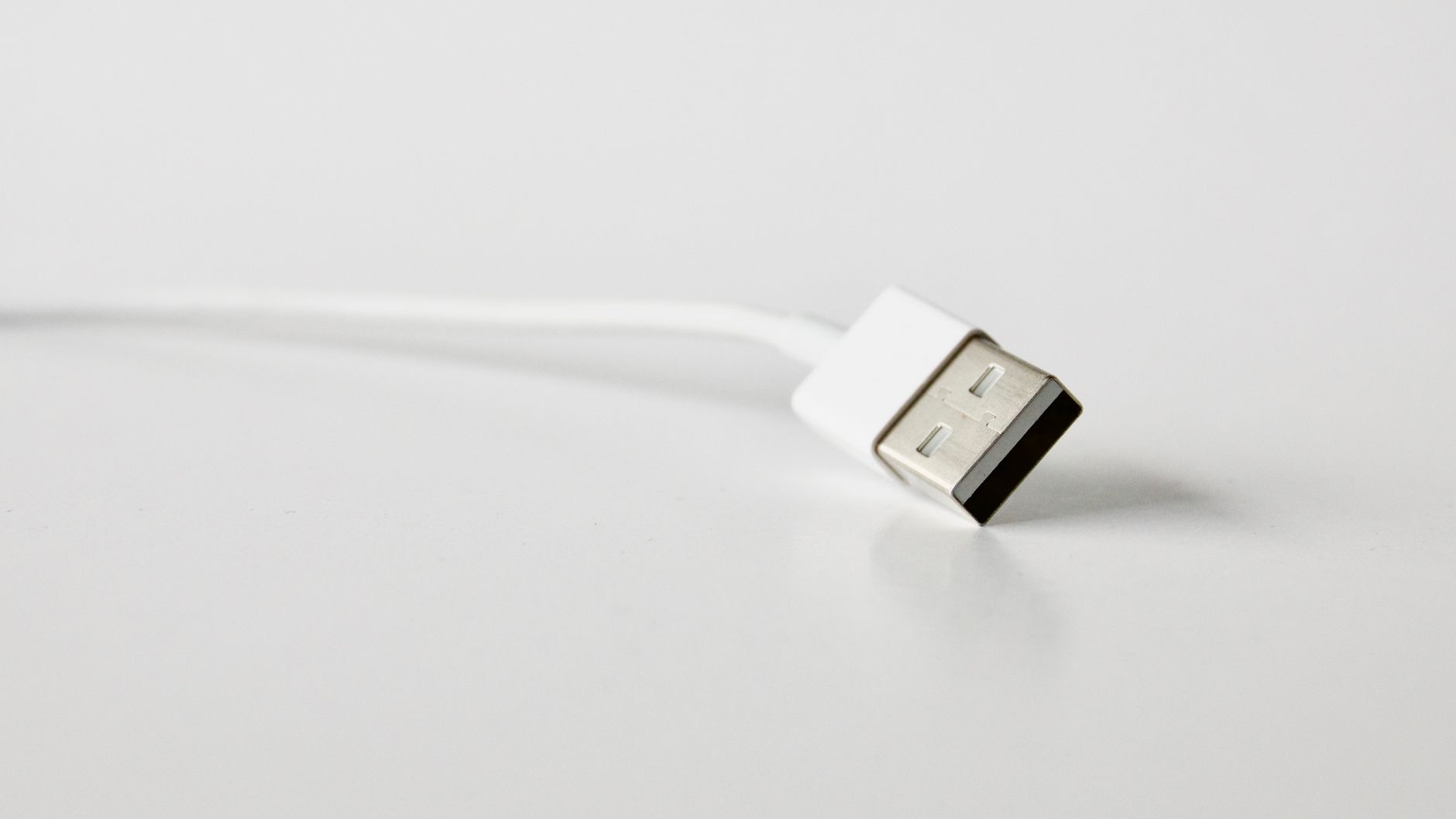
Few things are as quietly maddening as plugging in your iPhone, coming back later, and finding it has barely charged. You need it ready, and it is crawling. The good news is that slow charging almost always has a specific, fixable cause, and most of them cost nothing to solve. Let us walk through the real reasons your iPhone charges slowly and exactly how to get it charging fast again.
The Real Reasons iPhones Charge Slowly
Slow charging usually comes down to a handful of culprits: a worn or low-quality cable, a weak charging adapter, a dirty charging port, using your phone heavily while it charges, heat, or simply an aging battery. The frustrating part is that any one of these can quietly throttle your charging speed without any obvious sign. The good news is that once you know what to look for, you can work through them quickly and usually restore fast, reliable charging without spending much, if anything at all.
1. Check Your Cable First
The single most common cause of slow charging is a tired, damaged, or low-quality cable. Cables take a beating, bending, coiling, and getting yanked, and a worn one can slow charging dramatically or make it cut in and out. Look closely for fraying, bends, or damage near the ends. If your cable looks worn or you have been using a cheap one, swapping to a good-quality cable is often the single fix that solves everything. It is the first and easiest thing to test, and frequently the answer.
★ Editor's Pick · Amazon
Reliable USB-C Charging Cable
A worn cable is the number one cause of slow charging
2. Look at Your Adapter
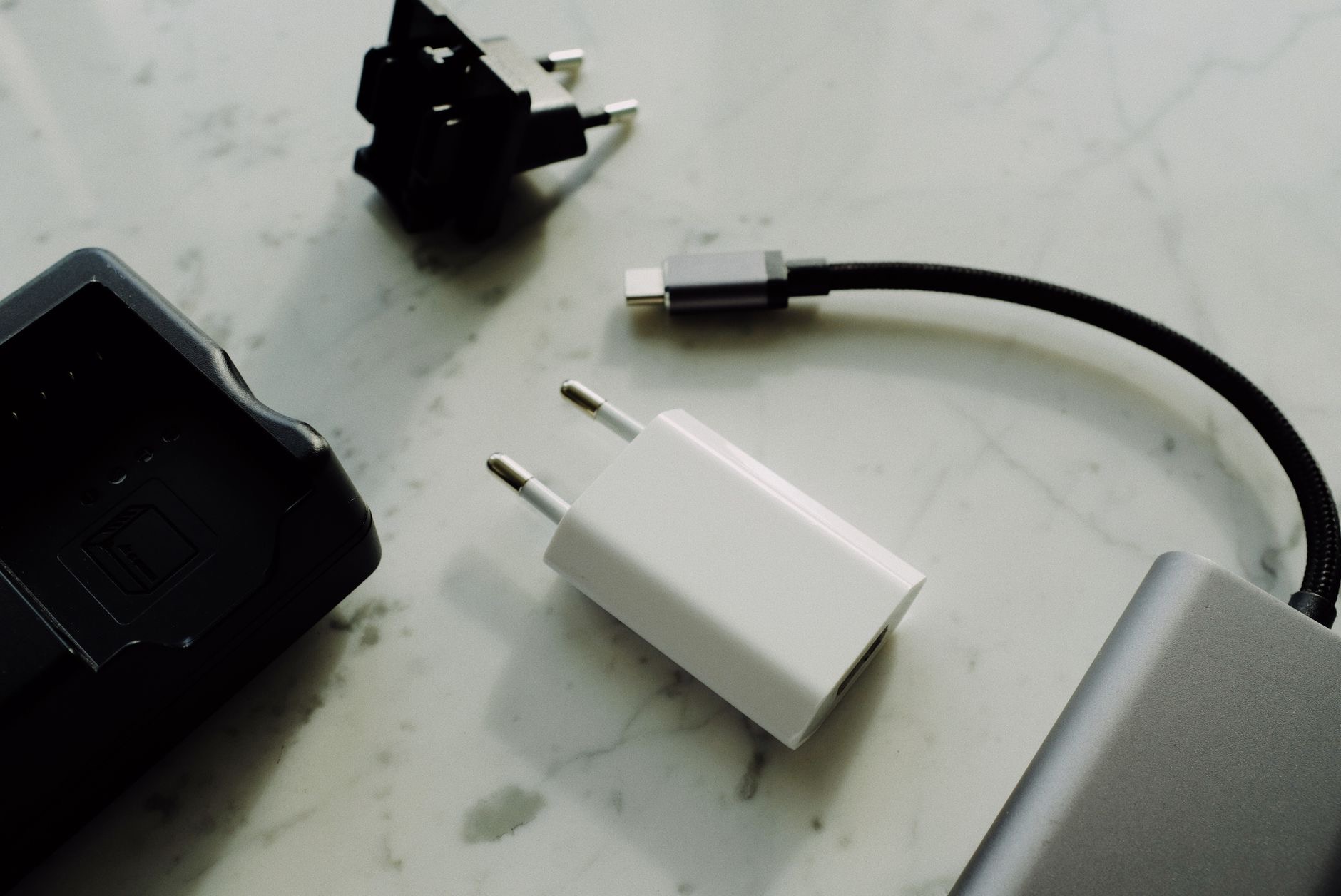
Even a perfect cable charges slowly if the adapter it plugs into is weak. Charging from an old, low-power adapter, or from a laptop USB port, delivers far less power than a proper wall charger designed for fast charging. If your iPhone crawls when charging, check what you are plugging into. Using a capable wall adapter made for modern fast charging can transform your charging speed. Many people unknowingly use an underpowered adapter for years, then are amazed how much faster their phone charges once they upgrade it.
3. Clean the Charging Port
Here is a fix almost nobody thinks of: lint. Your charging port collects pocket fluff and dust over time, and a packed port prevents the cable from seating fully, which slows or interrupts charging. Look into the port with a light, and if you see debris, gently and carefully clean it out with something soft and non-metallic, with the phone off. People are often astonished that this alone fixes their slow or unreliable charging. It is free, takes a minute, and is one of the most overlooked causes of charging trouble.
4. Stop Using It While It Charges
If you game, stream, or scroll heavily while charging, your iPhone is spending power as fast as it takes it in, so it charges slowly and gets warm. Give it a break. Setting your phone down and leaving it alone, ideally in a cool spot, lets it charge far faster. For the quickest charge, avoid demanding use while plugged in. This is especially noticeable when you are in a hurry, a few minutes of leaving it untouched charges more than a while of using it on the cable.
5. Beware of Heat
Heat is a real enemy of charging speed. When an iPhone gets too warm, it deliberately slows charging to protect the battery. Charging in direct sun, in a hot car, under a pillow, or inside a thick case that traps heat can all throttle your speed. Keep your phone somewhere cool and well ventilated while it charges, and remove a bulky case if it runs hot. Managing heat both speeds up charging in the moment and protects your battery's long-term health, so it is worth being mindful of.
6. Try Wireless or Magnetic Charging
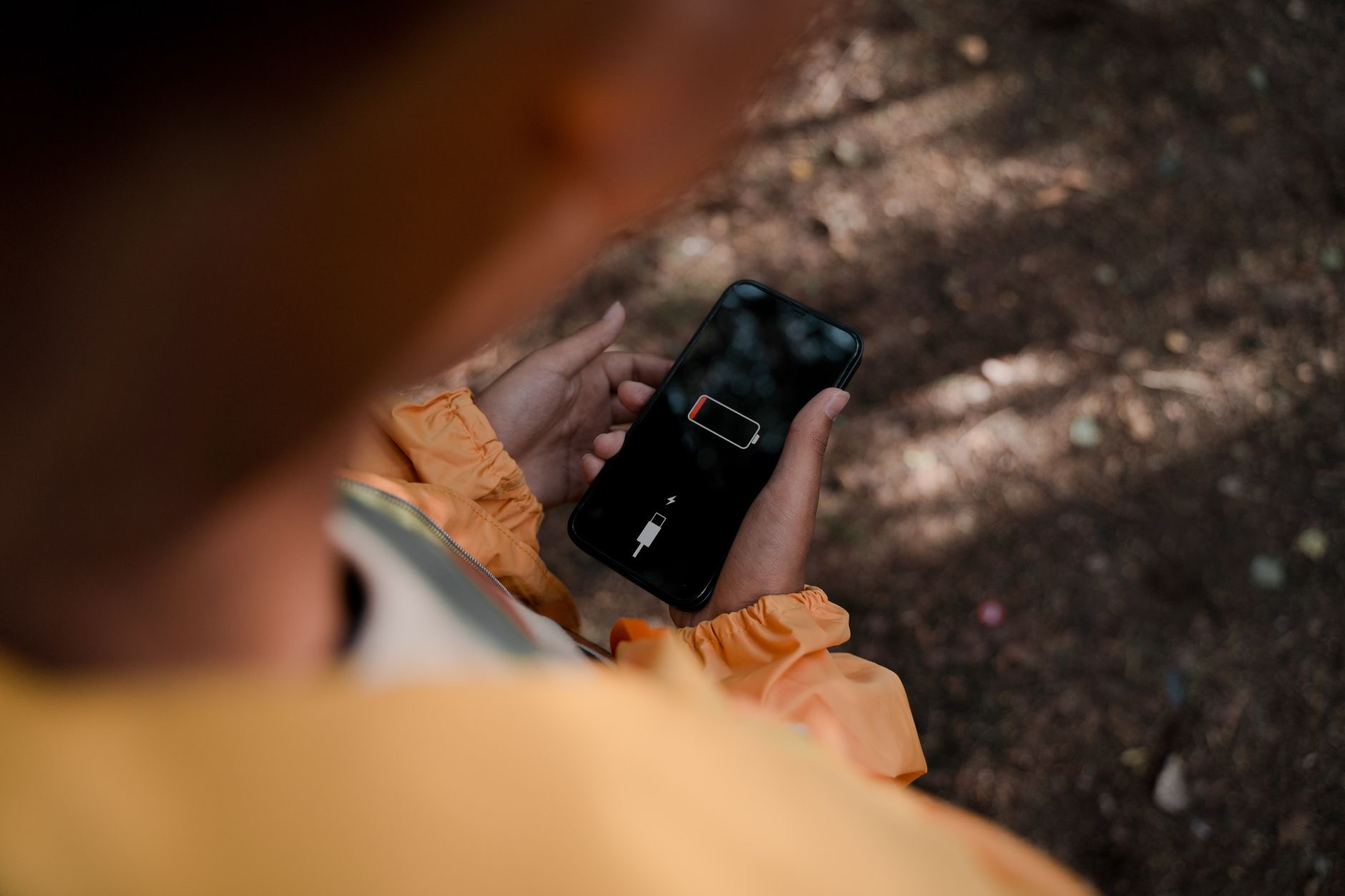
If cables are your pain point, a magnetic charger can make charging effortless and consistent, snapping into the right position every time so you are not fighting a worn cable or a loose connection. Many people set up a magnetic charger on their desk or nightstand and never think about slow charging again, since it just works when they set the phone down. It is a genuinely convenient way to keep your iPhone topped up reliably, especially if a bad cable or fiddly port has been your ongoing frustration.
★ Editor's Pick · Amazon
MagSafe Charger
Snaps on for consistent, fuss-free charging every time
7. Restart Your iPhone
Sometimes the phone itself gets into a confused state that affects charging. A simple restart clears temporary glitches and can restore normal charging behavior. If your iPhone suddenly started charging slowly for no clear reason, turning it off and back on is a quick, free thing to try before anything else. It resolves a surprising number of odd issues, charging included, and takes less than a minute. Always worth doing when something starts misbehaving without an obvious physical cause.
8. Update Your Software
Keeping your iPhone software current matters for charging too. Updates include fixes and optimizations that can affect how efficiently your phone charges and manages power. If you are running old software, installing the latest version may help, alongside its important security benefits. It is an easy step to rule out, and keeping your iPhone updated is good practice generally. Combined with the physical fixes above, making sure you are up to date covers both the hardware and software sides of slow charging.
9. Consider Battery Health
Finally, if your iPhone is a few years old and charging has gradually slowed, the battery itself may simply be worn. Batteries age with use, and an old one holds less charge and can behave differently. You can check your battery health in settings, and if it is significantly degraded, a battery replacement can give an older iPhone a genuine second life for far less than a new phone. If you have tried everything else and your phone is older, the battery is the likely culprit.
| If charging is slow because... | Do this |
|---|---|
| Worn or cheap cable | Swap to a good-quality cable |
| Weak adapter | Use a proper fast wall charger |
| Dirty port | Gently clean out lint and dust |
| Heat or heavy use | Charge cool and leave it alone |
Frequently Asked Questions
Why is my iPhone charging so slowly?
The most common causes are a worn or low-quality cable, a weak adapter, a dirty charging port, using the phone heavily while charging, heat, or an aging battery. Working through these one by one, starting with the cable and port, usually restores fast charging, often for free.
Does the cable really affect charging speed?
Yes, hugely. A worn, damaged, or cheap cable is the single most common cause of slow charging and can make it cut in and out. Check yours for fraying or damage, and swapping to a good-quality cable is frequently the one fix that solves the whole problem.
Can a dirty charging port cause slow charging?
Absolutely. Lint and dust collect in the port over time and stop the cable seating fully, which slows or interrupts charging. Carefully cleaning debris out with something soft and non-metallic, with the phone off, is a free fix that surprises many people by solving their charging trouble.
Does using my phone while charging slow it down?
Yes. Gaming, streaming, or scrolling heavily while plugged in means your phone spends power as fast as it takes it in, so it charges slowly and warms up. Setting it down and leaving it alone in a cool spot lets it charge far faster, especially when you are in a hurry.
Why does my iPhone charge slower when hot?
When an iPhone gets too warm, it deliberately slows charging to protect the battery. Charging in the sun, a hot car, under a pillow, or in a heat-trapping case can throttle speed. Keeping it cool and ventilated, and removing a bulky case if it runs hot, restores faster charging.
Should I replace my iPhone battery if charging is slow?
If your iPhone is a few years old and charging has gradually slowed, a worn battery may be the cause. Check your battery health in settings, and if it is significantly degraded, a replacement can give an older iPhone a genuine second life for far less than a new phone.
The Bottom Line
Slow iPhone charging is almost always fixable, and usually for free. Start with the cable, the most common culprit, then check your adapter, clean the port, and stop using the phone while it charges. Keep it cool, restart it, and stay updated. If your phone is older and charging has crept slower over time, a battery replacement is worth considering. Work through these in order, and your iPhone will be charging quickly and reliably again in no time.
Leave a Reply