
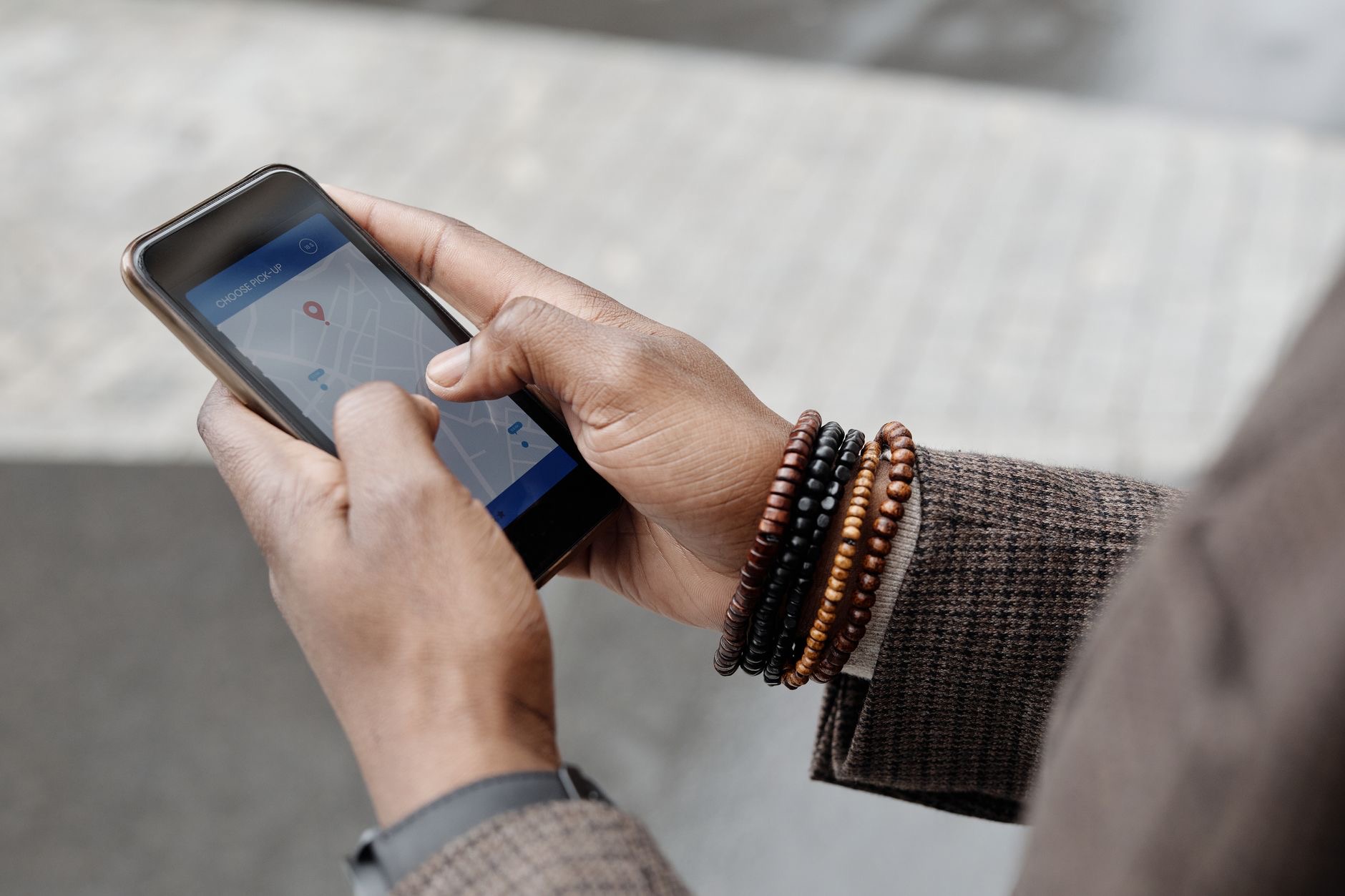
Find My is one of the most useful features on Apple devices, and one of the most reassuring, letting you locate a lost iPhone, track your belongings, and protect your data if a device goes missing. But how does it actually work? Understanding it helps you make the most of a feature that can genuinely save the day. Let us explain how Find My works and everything you need to know to use it well.
The Short Answer
Find My is Apple's feature for locating your devices and belongings. It lets you see the location of your Apple devices, and of items you have attached an AirTag to, on a map, play a sound to help you find them nearby, and take steps to protect your data if a device is lost or stolen. It works across your Apple devices, tied to your account, and it is one of the most valuable safety and peace-of-mind features Apple offers, all built right in.
Finding Your Devices
Find My can show you the location of your Apple devices, your iPhone, iPad, Mac, and more, on a map, so if you misplace one, you can see where it is. You can also play a sound on a device to help you locate it when it is nearby, perfect for a phone lost in the house. This works through your Apple account connecting your devices, so from one device you can locate the others. It is the feature that turns a lost device from a panic into a manageable situation.
Finding Your Belongings With AirTags
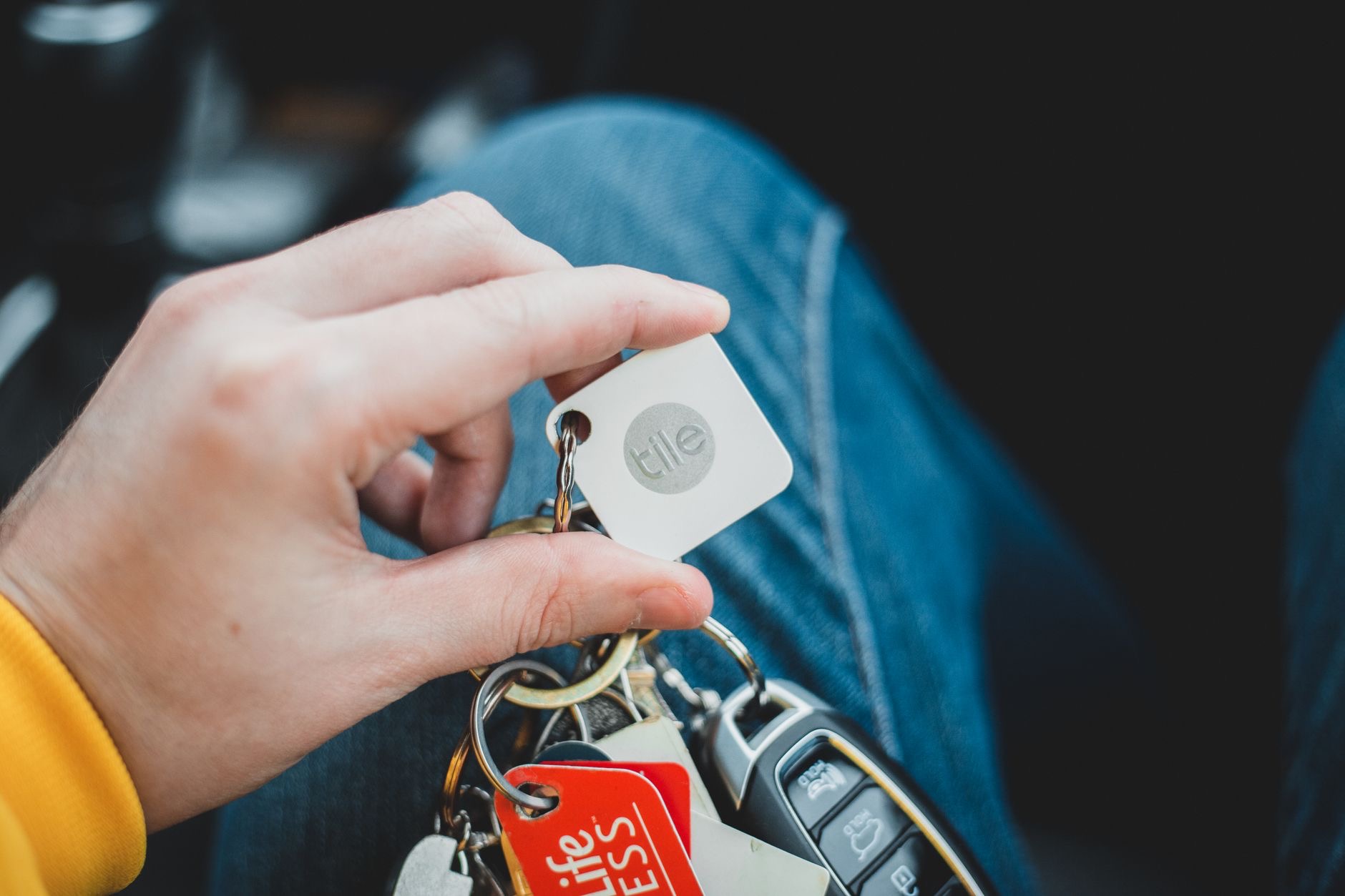
Find My also works with AirTags, the small trackers you attach to everyday items like keys, bags, or luggage. Once an AirTag is set up, you can see its location in Find My and play a sound to help locate it nearby, just like a device. This extends the power of Find My beyond your Apple devices to the everyday things you do not want to lose. For anyone who misplaces their keys or worries about their luggage, pairing AirTags with Find My is genuinely transformative.
★ Editor's Pick · Amazon
Apple AirTag
Track your keys, bag, and luggage with Find My
Protecting a Lost or Stolen Device
Beyond just locating things, Find My helps protect your data if a device is lost or stolen. You can take steps like marking a device as lost, which can lock it and display a message, and if necessary, erase it remotely to protect your personal information. This is a crucial safety feature, meaning that even if you cannot recover a device, you can keep your data out of the wrong hands. It turns Find My from a convenience into a genuine safeguard for your privacy and security.
How It Finds Things
Find My locates your devices and AirTags using their connection to Apple's system, and it is designed to work even in many situations where an item is not directly connected to your own devices, drawing on a broad, privacy-minded network to help pinpoint locations. The exact technical details are handled behind the scenes, but the practical result is that Find My can often locate your things in a wide range of situations. It is designed with privacy in mind throughout, so your peace of mind does not come at the cost of your privacy.
Making the Most of Find My
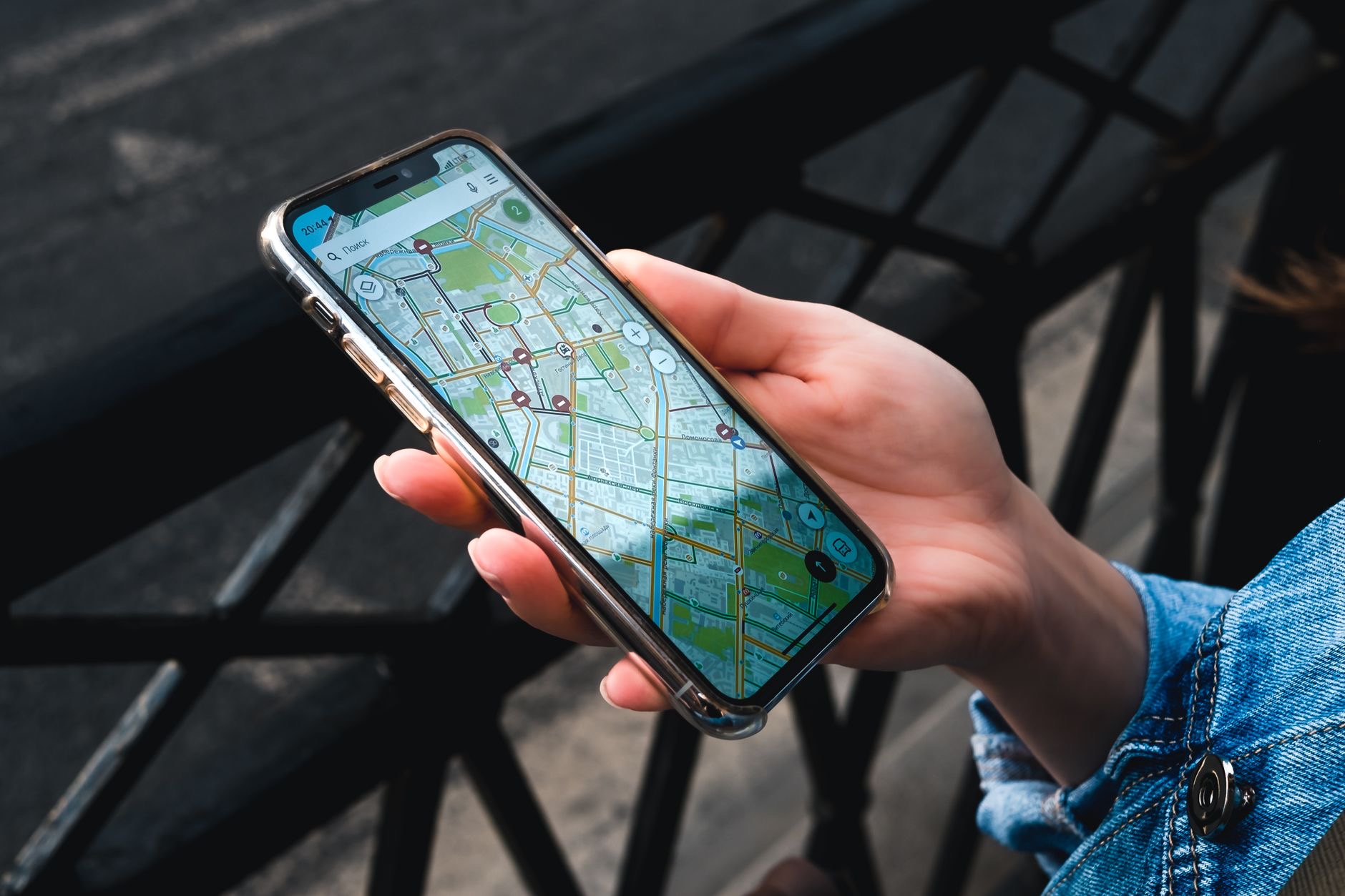
To get the full benefit, make sure Find My is turned on for your devices, so they are protected and locatable from the start, before you ever need it. Set up AirTags on the belongings you most want to keep track of, like keys and bags. And familiarize yourself with how to see locations, play sounds, and use the protective options, so you can act quickly if something goes missing. A little setup now means Find My is ready to save the day when you need it, which is exactly when you will be grateful you enabled it.
Frequently Asked Questions
How does Find My work?
Find My lets you see the location of your Apple devices, and of items with an AirTag attached, on a map, play a sound to find them nearby, and protect your data if a device is lost or stolen. It works across your Apple devices, tied to your account, all built right in.
Can Find My locate a lost iPhone?
Yes. Find My can show your iPhone's location on a map, and you can play a sound to help find it when nearby, perfect for a phone lost in the house. If it is lost or stolen, you can mark it as lost, lock it, and even erase it remotely to protect your data.
Does Find My work with AirTags?
Yes. Once an AirTag is set up on an item like keys, a bag, or luggage, you can see its location in Find My and play a sound to locate it nearby, just like a device. This extends Find My to the everyday belongings you do not want to lose.
Can Find My protect my data if my device is stolen?
Yes. You can mark a device as lost to lock it and display a message, and if necessary erase it remotely to protect your personal information. This means that even if you cannot recover a device, you can keep your data out of the wrong hands, making Find My a genuine safeguard.
Is Find My private?
Find My is designed with privacy in mind throughout. It locates devices and AirTags using a broad, privacy-minded system that can help pinpoint locations in many situations, while handling the technical details behind the scenes. Your peace of mind does not come at the cost of your privacy.
How do I set up Find My?
Make sure Find My is turned on for your devices so they are protected and locatable before you need it, set up AirTags on belongings you want to track, and familiarize yourself with seeing locations, playing sounds, and the protective options. A little setup now means it is ready to help.
The Bottom Line
Find My is one of the most useful and reassuring features on Apple devices, letting you locate your devices and belongings, play sounds to find them nearby, and protect your data if something is lost or stolen, all with privacy in mind. Pairing it with AirTags extends that power to your everyday things. Make sure it is turned on, set up AirTags on what matters, and learn its options, so Find My is ready to save the day when you need it.
Leave a Reply