
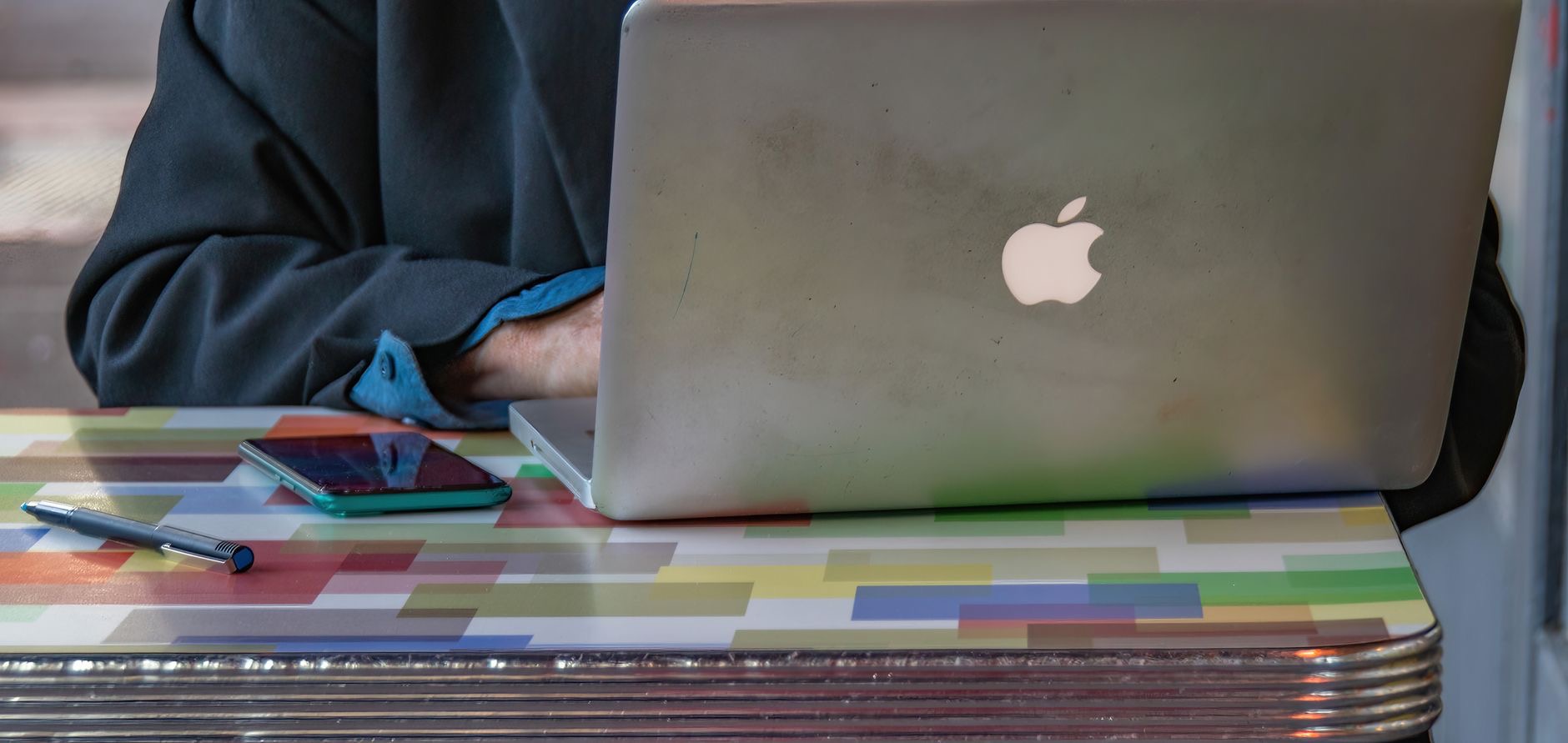
Getting your first Mac is an exciting step, whether it is your first proper computer or you are switching from Windows. But the lineup can be confusing for a newcomer, and it is easy to worry about spending too much or picking the wrong one. The reassuring truth is that the best first Mac is usually not the most expensive. Here is how to choose the right first Mac, so you get an easy, capable, great-value start.
The Best First Mac for Most People: MacBook Air
For most first-time Mac buyers, the MacBook Air is the ideal choice. It is fast enough for everything most people do, browsing, email, documents, photos, streaming, and more, and it is silent, light, and lasts all day on battery. It is also a complete, ready-to-go machine you can use anywhere. For a newcomer who wants one versatile, capable, easy-to-use Mac without paying for power they will not need, the Air is the confident, well-rounded recommendation that will serve you beautifully for years.
★ Editor's Pick · Amazon
MacBook Air (M4)
The ideal first Mac, capable, easy, and portable
Colors: Midnight · Starlight · Sky Blue · Space Gray
The Value Choice for a Desk: Mac mini
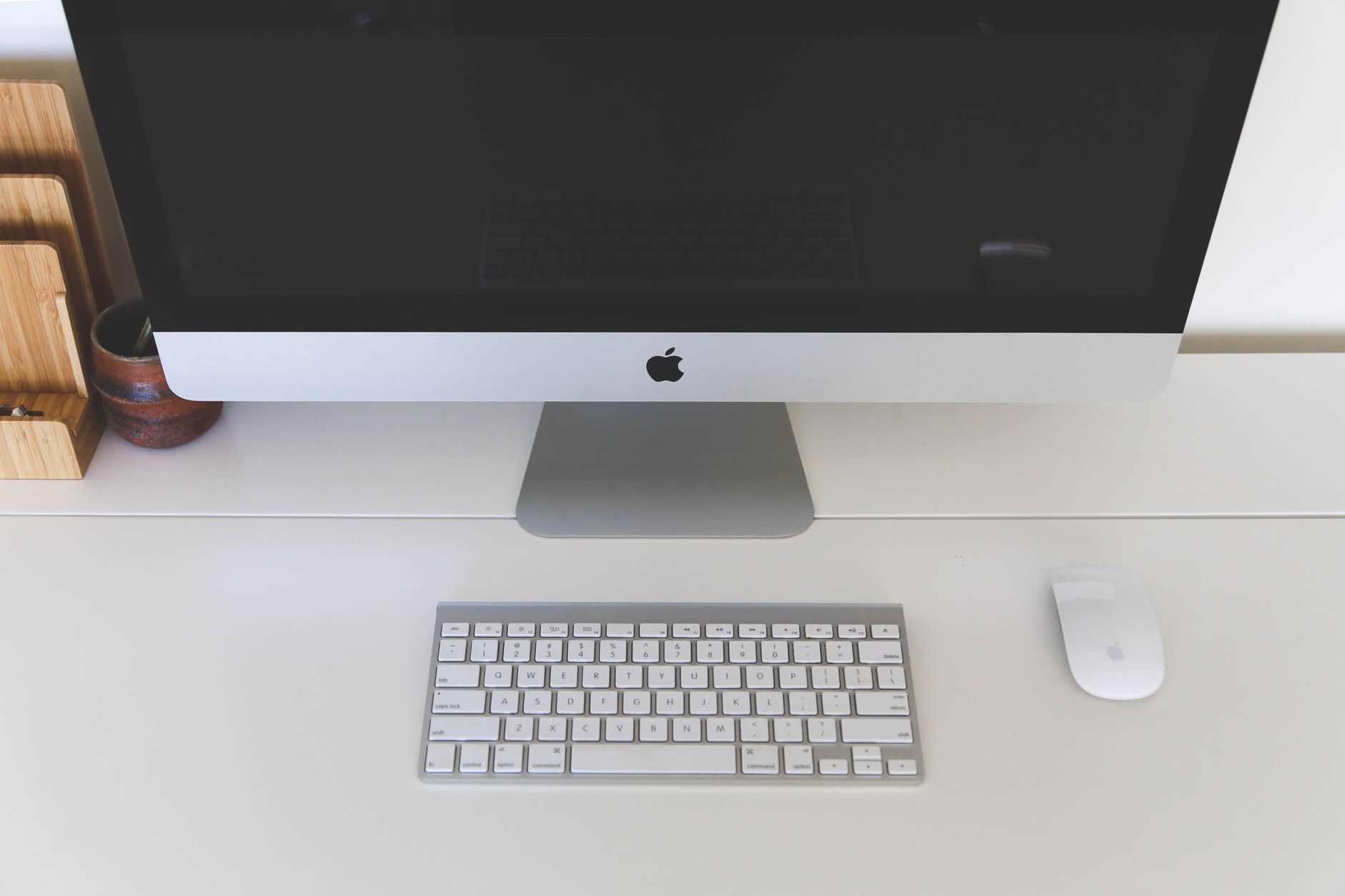
If your first Mac will live on a desk and you already have a monitor, keyboard, and mouse, or are happy to buy them, the Mac mini is a brilliant, budget-friendly way in. It delivers capable Mac performance for less than a laptop, because you supply your own screen and keyboard. For a newcomer setting up a home computer who does not need portability, the mini is a genuinely economical, capable choice. Just remember to factor in a monitor and keyboard if you do not already have them.
★ Editor's Pick · Amazon
Mac mini (M4)
A capable, budget-friendly first Mac for a desk
Why You Probably Do Not Need the Pro
It is worth saying clearly: a first-time Mac buyer almost never needs a MacBook Pro. Its power is built for demanding professional work, video editing, software development, heavy creative tasks, that a newcomer is very unlikely to need. Buying a Pro as your first Mac usually means paying a lot for capability that sits unused. The MacBook Air, or a Mac mini for desk use, gives you a superb, easy first Mac experience for much less. Save the money, and put it toward accessories or simply keep it.
Switching From Windows Is Easier Than You Think
If you are moving from Windows, you might worry about the learning curve, but Macs are designed to be intuitive and approachable. The basics, browsing, email, documents, and everyday tasks, work in familiar ways, and the setup is guided and straightforward. Most people find they adapt quickly and come to love the smooth, cohesive experience. There are simple ways to move your files across too. A first Mac is genuinely welcoming for a Windows switcher, so do not let the change put you off.

Choose Enough Memory and Storage
One piece of advice matters for any first Mac: choose enough memory and storage, since neither can be upgraded later. You do not need huge amounts for everyday use, but avoiding the bare minimum helps your Mac stay smooth and comfortable for years, especially as you keep more apps and files. It is the one area worth a little extra attention at purchase. Getting this right means your first Mac stays a joy to use well into the future, rather than feeling cramped.
| If you... | Best first Mac | Why |
|---|---|---|
| Want a versatile, portable start | MacBook Air | Capable, easy, all-day battery |
| Have a desk and a monitor | Mac mini | Capable for less, bring your own screen |
| Do only demanding pro work | MacBook Pro | Rarely needed for a first Mac |
Frequently Asked Questions
What is the best first Mac?
For most people, the MacBook Air. It is fast enough for everything most people do, silent, light, and lasts all day on battery, and it is a complete, ready-to-go machine. For a newcomer wanting one versatile, easy-to-use Mac without overspending, it is the ideal, well-rounded choice.
Should a beginner buy a MacBook Air or Mac mini?
Choose the MacBook Air for a versatile, portable machine you can use anywhere. Choose the Mac mini if your first Mac will live on a desk and you have or will buy a monitor and keyboard, since it delivers capable performance for less. Both are great first Macs.
Do I need a MacBook Pro as my first Mac?
Almost never. The Pro's power is built for demanding professional work a newcomer is very unlikely to need, so buying one usually means paying a lot for unused capability. The MacBook Air, or a Mac mini for a desk, gives a superb first Mac experience for much less.
Is it hard to switch from Windows to Mac?
Not as hard as you might think. Macs are intuitive and approachable, the basics work in familiar ways, setup is guided, and there are simple ways to move your files across. Most people adapt quickly and come to love the smooth experience, so a first Mac is welcoming for switchers.
How much memory and storage should my first Mac have?
Choose enough of both, since neither can be upgraded later. You do not need huge amounts for everyday use, but avoiding the bare minimum keeps your Mac smooth and comfortable for years as you add apps and files. It is the one area worth a little extra attention at purchase.
Is the MacBook Air good for beginners?
Yes, it is ideal. It is capable, easy to use, silent, portable, and long-lasting on battery, handling everything most people do without fuss. For a first-time Mac buyer who wants a versatile, approachable machine that lasts for years, the Air is the confident recommendation.
The Bottom Line
The best first Mac is one that fits your needs and budget, and you do not need the most expensive model. The MacBook Air is the ideal all-round first Mac, capable, easy, and portable, while the Mac mini is a great value for a desk setup. Skip the Pro, which is rarely needed for a newcomer, choose enough memory and storage, and if you are switching from Windows, know that a Mac is genuinely welcoming. Start smart, and enjoy a Mac you will love for years.
Leave a Reply