
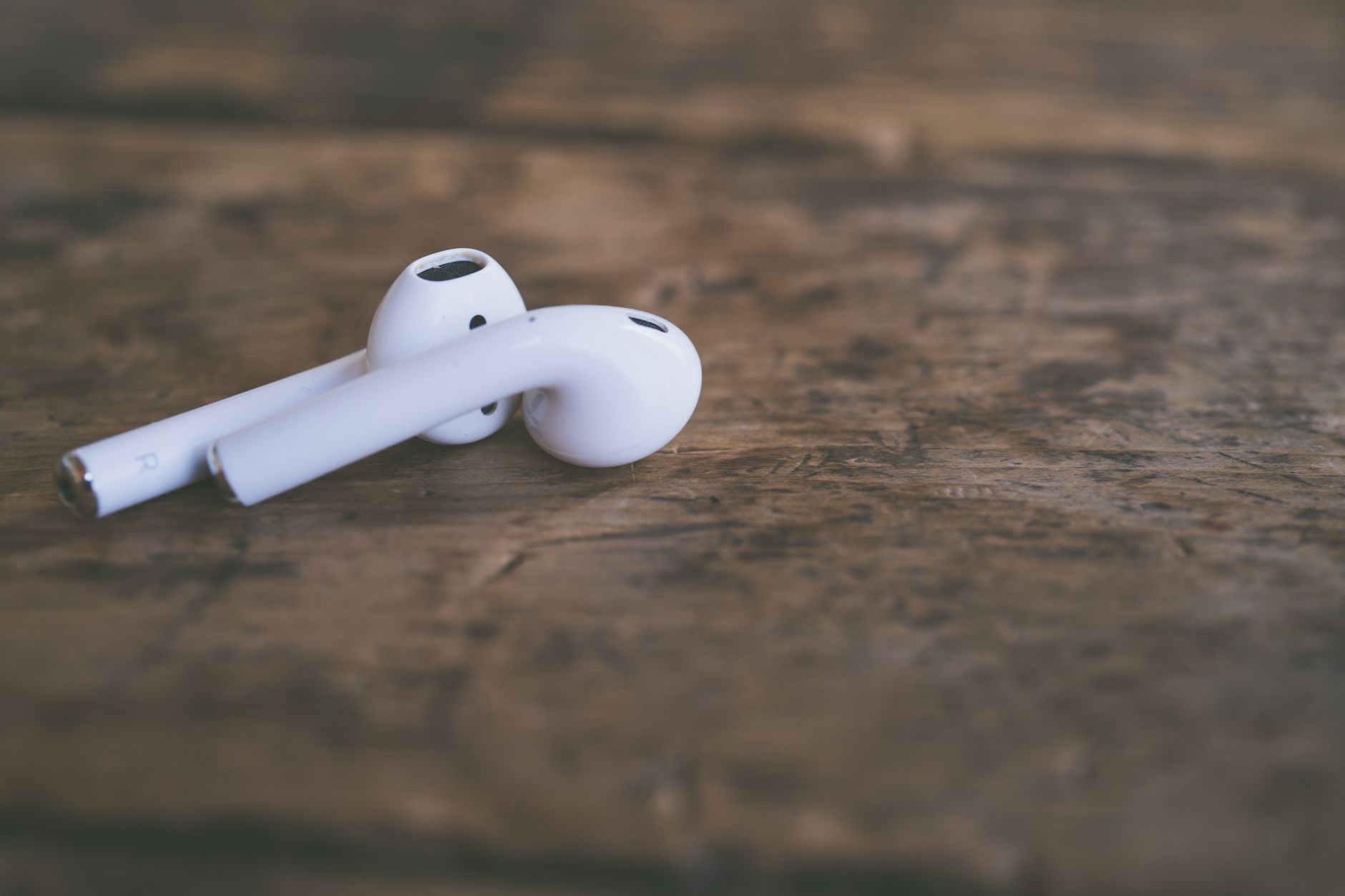
If your AirPods are looking grubby or sounding a little muffled, they are probably overdue for a clean. But here is the catch: cleaning them the wrong way, with too much moisture or something sharp, can cause real damage. The good news is that cleaning them safely is easy once you know the right approach. Here is how to get your AirPods clean, hygienic, and sounding their best without harming them.
Why Cleaning Your AirPods Matters
Beyond just looking nicer, clean AirPods genuinely sound better and are more hygienic. Over time, earwax and debris build up on the parts that sit in your ears, and this can muffle the sound noticeably, robbing you of clarity you did not realize you had lost. Since they spend their time in your ears, keeping them clean is also simply more hygienic. A regular, gentle clean restores both the sound quality and the freshness, which is well worth a few minutes now and then.
The Golden Rule: Keep Moisture Away From Openings
Before anything else, understand the most important safety rule: keep liquid away from the openings and ports. AirPods have small openings and a charging port that moisture should not get into, so you never want to submerge them or let water seep inside. A slightly damp cloth is fine for surfaces, but dripping wet is not, and liquids should never be poured or sprayed directly onto them. Respecting this one rule prevents the most common cleaning damage.
What You Will Need
You do not need special equipment, just a few gentle items. A soft, dry, lint-free cloth is your main tool for wiping surfaces. A soft, dry brush or a cotton swab can help with crevices and the parts that need more care. For the ear tips on models that have them, a little water is acceptable since they can be removed and cleaned separately. Avoid anything sharp, abrasive, or metal that could scratch or push debris further in. Gentle is the guiding principle throughout.
Cleaning the Main Body
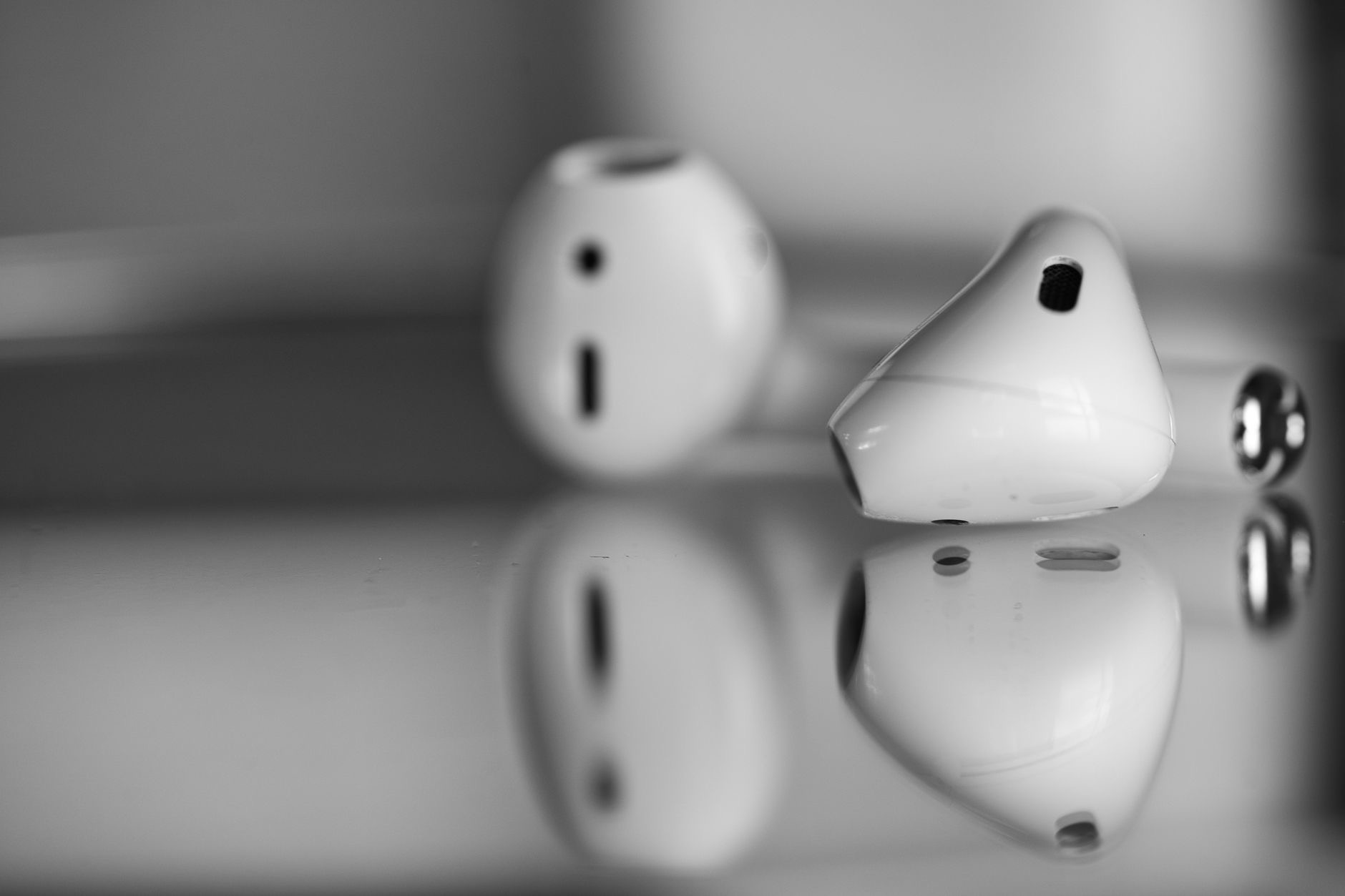
Start by gently wiping the main body of each AirPod with your soft, dry, lint-free cloth to remove surface grime. For the areas that sit in your ear, where wax tends to collect, use a soft dry brush or a lightly used cotton swab to carefully loosen and lift away buildup. Take your time and be gentle, working the debris outward rather than pressing it inward. Patience here restores clarity without risking damage to the delicate parts.
Cleaning the Ear Tips (If Your Model Has Them)
If your AirPods have removable silicone ear tips, you can take them off and clean them separately, which is one of the easiest wins. Since they are detached from the electronics, they can be cleaned with a little water and then dried thoroughly before being put back on. Make absolutely sure they are completely dry before reattaching them. Clean, fresh ear tips make a real difference to both comfort and sound, and they are simple to look after.
Do Not Forget the Case
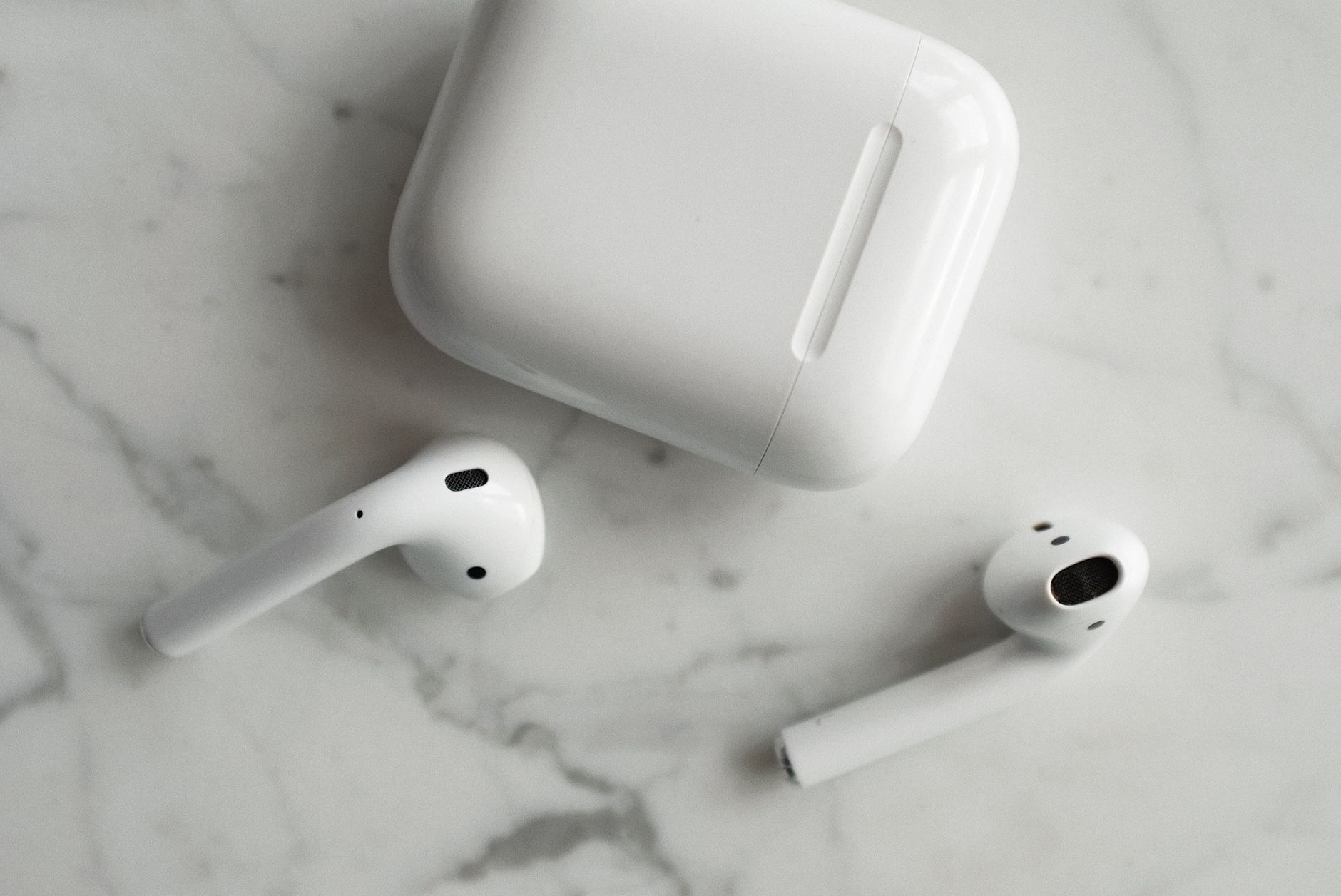
The charging case gets dirty too, collecting pocket lint and debris, especially in the little wells where the AirPods sit. Wipe the case down with your soft, dry cloth, and use a dry brush or cotton swab to gently clear out the wells and crevices. As with the AirPods themselves, keep moisture away from the charging contacts and port. A clean case keeps your AirPods cleaner in turn, so it is worth including in your routine.
How Often Should You Clean Them?
There is no strict rule, but a gentle clean every so often keeps everything in good shape, and you can do a quick wipe more frequently. If you notice the sound getting muffled or see visible buildup, that is a clear sign it is time. Building a light, regular cleaning habit prevents grime from accumulating to the point where it affects sound or hygiene, and it keeps your AirPods looking and performing like they should for far longer.
What to Avoid
Finally, a quick list of things not to do. Do not submerge your AirPods or use excessive liquid. Do not use sharp objects, which can scratch or damage them. Avoid harsh chemicals and abrasive materials. Do not put the ear tips back on while they are still damp. Steering clear of these common mistakes is just as important as the cleaning itself, since the wrong approach can do more harm than the dirt ever would. Gentle and dry is always the safe path.
★ Editor's Pick · Amazon
AirPods Pro 2
If yours are worn out, a fresh pair sounds brand new
Options: AirPods Pro 2 · AirPods 4
Frequently Asked Questions
How do I clean my AirPods safely?
Use a soft, dry, lint-free cloth on the surfaces, and a soft dry brush or cotton swab for crevices and the parts that sit in your ears. Keep liquid away from openings and ports. For removable silicone ear tips, clean them separately with a little water and dry fully before reattaching.
Can I use water to clean AirPods?
Keep water away from the openings, ports, and charging contacts, and never submerge them. A slightly damp cloth is fine for surfaces, but not dripping wet. Removable silicone ear tips can be cleaned with a little water separately, as long as they are dried completely before going back on.
Why do my AirPods sound muffled?
Earwax and debris build up over time on the parts that sit in your ears, and this genuinely muffles the sound, robbing you of clarity. A careful, gentle clean often restores sound quality you did not realize you had lost, making it one of the most overlooked fixes.
What should I not use to clean AirPods?
Avoid sharp objects that can scratch or damage them, harsh chemicals, abrasive materials, and excessive liquid. Do not submerge them or reattach ear tips while damp. The wrong approach can do more harm than the dirt, so gentle and dry is always the safe path.
How do I clean the AirPods case?
Wipe the case with a soft, dry cloth and use a dry brush or cotton swab to gently clear the wells and crevices where lint collects. Keep moisture away from the charging contacts and port. A clean case helps keep your AirPods cleaner too, so include it in your routine.
How often should I clean my AirPods?
There is no strict rule, but a gentle clean every so often, with quick wipes more frequently, keeps everything in good shape. Muffled sound or visible buildup is a clear sign it is time. A light, regular habit prevents grime from accumulating enough to affect sound or hygiene.
The Bottom Line
Clean AirPods sound better, are more hygienic, and last longer, and cleaning them safely is easy once you know the rules. Use a soft dry cloth and gentle brush, keep moisture away from the openings, clean removable ear tips separately and dry them fully, and do not forget the case. Avoid sharp objects and excess liquid, build a light regular habit, and your AirPods will stay fresh and sounding their best for years to come.
Leave a Reply