
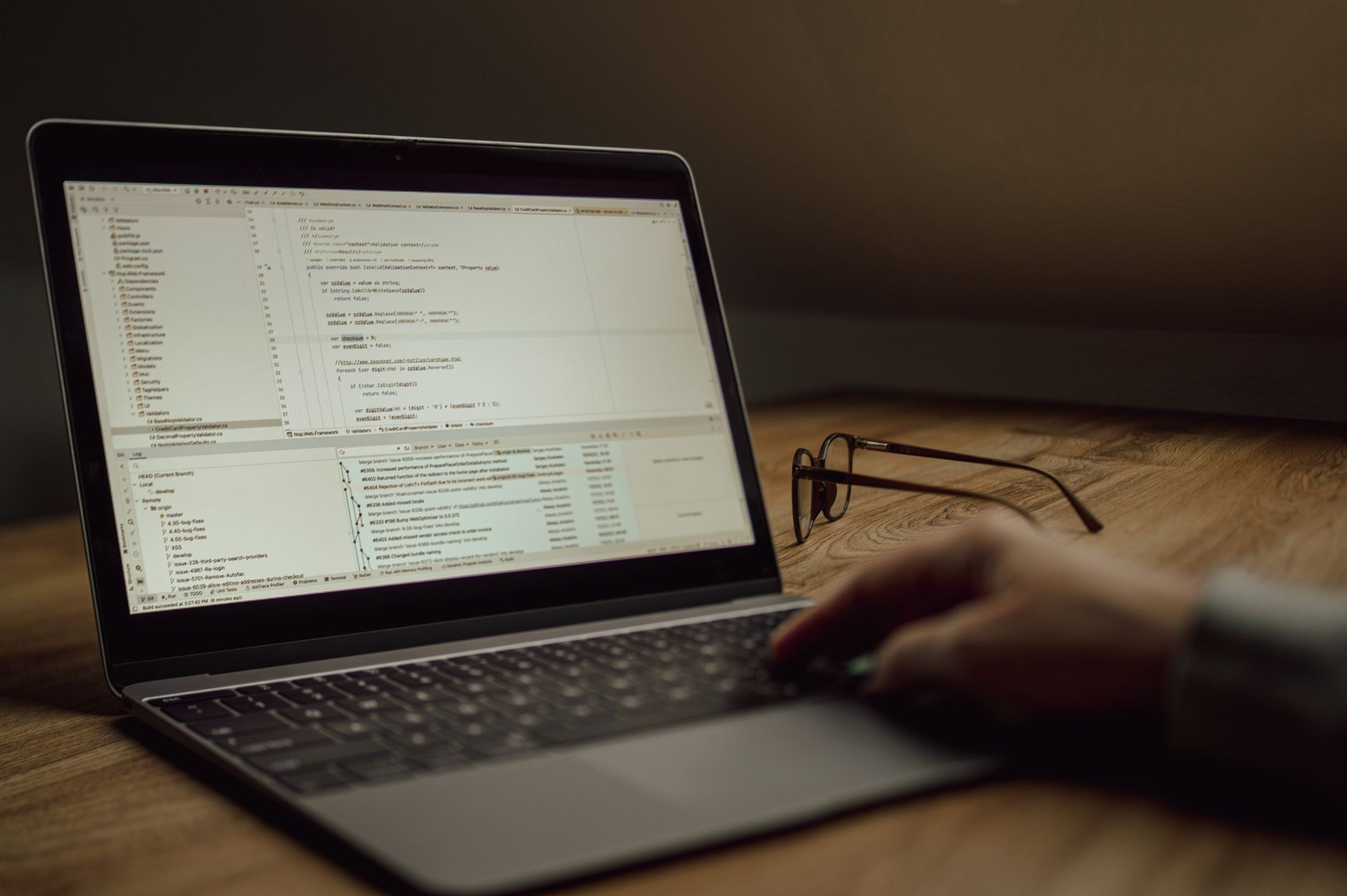
Macs are a developer favorite, and it is not just fashion: a Unix-based system, excellent build quality, and strong performance make them a productive place to write code. But the right Mac for programming is not always the most expensive one. Whether you build mobile apps, run containers, or work in the cloud changes the calculation. Let us match the right Mac to the kind of development you actually do.
What Coding Actually Demands
Development stresses a Mac differently than video or gaming does. Memory is the quiet hero, because running a code editor, multiple browser tabs, containers, simulators, and local services at once eats memory fast, and it determines how many things you can juggle smoothly. Processing power speeds up builds, compiles, and heavy tasks. Screen real estate matters because code, terminals, and documentation all compete for space. Battery life frees you to work anywhere, and a comfortable keyboard matters when you type all day. Be honest about your stack and your workflow, then prioritize memory and the things you use most rather than chasing raw benchmark figures.
MacBook Air: The Sweet Spot for Most Developers
For a large share of developers, the MacBook Air is the smart choice. It handles everyday coding beautifully, from web and app development to scripting and general programming work, and it does so silently and on impressive battery life that lets you code from a cafe or couch all day. It is light enough to carry everywhere yet capable enough for real work. The key is configuring it with enough memory, which matters more than the model name. For most developers who are not constantly compiling massive codebases or running heavy local workloads, a well-specced Air delivers a superb coding experience for noticeably less money.
★ Editor's Pick · Amazon
MacBook Air (M4)
Silent, all-day battery, ideal for everyday coding
Colors: Sky Blue · Midnight · Starlight · Space Gray
MacBook Pro: For Heavy Builds and Demanding Work
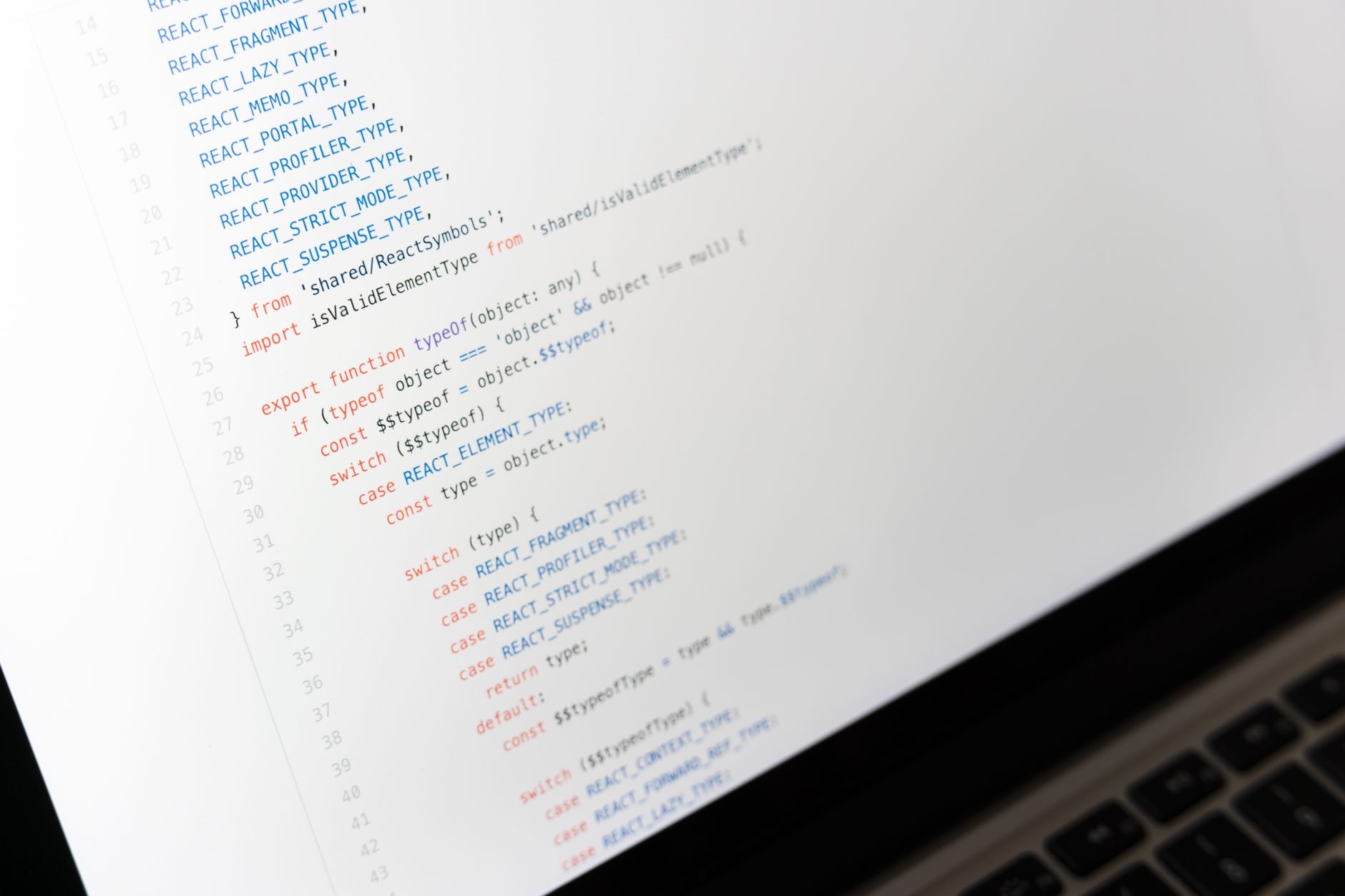
If you compile large codebases, run multiple containers and virtual machines, work with demanding mobile build pipelines, or do resource-intensive work like machine learning, the MacBook Pro earns its premium. The higher-tier chips chew through long builds and heavy parallel workloads, and the machine sustains that performance without slowing down during marathon sessions. The larger, higher-quality display is a genuine productivity boost when you live in code, terminals, and docs side by side, and the extra connectivity helps with multi-monitor setups. For professional developers whose builds and workloads are heavy, the Pro removes the waiting that eats into a working day.
★ Editor's Pick · Amazon
MacBook Pro 14" (M4)
Power and screen for heavy builds and pro work
Sizes: 14-inch · 16-inch M4 Pro
Mac mini: The Desk Developer's Best Value
If you code at a desk and do not need portability, the Mac mini is the most sensible money in the lineup. You get strong desktop performance for far less than a comparable laptop, then connect the monitors, keyboard, and mouse you prefer. For developers, a great external setup with multiple displays, a mechanical keyboard, and a comfortable chair often beats a laptop's built-in everything. The Mac mini lets you put your budget into power and your own peripherals rather than a screen and battery you will not use at a fixed desk. For a home or office workstation, it delivers the most coding power per dollar.
★ Editor's Pick · Amazon
Mac mini (M4)
Most coding power per dollar for a desk setup
Versions: Mac mini M4 · M4 Pro
Memory: Buy More Than You Think You Need
If you remember one rule, make it this: prioritize memory, because it cannot be upgraded later and it is the spec developers most often regret skimping on. Modern development means running many things at once, your editor, a browser with countless tabs, containers, simulators, databases, and local servers, and each consumes memory. Run low and your machine starts swapping and slowing exactly when you are deep in a problem. Generous memory keeps everything responsive and lets you work the way you actually work, with lots open. Whatever Mac you choose, lean toward more memory than feels comfortable. Your future self, mid-build, will be grateful.
Screen Real Estate and the External Monitor Question
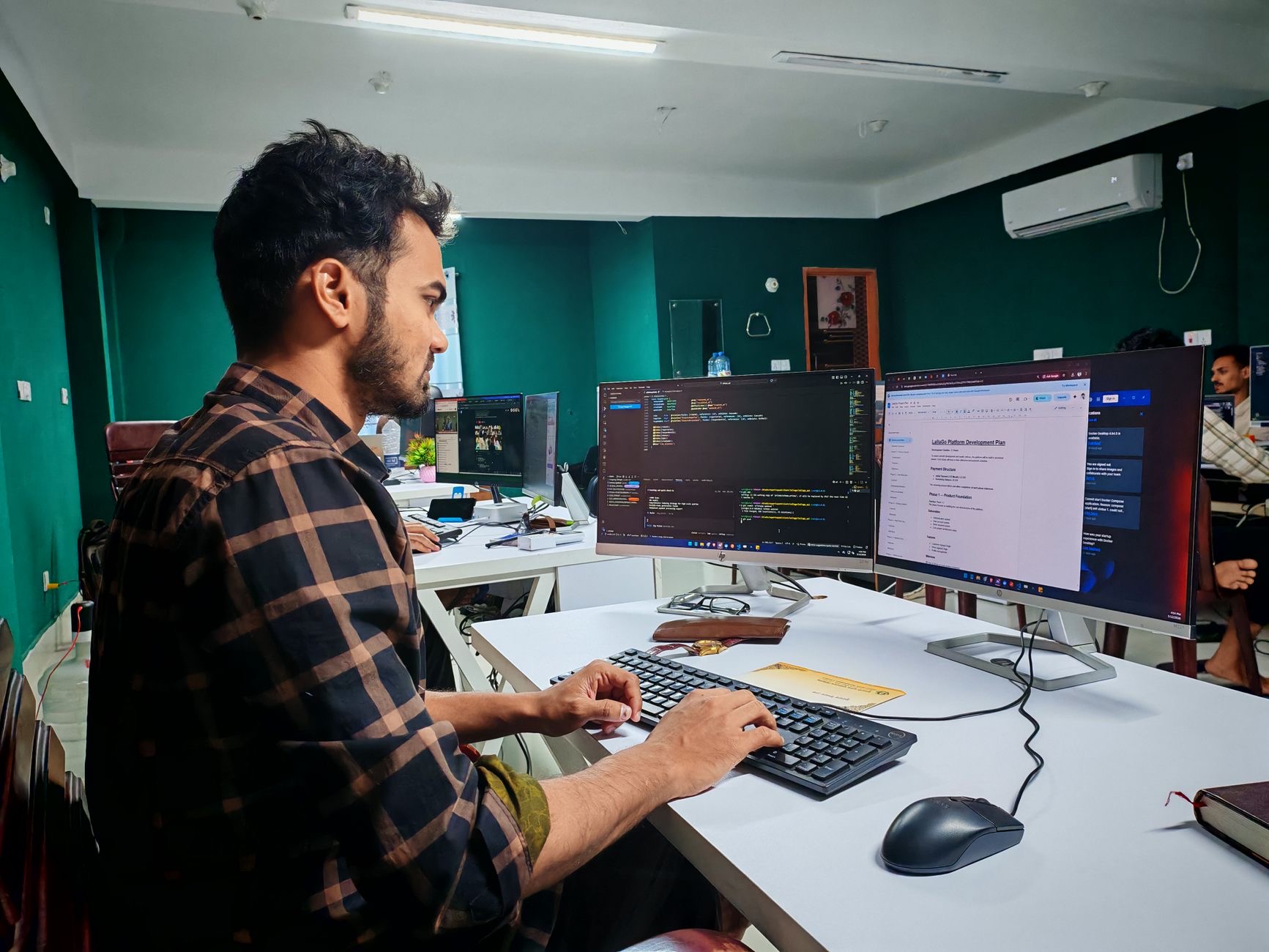
Developers live in a world of code, terminals, and documentation all fighting for screen space, so display matters. On a laptop, a larger screen genuinely helps, which is one reason the bigger models appeal to people who code on the go. But many developers solve this differently, plugging into one or more external monitors at the desk for a huge, comfortable workspace. If you mostly work at a desk, you can choose a smaller, cheaper Mac and invest in external displays instead. Think about where you code and how much screen you need, then decide whether to pay for it in the laptop or in monitors.
Battery and Keyboard for All-Day Coding
Two comfort factors shape daily coding life. Battery life determines how freely you can work away from an outlet, and the strong battery on modern MacBooks, especially the Air, makes all-day untethered coding realistic, which remote and traveling developers value highly. The keyboard matters too, since typing is most of what you do, and the built-in keyboards are comfortable for long sessions, though desk-based developers often add an external keyboard they love. If you code in cafes, on trains, or move around a lot, weight battery life heavily. If you are at a desk, you can optimize the typing experience with peripherals instead.
| If you... | Best Mac | Why |
|---|---|---|
| Do everyday web, app, or general coding | MacBook Air | Silent, all-day battery, great value |
| Run heavy builds, containers, or ML | MacBook Pro | Top power, sustained speed, big screen |
| Code at a desk on a budget | Mac mini | Most power per dollar plus your own gear |
Frequently Asked Questions
Is the MacBook Air good enough for programming?
For most developers, yes. It handles web, app, scripting, and general coding beautifully, silently, and on all-day battery. The key is configuring enough memory. Only those running very heavy builds, many containers, or resource-intensive workloads truly need to step up to the Pro.
How much memory do developers need?
As much as you can reasonably afford, because it cannot be upgraded later and development runs many things at once, your editor, browser tabs, containers, simulators, and local servers. Generous memory keeps everything responsive. Under-buying memory is the most common regret among developers, so lean high.
Do I need a MacBook Pro for coding?
Only if your work is heavy, compiling large codebases, running multiple containers or virtual machines, demanding mobile builds, or machine learning. For everyday development, a well-specced MacBook Air is excellent and far cheaper. Match the machine to how heavy your builds and workloads really are.
Is the Mac mini a good choice for developers?
For desk-based coding, it is the best value. You get strong performance for less than a laptop, then add the monitors, keyboard, and mouse you prefer. Many developers find a great external setup more productive than a laptop's built-in everything, making the mini a smart pick.
Should I get a bigger screen or use external monitors?
Both work. A larger laptop screen helps if you code on the go. If you mostly work at a desk, a smaller, cheaper Mac plus one or more external monitors gives you far more workspace for the money. Decide based on where you actually do most of your coding.
Does battery life matter for programming?
If you code away from an outlet, yes. Modern MacBooks, especially the Air, offer strong battery life that makes all-day untethered coding realistic, which remote and traveling developers value. If you are always at a desk near power, battery matters far less and you can prioritize other things.
Our Honest Take
For most developers, a well-specced MacBook Air is the sweet spot, delivering silent, all-day coding for far less than the Pro. Step up to the MacBook Pro only if your builds and workloads are genuinely heavy, where its power and screen pay for themselves in time saved. And if you code at a desk, the Mac mini paired with your own monitors and keyboard is the value play. Whatever you choose, prioritize memory above all, and your coding setup will serve you well for years.
★ Editor's Pick · Amazon
MacBook Air (M4)
Ready to upgrade your dev setup? Check the price
Colors: Midnight · Starlight · Sky Blue · Space Gray
Leave a Reply