
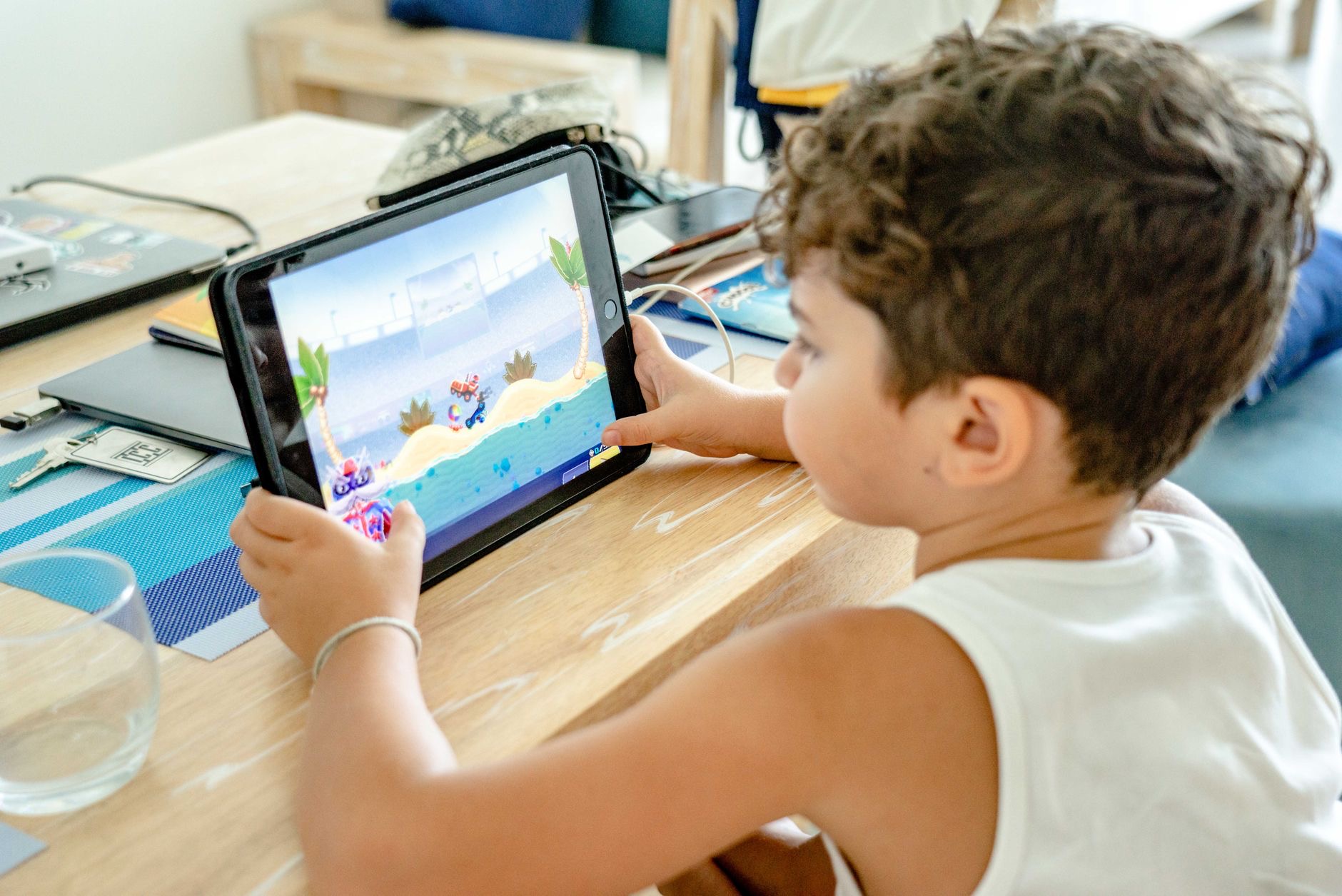
An iPad can be a wonderful tool for kids, full of learning apps, books, and creative play, but choosing one as a parent means weighing different things than you would for yourself. Durability, value, strong parental controls, and the right size matter far more than the fastest chip. Let us walk through how to pick an iPad that survives childhood, keeps you in control, and does not break the bank.
What Actually Matters for a Kid's iPad
For a child's tablet, the priorities are practical. Affordability comes first, because kids are tough on devices and you do not want a flagship's worth of worry in small hands. Strong parental controls are essential so you can manage screen time, content, and purchases. Durability, helped enormously by a good case, decides whether the iPad survives the year. A size that suits smaller hands makes it easier and safer for them to hold. And battery life that lasts through a car trip or an afternoon keeps the peace. Notice that raw power and premium screens are not on this list, because a kid simply does not need them.
The Standard iPad: The Best Choice for Kids
For the vast majority of families, the standard iPad is the clear winner. It is the most affordable entry into the iPad world, which matters when you are handing it to a child, and it comfortably runs the learning apps, games, videos, and books that fill a kid's tablet. It supports the same robust parental controls as every other iPad, so you give up nothing on safety. You are not paying for power a child will never tax. For learning, play, and everyday use by kids, the standard iPad delivers everything that matters at the friendliest price, making it the sensible, confident pick for parents.
★ Editor's Pick · Amazon
iPad (10th gen)
The affordable, kid-friendly iPad that does it all
iPad mini: Perfect for Little Hands
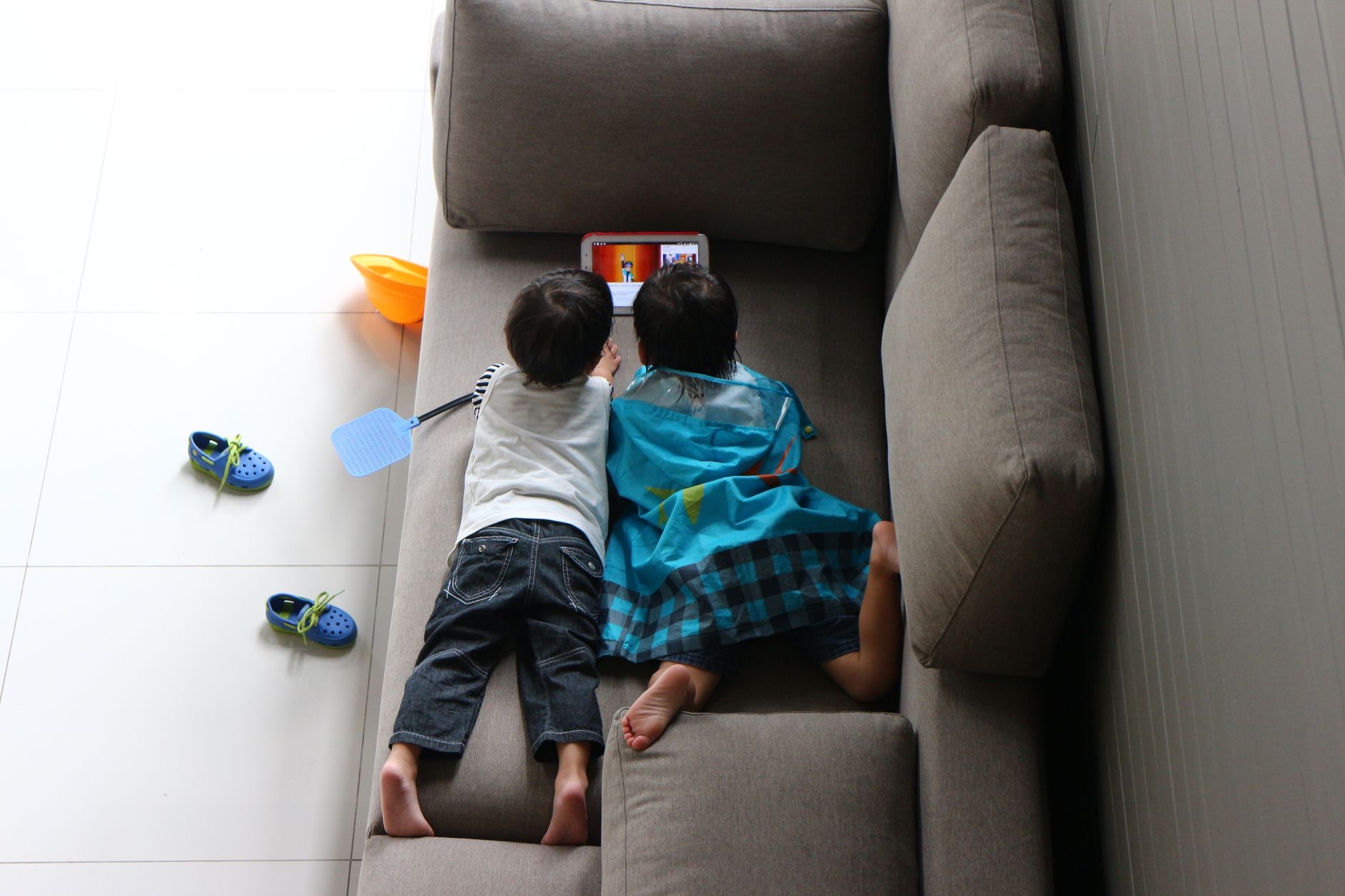
If your child is younger or you want maximum portability, the iPad mini is worth a look. Its smaller size fits little hands comfortably and slips easily into a bag for trips, making it a natural travel companion for keeping kids happy on the go. It runs all the same apps and supports the same parental controls, just in a more compact, holdable form. The trade-off is a smaller screen and a higher price than the standard iPad for its size. But for younger children or families who are often out and about, the mini's portability and easy grip can make it the more practical everyday choice.
★ Editor's Pick · Amazon
iPad mini
Compact size that suits younger kids and travel
iPad Air: The One That Grows With Them
For an older child or a teen who will use the iPad for schoolwork, creative projects, and more demanding apps, the iPad Air is a forward-looking choice. It is more powerful and has a nicer screen than the standard iPad, so it handles heavier multitasking, note-taking, drawing, and study comfortably, and it will stay capable as their needs grow over the years. It costs more, so it is overkill for a young child who mainly watches and plays. But for a student who will lean on it for real work, the Air is an investment that grows alongside them rather than something they outgrow quickly.
★ Editor's Pick · Amazon
iPad Air (M3)
Grows with older kids into schoolwork and creativity
Parental Controls Make the iPad Kid-Safe
The most important reassurance for parents is that every iPad includes the same powerful family safety tools, regardless of price. You can set screen time limits, schedule downtime, approve or block apps and purchases, filter content to age-appropriate material, and shape exactly what your child can access. These controls are what make an iPad genuinely suitable for a child, far more than any hardware feature. Take the time to set them up thoughtfully before handing the iPad over, and revisit them as your child grows. The budget model protects your child exactly as well as the flagship, because this safety lives in the software they all share.

A Good Case Is Non-Negotiable
Children and bare tablets do not mix, so plan for protection from the start. A chunky, kid-friendly protective case is essential, ideally one designed to absorb drops and give little hands something grippable to hold. These cases cost a fraction of a repair and dramatically improve the odds the iPad survives daily life with a child. Many are designed specifically for kids, with thick bumpers and built-in stands for hands-free viewing. Budgeting for a rugged case alongside the iPad itself is one of the smartest things a parent can do, and it lets everyone relax a little when the tablet inevitably takes a tumble.
Size and Battery for Real Family Life
Two practical details shape daily use. Size affects how easily a child can hold and handle the iPad: smaller models suit younger kids and travel, while larger ones give more room for older children doing schoolwork and creative tasks. Battery life on iPads comfortably covers long car rides, flights, and afternoons of use for most families, so you can hand it over without constant charging worries. Think about how and where your child will actually use the iPad, then match the size to their age and the battery to your typical outings. Get these right and the iPad becomes a tool that just works for family life.
| If your child... | Best pick | Why |
|---|---|---|
| Is young, mainly plays and learns | iPad (10th gen) | Affordable, capable, full parental controls |
| Is little or you travel often | iPad mini | Compact, easy to hold, very portable |
| Is older, does schoolwork and creativity | iPad Air | More power and screen, grows with them |
Frequently Asked Questions
What is the best iPad for a child?
For most families, the standard iPad, because it is the most affordable model yet runs all the learning apps, games, and videos kids use and supports the same parental controls as pricier models. A young child or frequent traveler may prefer the compact iPad mini.
Do cheaper iPads have the same parental controls?
Yes. Every iPad includes the same family safety tools regardless of price, including screen time limits, downtime scheduling, app approvals, and content filtering. These controls live in the software they all share, so the budget model protects your child exactly as well as the flagship.
Is the iPad mini good for kids?
For younger children and travel, yes. Its smaller size fits little hands and slips easily into a bag, making it great on the go. It runs the same apps and controls in a more compact form. The trade-offs are a smaller screen and a higher price than the standard iPad for its size.
Should I buy an iPad Air for my child?
Consider it for an older child or teen who will use the iPad for schoolwork, note-taking, drawing, and more demanding apps. It is more powerful and has a nicer screen, so it grows with them. For a young child who mainly watches and plays, it is more than needed.
How do I protect a kids iPad?
Buy a chunky, kid-friendly protective case from day one, ideally one built to absorb drops with thick bumpers and a grip for little hands. Many include built-in stands. The case costs a fraction of a repair and dramatically improves the odds the iPad survives daily life with a child.
What size iPad is best for a young child?
Smaller models like the iPad mini suit younger kids and travel because they are easier to hold and carry. Larger iPads give more room for older children doing schoolwork and creative tasks. Match the size to your child's age and how they will actually use the tablet.
Our Honest Take
The best iPad for a child is an affordable one, set up with thoughtful parental controls and wrapped in a rugged case. The standard iPad is the value winner for most kids, the iPad mini suits little hands and travel, and the iPad Air is the grows-with-them pick for older children doing real schoolwork. Spend your energy on configuring the family safety features and protecting the device, not on premium hardware a child will never need. That is how you give them a great iPad and keep your budget happy.
★ Editor's Pick · Amazon
iPad (10th gen)
Ready to pick the right iPad for your child? Check the price
Leave a Reply